 Kipwise
Kipwise Agent
About
Kipwise Agent lets Notion customers work with their own Notion workspace from Slack. After connecting your Notion account and choosing which pages and databases to share, ask the agent to search your workspace, read a page or a database row, summarise a page's content, or look up a Kipwise task by its KIP number. Every reply names the page or row instead of a raw id, and links straight back to it in Notion.
The agent can also write: create a page or a database row, append content to a page, update a block or a page's title and properties, add a comment, and upload a text file as a new block. Deletes require the page's current name as confirmation, move the page to Notion's trash, and can be restored later through the agent - nothing is created, changed, or deleted unless you asked for it in that message. All of this runs under the connection's own bot user ("Kipwise Agent") on the pages and databases you shared with it, and only sees what you shared: write access is scoped by the workspace's own sharing controls, not by a broader grant.
For Notion customers specifically: the knowledge base and the task tracker live in Notion, but the questions about them happen in Slack. Kipwise Agent closes that gap. A teammate can ask what the runbook says about something, or log a task, without leaving the channel, and get back a real page link rather than a paraphrase with no source.
Kipwise Agent also connects to Google Calendar, Gmail, Google Drive, Box, HubSpot, Pipedrive, Linear, Zoom, GitHub, Intercom, and Kipwise's own knowledge base, so one request in Slack can span several tools.
Fitur
- Membaca, menyisipkan, dan memperbarui kontenDapat membaca, menyisipkan, dan memperbarui halaman, database, dan blok yang dibagikan dengan koneksi ini.
- Membaca dan menambahkan komentarDapat membaca dan menambahkan komentar pada halaman dan blok yang dapat diaksesnya.
- Lihat pengguna ruang kerjaMembaca detail profil dasar tentang anggota dan tamu ruang kerja, termasuk alamat email mereka.
How to use
Kipwise Agent answers in Slack, so start there. Add the Kipwise app to your Slack workspace from https://kipwise.com/integrations/notion-agent and invite it to a channel.
Connect your Notion account. Press Connect on this listing, or mention the Kipwise agent in Slack and ask it a Notion question, and it will reply with a Connect Notion link.
On Notion's consent screen, tick the pages and databases you want to share. The agent only ever reaches what you tick, under your workspace's own sharing rules.
If you connected from this listing rather than from Slack, Notion sends you back to Kipwise with a short claim code. Paste it into Slack as the word claim followed by the code, so the grant is bound to your Slack account. The code is single use and expires after 15 minutes.
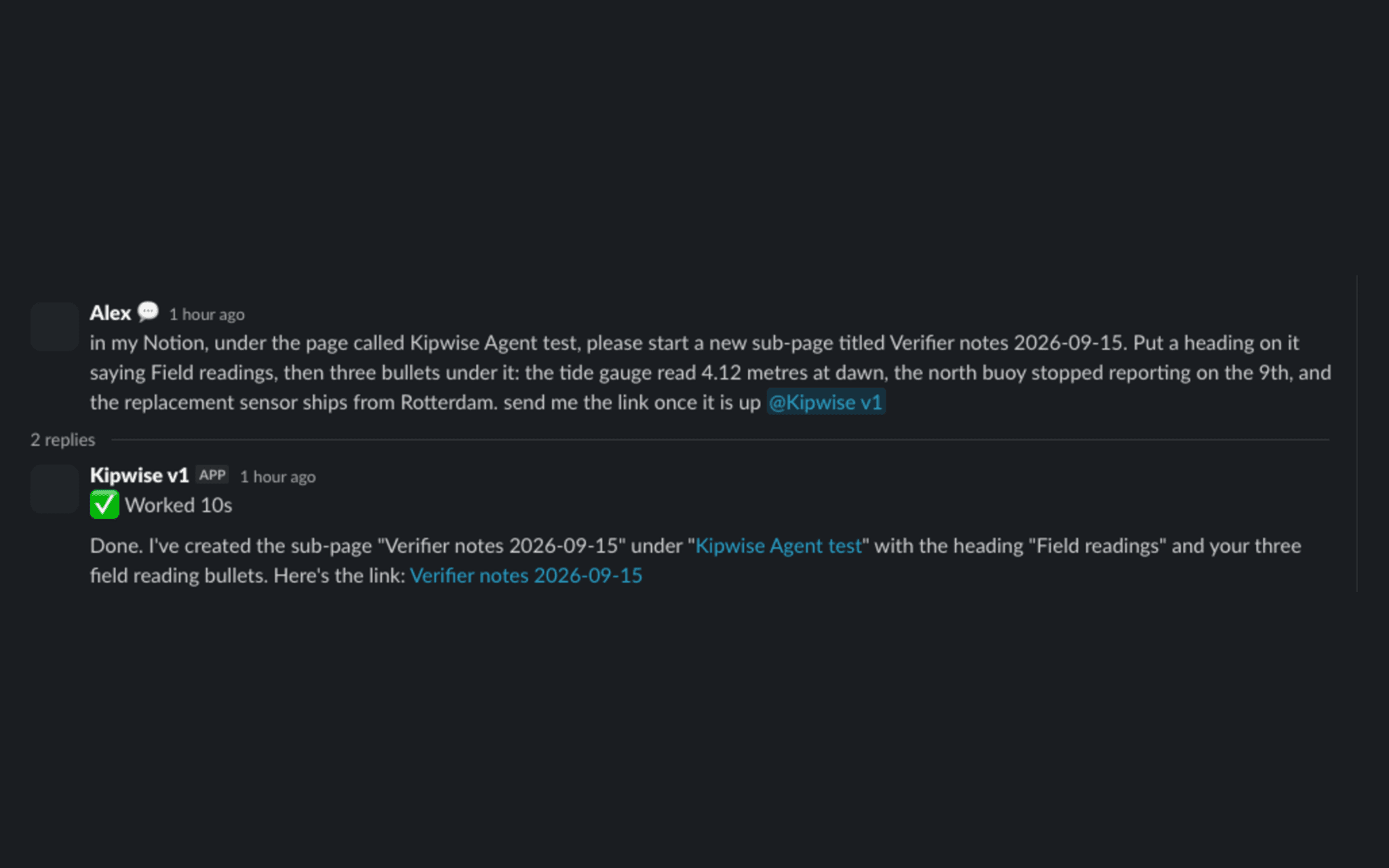
Then ask. Read a shared page and have it quote the exact line with a link back. Create a sub-page or a database row. Append content, add a comment, or rename a page. Ask it to delete a page and it will ask you to confirm the page's current name first, move it to Notion's trash, and restore it later if you ask. Nothing is created, changed, or deleted unless you asked for it in that message.
Writes are made by the connection's own bot user, Kipwise Agent, on the pages you shared, and they run under the permissions of the Notion account that granted access. Questions go to [email protected].
