
About
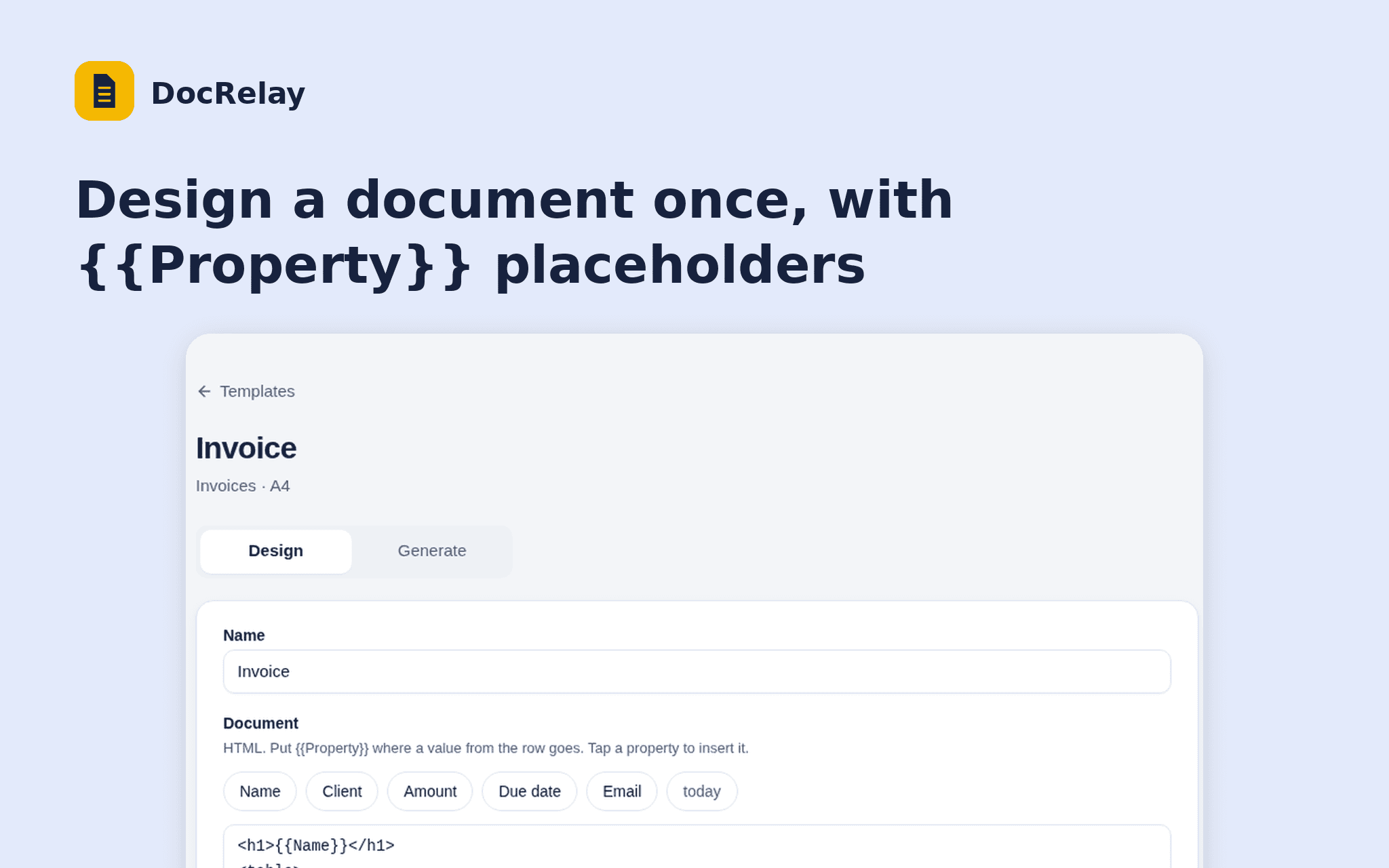
DocRelay turns the rows of a Notion database into PDFs. Design a document once with {{Property}} placeholders, pick the rows and download a PDF for each.
Start from an invoice or certificate layout, see a live preview of any row, and choose the page size and file name.
DocRelay only reads the databases you share and never writes to your workspace. Free while in beta.
Fitur
- Membaca kontenDapat membaca halaman, database, dan blok yang dibagikan dengan koneksi ini.
- Lihat pengguna ruang kerjaMembaca detail profil dasar tentang anggota dan tamu ruang kerja, termasuk alamat email mereka.
How to use
1. Open the install link and sign in with Notion.
2. Select the database DocRelay may read.
3. Create a template and choose the database.
4. Design the document and check the preview.
5. Open Generate, tick the rows and download the PDFs.