 Firnity
NotiCord for Discord
About
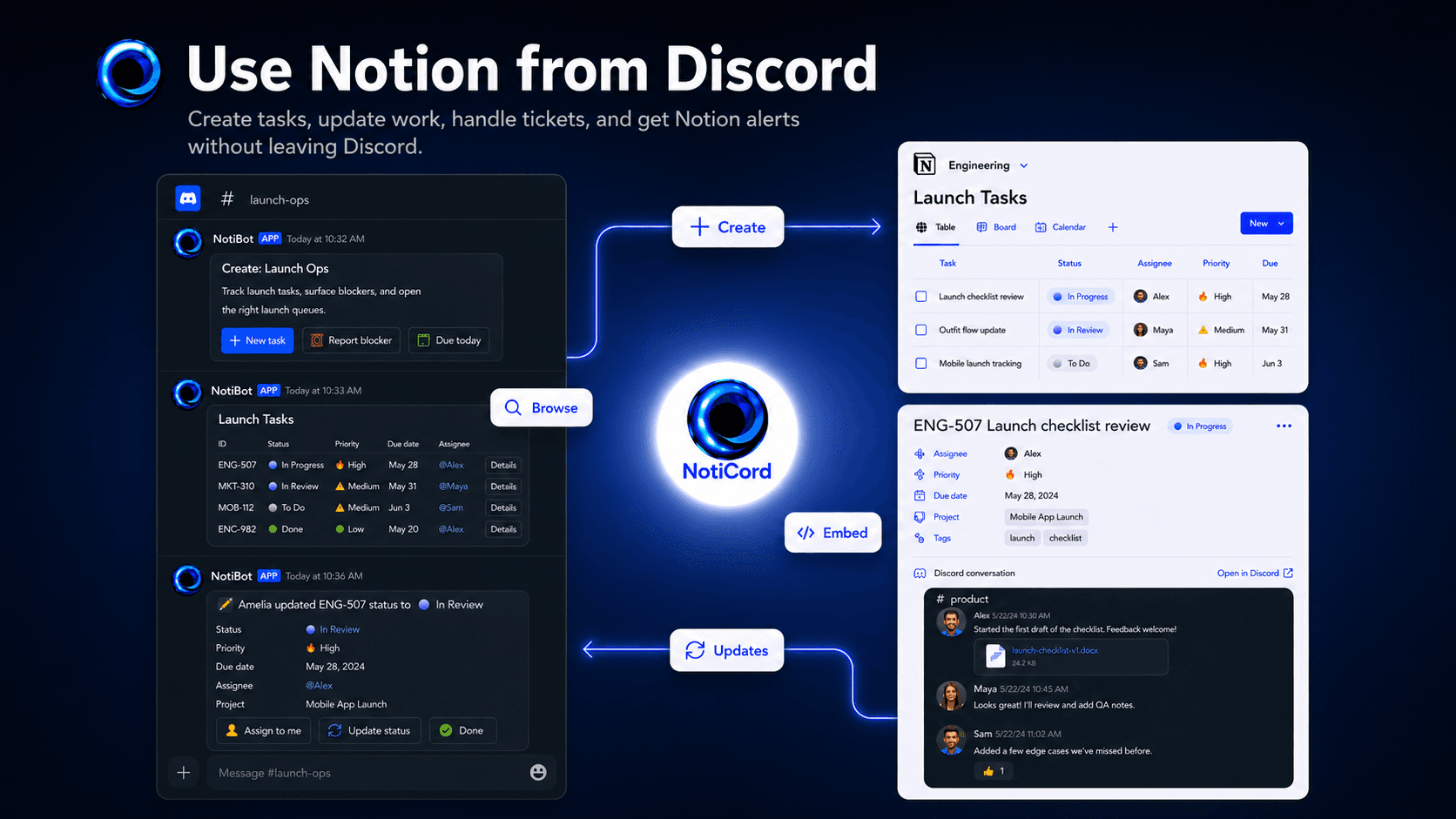
Bring Notion into your Discord server. Send page and database updates to the right channels, create tasks, tickets, docs, and requests from slash commands or panels, search Notion pages with /find, and update records with quick-action buttons. Embed read-only Discord channels in Notion pages and link accounts for synced @mentions.
Fitur
- Membaca, menyisipkan, dan memperbarui kontenDapat membaca, menyisipkan, dan memperbarui halaman, database, dan blok yang dibagikan dengan koneksi ini.
- Membaca dan menambahkan komentarDapat membaca dan menambahkan komentar pada halaman dan blok yang dapat diaksesnya.
- Lihat pengguna ruang kerjaMembaca detail profil dasar tentang anggota dan tamu ruang kerja, termasuk alamat email mereka.
How to use
1. Click "Login with Discord" at https://app.noticord.com
2. Authorize Discord and add the bot to your server
3. Connect your Notion workspace and select databases to share
4. Create a notification rule:
- Choose a Notion database and Discord channel
- Select events to track (Page Created, Page Updated)
5. Test it! Create a page in Notion and see it appear in Discord.
Full documentation: https://noticord.com/docs
Details
Made by

Category
- Produktivitas
- Kolaborasi
- Komunikasi
Developer links