

About
Convo is a real-time AI sales assistant and coach for sales and customer success teams. It listens to your meetings and helps you while the prospect is still talking: when an objection lands, the right response is on your screen; when you forget to ask about budget, it reminds you before the call ends. After the call, you get feedback, follow-up work to be done, and a meeting summary with action points.
The Notion connection puts your complete call history into a database you own.
When you connect, Convo creates a "Convo Calls" database in the Notion page you choose and fills it with your 50 most recent calls. From then on, every call lands automatically once its summary is ready. Each call becomes a database row with its date, duration, participants, and action item count. Open the row and you get the full summary, the decisions made, and the action items as checkboxes.
Because it is a normal Notion database, you can work with it like your own data: filter calls by week, sort by duration, relate it to your CRM or project databases, or export any view as CSV. That makes deeper analysis simple: download a month of call summaries and ask an AI model what your winning calls have in common.
What syncs: call title, date, duration, participants, summary sections, decisions, and action items. Transcripts stay in Convo. Convo only writes to the page you share during setup and requests no access to your user information or comments.
Fitur
- Membaca, menyisipkan, dan memperbarui kontenDapat membaca, menyisipkan, dan memperbarui halaman, database, dan blok yang dibagikan dengan koneksi ini.
How to use
1. Download Convo for macOS, Windows, or Linux at itsconvo.com/download and sign in.
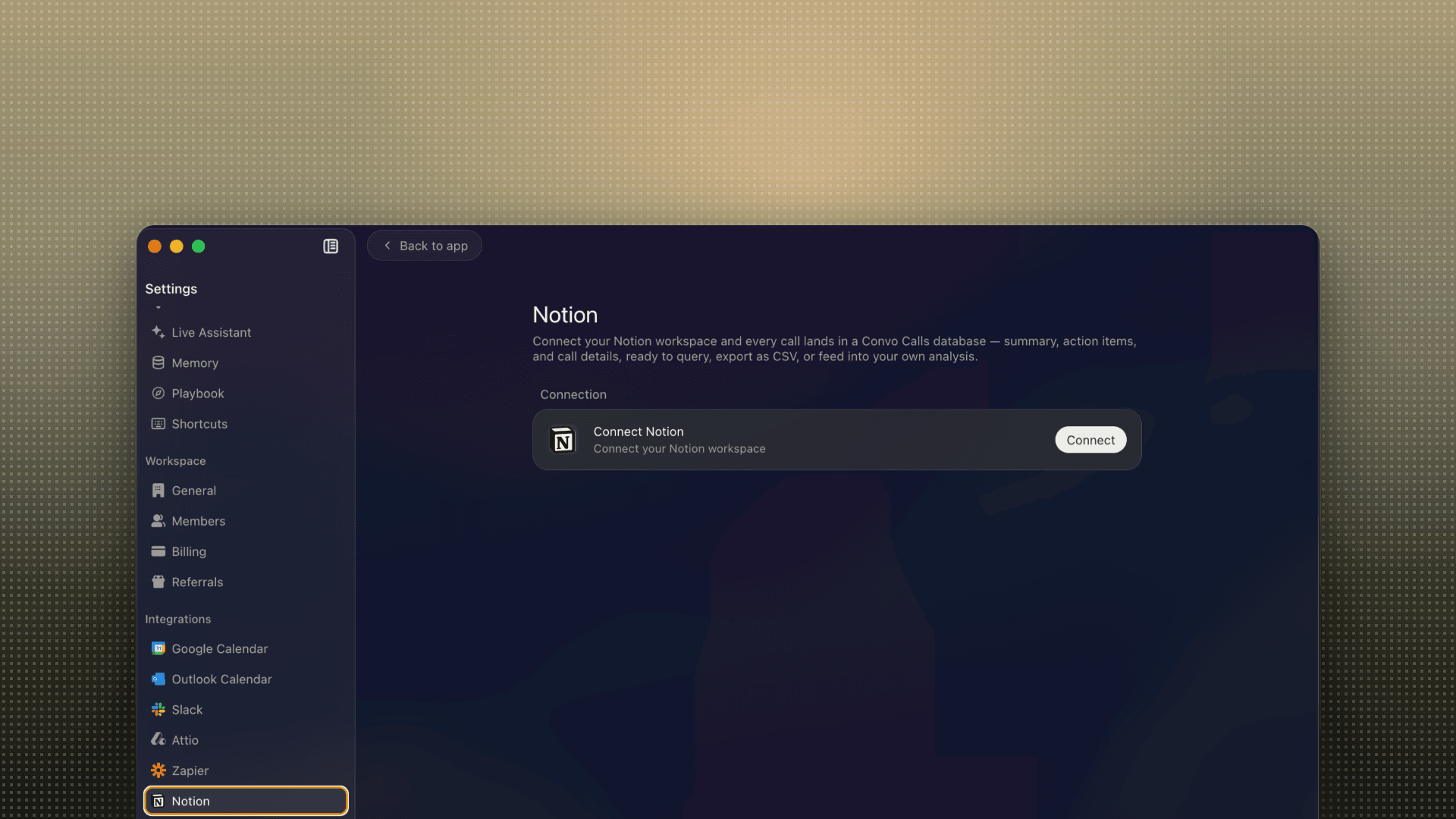
2. In the Convo dashboard, open Settings → Integrations → Notion.
3. Click "Connect your Notion workspace".
4. Notion asks which page to share with Convo. Pick one (or create an empty page called "Calls" first). Convo creates the "Convo Calls" database inside it.
5. Done. Your 50 most recent calls sync within a minute, and every new call appears automatically once its summary is ready.
To export your calls: open the database in Notion, click the ••• menu, and choose Export → CSV.
Details

- Penjualan
- Analitika
- Produktivitas