

About
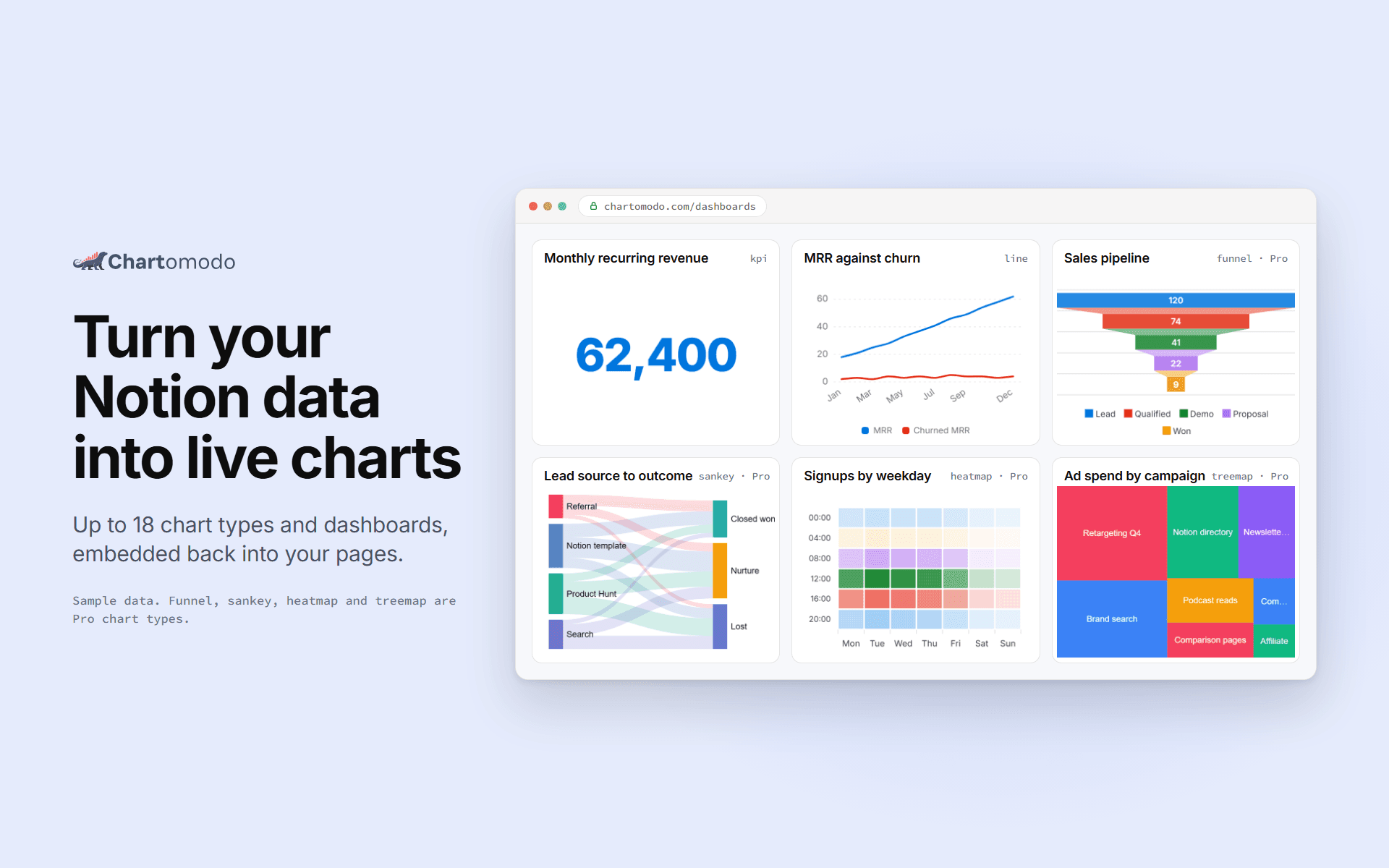
ChartOmodo turns a Notion database into a live chart or dashboard. Connect your
workspace, pick a database, choose from up to 18 chart types, and embed it
back into any Notion page with /embed. Charts refresh on their own as rows change
(every 5 minutes on Free, faster on paid plans), and you can
connect more than one workspace. ChartOmodo only reads the databases you share with it.
Fitur
- Membaca kontenDapat membaca halaman, database, dan blok yang dibagikan dengan koneksi ini.
- Lihat pengguna ruang kerjaMembaca detail profil dasar tentang anggota dan tamu ruang kerja, termasuk alamat email mereka.
How to use
1. Sign up at chartomodo.com.
2. Click Connect Notion and pick the pages or databases to share.
3. Build a chart from a database in the builder.
4. Copy the chart's embed link.
5. In Notion, type /embed and paste the link.
