

About
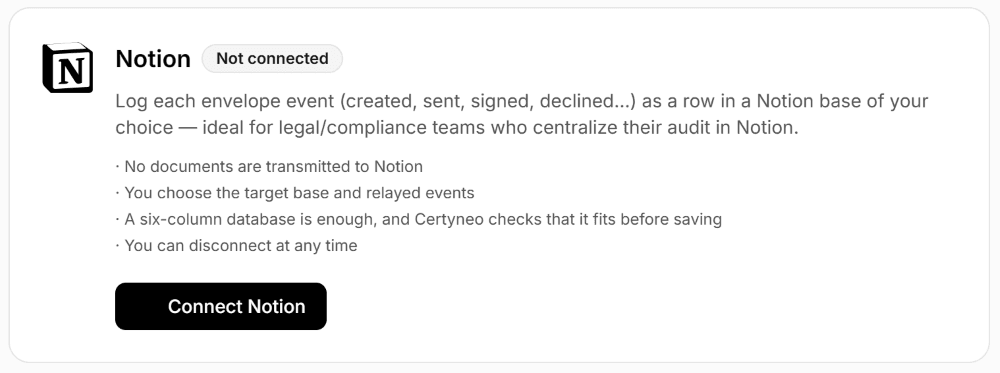
Certyneo is a French electronic signature solution compliant with the eIDAS regulation. This connection automatically logs every envelope event (created, sent, signed, declined, voided, expired) as a row in a Notion database you choose.
It is built for legal, compliance and HR teams who centralize their audit trail in Notion: the status of every signature file lands where the team already works, with no re-entry or export.
No document is sent to Notion: only event metadata (subject, status, signer, timestamp) is written.
You choose the target database and which events are relayed.
You can disconnect at any time from Certyneo, or revoke access from Notion.
Important: the target database must have these exact columns — Subject (title), Event (select), Timestamp (date), Envelope ID (text), Status (select), Signed By (multi-select).
Fitur
- Membaca, menyisipkan, dan memperbarui kontenDapat membaca, menyisipkan, dan memperbarui halaman, database, dan blok yang dibagikan dengan koneksi ini.
- Membaca dan menambahkan komentarDapat membaca dan menambahkan komentar pada halaman dan blok yang dapat diaksesnya.
- Lihat pengguna ruang kerjaMembaca detail profil dasar tentang anggota dan tamu ruang kerja.
How to use
Step 1: Create an account at certyneo.com (free trial, no credit card required). Step 2: In Notion, create or pick the database that will hold the audit trail. It must have the following columns, with these exact names: Subject (title), Event (select), Timestamp (date), Envelope ID (text), Status (select), Signed By (multi-select). Step 3: In Certyneo, open Settings then Integrations, click "Connect Notion" and authorize access to the database created in step 2. Step 4: Choose the target database and which events to relay, then save. From your first envelope sent, every event appears as a new row in the database: subject, status, signer, and timestamp.
Details

- Teknik
- Automasi
- Manajemen file