 JAM 7
JAM 7
AMP, The Agentic Marketing Platform®
About
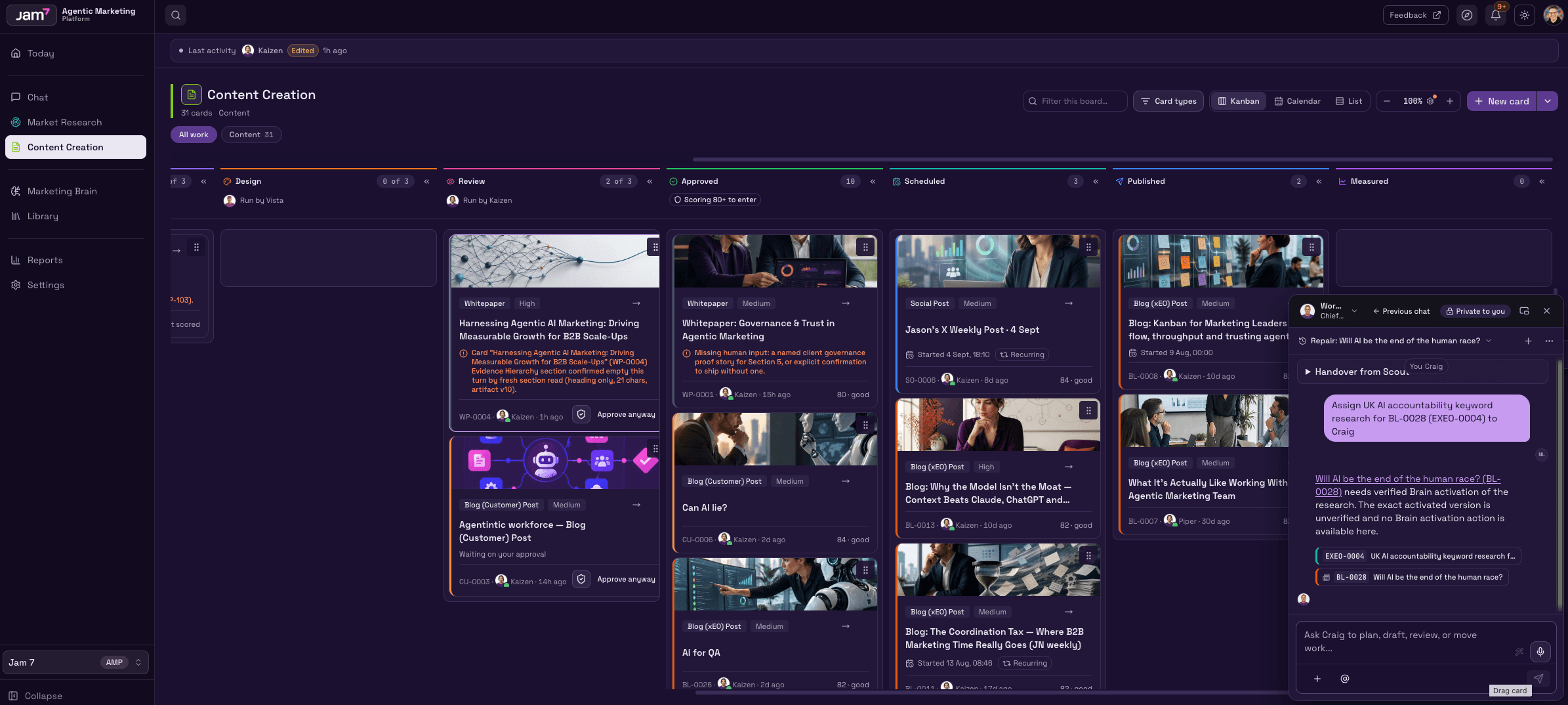
AMP (Agentic Marketing Platform®) turns the brand knowledge in your Notion workspace into governed, on-brand marketing work — briefs, blogs and social content, reviewed before anything publishes.
AMP, The Agentic Marketing Platform®, is a Marketing Operating System for ambitious B2B technology brands. Strategy, expertise and execution are built into the software, directed by your team and delivered continuously — without adding headcount or an agency.
Most AI tools reset with every prompt. AMP doesn't. Your brand voice, messaging, positioning, ICP, competitors and goals live permanently in the Marketing Brain, and every agent draws from it — so output reflects your brand instead of a generic model's guess at it. Rather than relying on a single model, AMP runs a coordinated mesh of specialist agents covering the full content lifecycle: market and buyer research, briefing, copywriting, SEO and performance optimisation, and a final quality and compliance review before anything is marked done.
What this integration does
Connecting Notion makes your workspace the knowledge source for AMP:
- Notion as your Marketing Brain.
Point AMP at the Notion pages and databases that hold your brand truth — messaging framework, brand narrative, ICPs, personas, positioning, product lists, competitor intelligence, glossary — instead of uploading and re-uploading files. - Governed, exact-workspace access.
AMP authorises every action against one explicit workspace. Connector configuration and credentials stay customer-owned, and only content you approve is used. - Grounded output, not guesswork.
Every brief, blog, landing page, email and social post is assembled from your approved Notion knowledge, then quality-checked against your brand guidelines. - Human approval before publish.
Work moves through draft, review and approval; nothing goes live until a person signs it off, and every version is retained with timestamps. - Your stack stays.
AMP works alongside the marketing and analytics tools your team already uses, so planning and execution stay joined up.
Fitur
- Membaca, menyisipkan, dan memperbarui kontenDapat membaca, menyisipkan, dan memperbarui halaman, database, dan blok yang dibagikan dengan koneksi ini.
- Membaca dan menambahkan komentarDapat membaca dan menambahkan komentar pada halaman dan blok yang dapat diaksesnya.
- Lihat pengguna ruang kerjaMembaca detail profil dasar tentang anggota dan tamu ruang kerja, termasuk alamat email mereka.
How to use
How to get started
- Connect your workspace.
Install the integration and authorise the exact Notion workspace you want AMP to read. - Choose your sources.
Select the pages and databases that hold your brand truth — messaging, ICPs, personas, positioning, products, competitors. - Build the Brain.
AMP imports the approved pages into your Marketing Brain and scores coverage, so you can see what's missing or stale. - Create your first card.
Pick a real piece of work — a blog post, a campaign, a case study — and let the agents brief, research and draft it. - Review and publish.
Check the quality score, approve what's good, send back what isn't. Nothing goes live without your sign-off.
Sources stay in sync on a daily check, so new and updated Notion pages flow into the Brain automatically.
Details

- Pemasaran
- Produktivitas
- Automasi