Novedades

Mantente al día con los últimos lanzamientos, mejoras y correcciones.

Sigue a @NotionHQ
3.8

Notion 3.8: Contexto para tus agentes
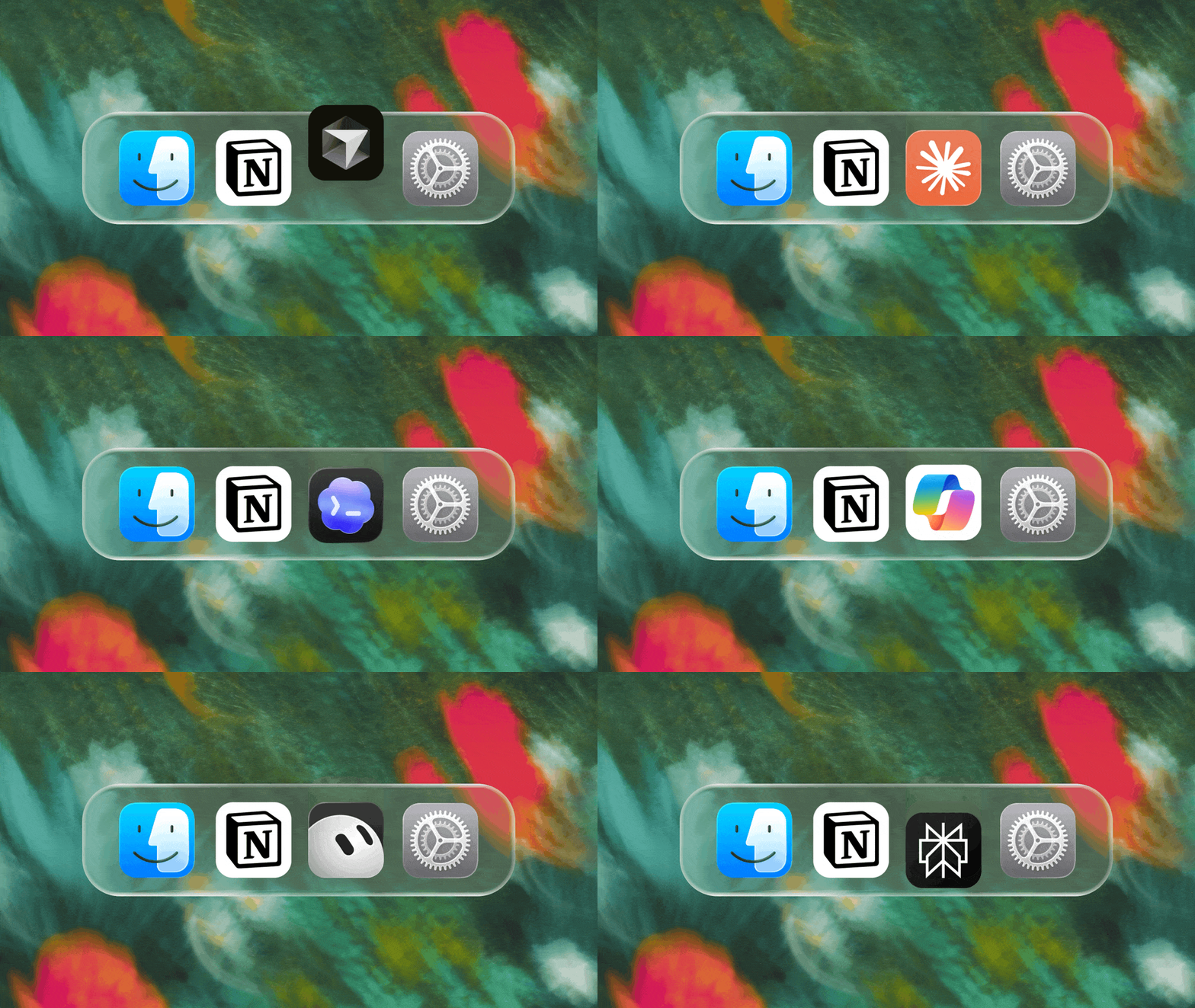
Context for your agents

Tus agentes y equipos funcionan con contexto. Si cambias de agente, agregas una herramienta nueva o das la bienvenida a un compañero de equipo, no deberías tener que explicar todo de nuevo. Notion es un lugar duradero y compartido para recordar lo importante.

Esta actualización se centra totalmente en el contexto. Se trata de conectar datos, herramientas y habilidades para que tengas la libertad de usar cualquier agente o modelo.

Con tantos aspectos en constante cambio, tu contexto puede perdurar en Notion.

Conecta tus agentes a Notion con el MCP
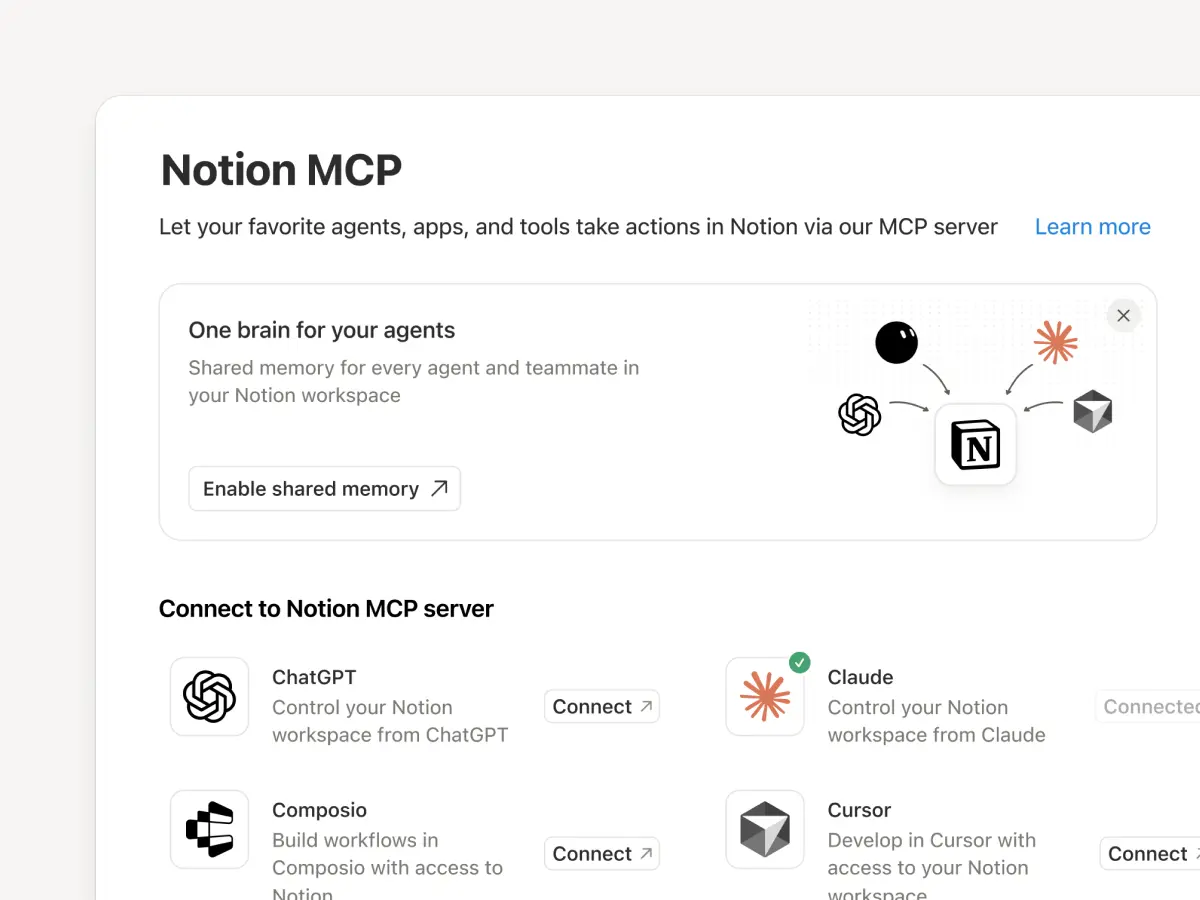
Conecta un agente compatible con MCP a Notion para que pueda leer el contexto de tu espacio de trabajo y actualizar documentos y gestores de tareas. Ya sea que uses Claudes, Muses, GrokBots, Dots u otro agente, Notion les brinda un lugar compartido para encontrar lo que necesitan, de modo que puedas cambiar de agente sin empezar desde cero. Configura un agente con Notion →

Y con los controles de MCP de Notion, los administradores pueden ver quién conectó cada herramienta de IA, verificar cuándo se usó por última vez y revocar el acceso de una persona sin afectar otras conexiones. Configura los controles del MCP →

Conecta tus agentes de Notion a más de 150 herramientas con el MCP
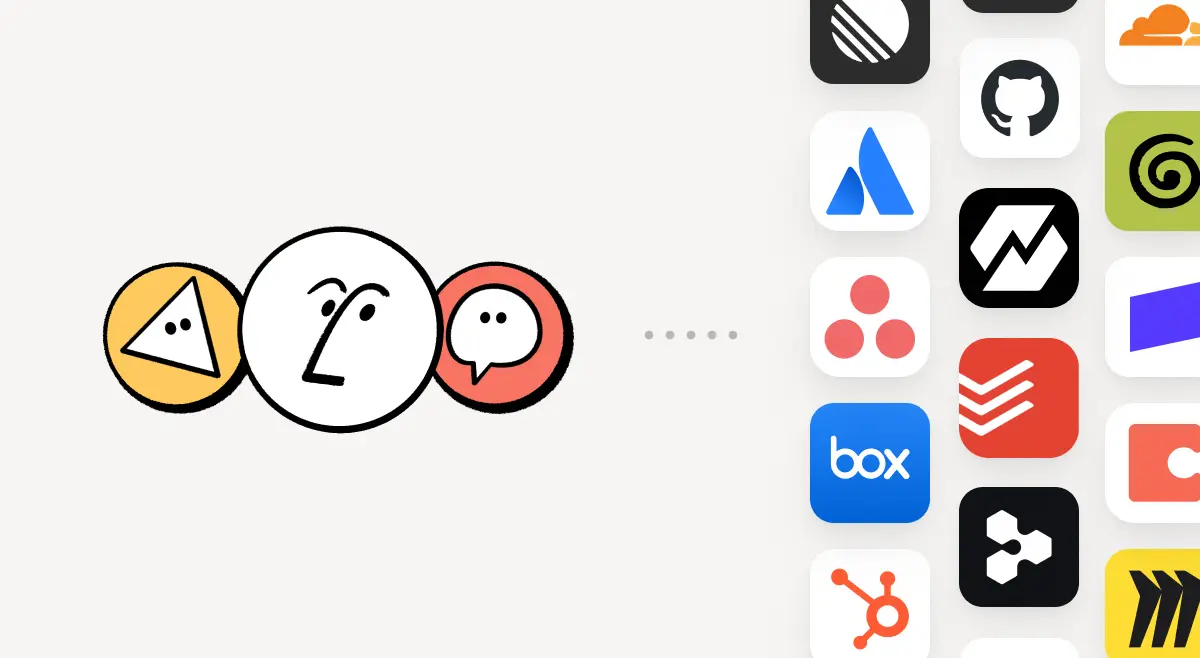
MCP

Integra en Notion las herramientas que tu equipo ya utiliza. Las conexiones de MCP permiten que el agente de Notion y los agentes personalizados aprovechen el contexto de esas herramientas y realicen acciones en ellas. Crea un resumen de cuenta en Notion usando datos del pipeline de HubSpot, agrega detalles de facturación de Stripe a una reseña de salud del cliente o incorpora detalles de infraestructura de Cloudflare en un análisis retrospectivo. Eso es solo el comienzo. Explora más de 150 conexiones de MCP →

Escribe una habilidad una vez. Úsala con cada agente.
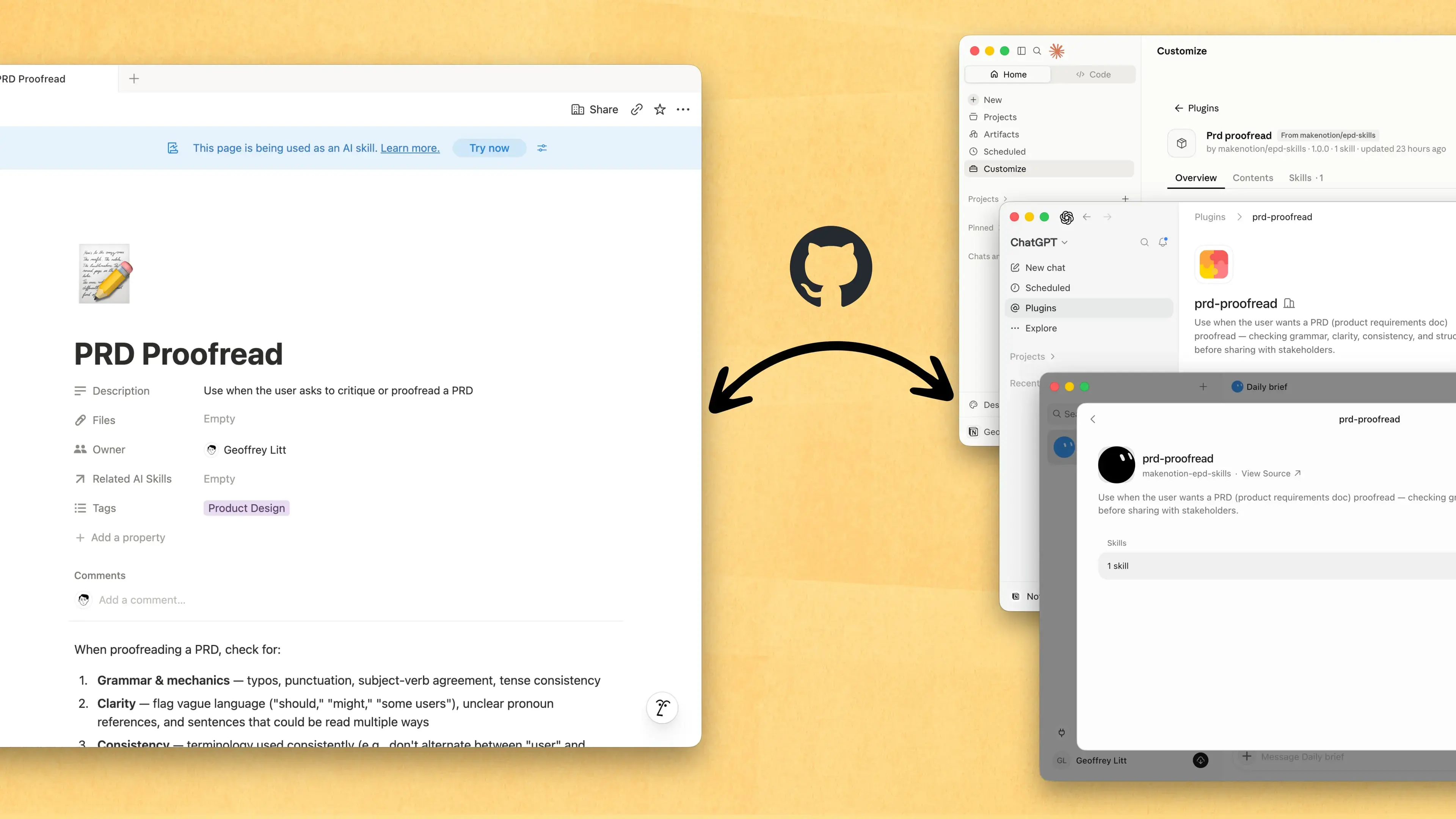
Write a skill once. Use it with every agent.

Las habilidades son la mejor manera de enseñar a los agentes la forma en que trabajas… y no solo para desarrolladores. Ahora, Notion es el mejor lugar para crearlas, compartirlas y mantenerlas actualizadas. Sincroniza tus Habilidades en ChatGPT, Claude y más con la nueva API de Habilidades, que carga Habilidades desde Notion a GitHub.

¿Ya tienes habilidades para tus agentes? Pídele a tu agente que las recree en Notion con el MCP; luego, sigue creando tu biblioteca allí. Aquí tienes una demostración rápida y la documentación para descubrir más.

Observa todos los cambios realizados por cada persona y agente
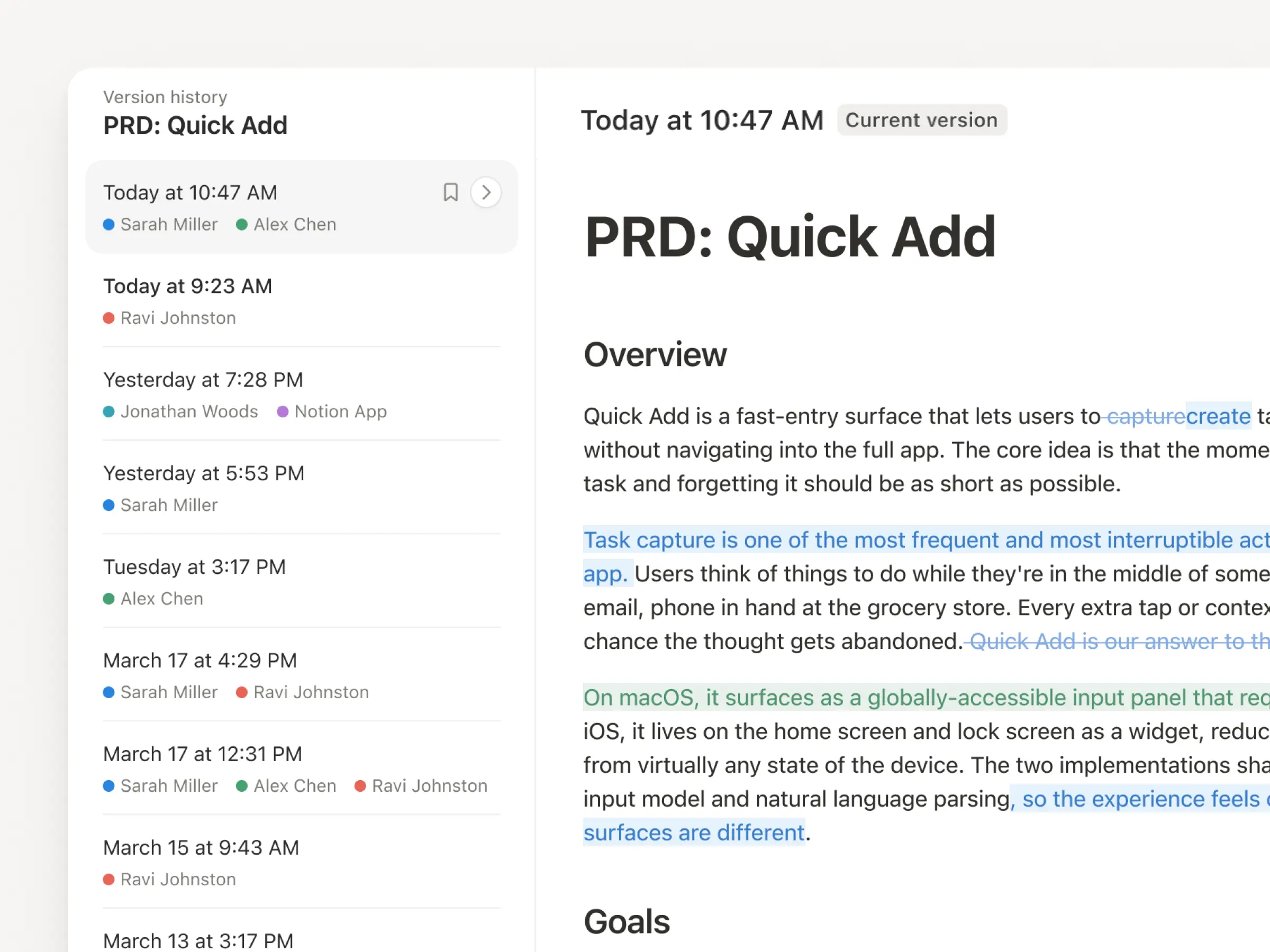
Con actualizaciones constantes de agentes y personas, el historial de versiones nunca fue tan valioso. Por eso mejoramos el nuestro. Podrás obtener un registro más claro en páginas y bases de datos, con ediciones resaltadas, cambios detallados de la base de datos y atribuciones. Deja que tus agentes trabajen mientras mantienes sus cambios visibles y seguros. Revisa qué cambió, observa quién lo hizo y restaura versiones anteriores con un simple clic. Descubre más →

No pagues dos veces. Usa tu plan de ChatGPT en Notion.
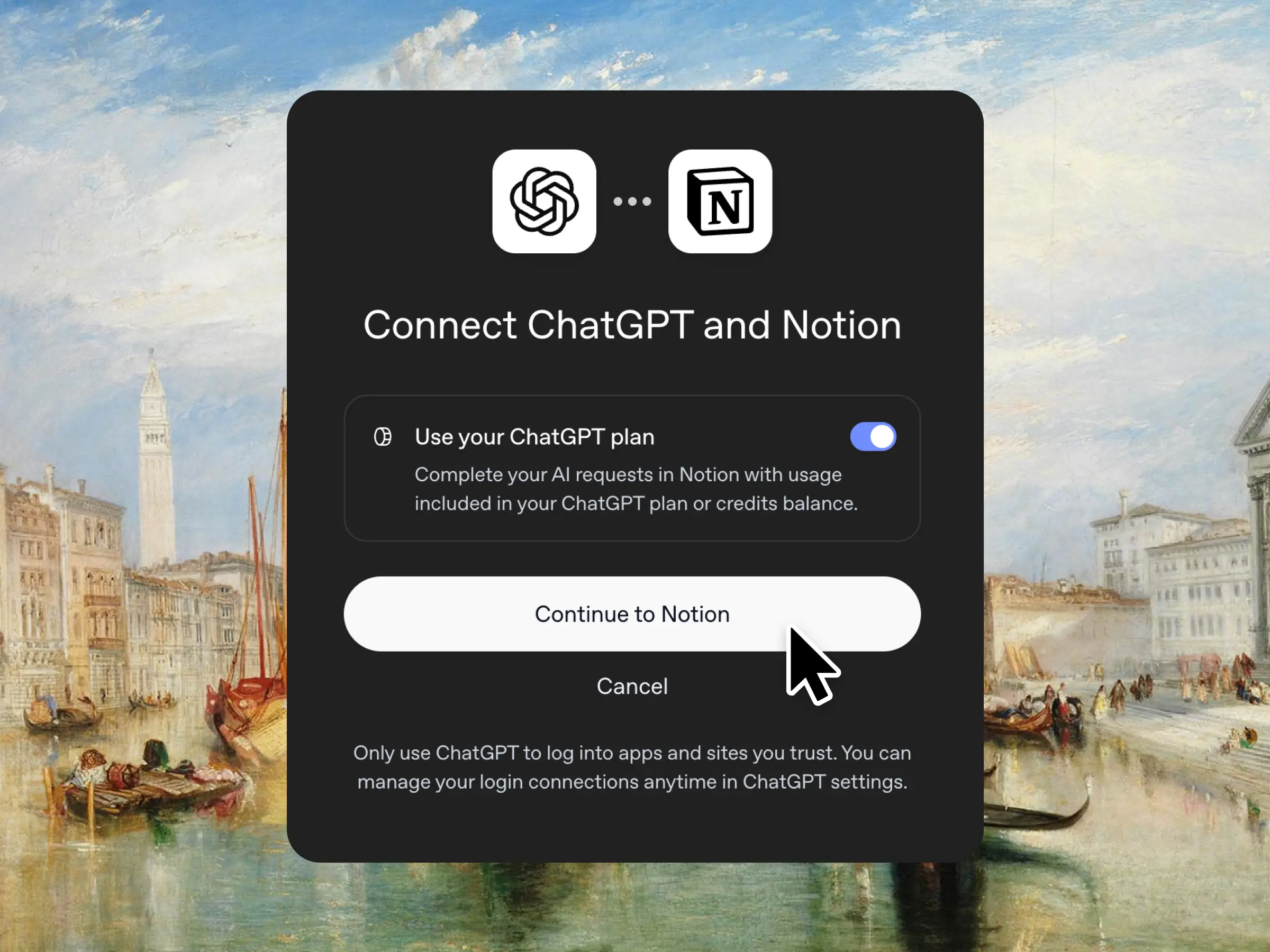
Sí, leíste bien. Si tienes ChatGPT Plus o Pro, tu suscripción ahora puede incluir el uso de IA en Notion. Solo conecta tu plan, elige un modelo de GPT y podrás continuar. No añadimos ningún recargo. Solo queremos que tengas las mejores herramientas para el trabajo, al mejor precio. Disponible para planes Business y Enterprise. Consulta la demostración rápida y la documentación.

Permisos de columna en bases de datos
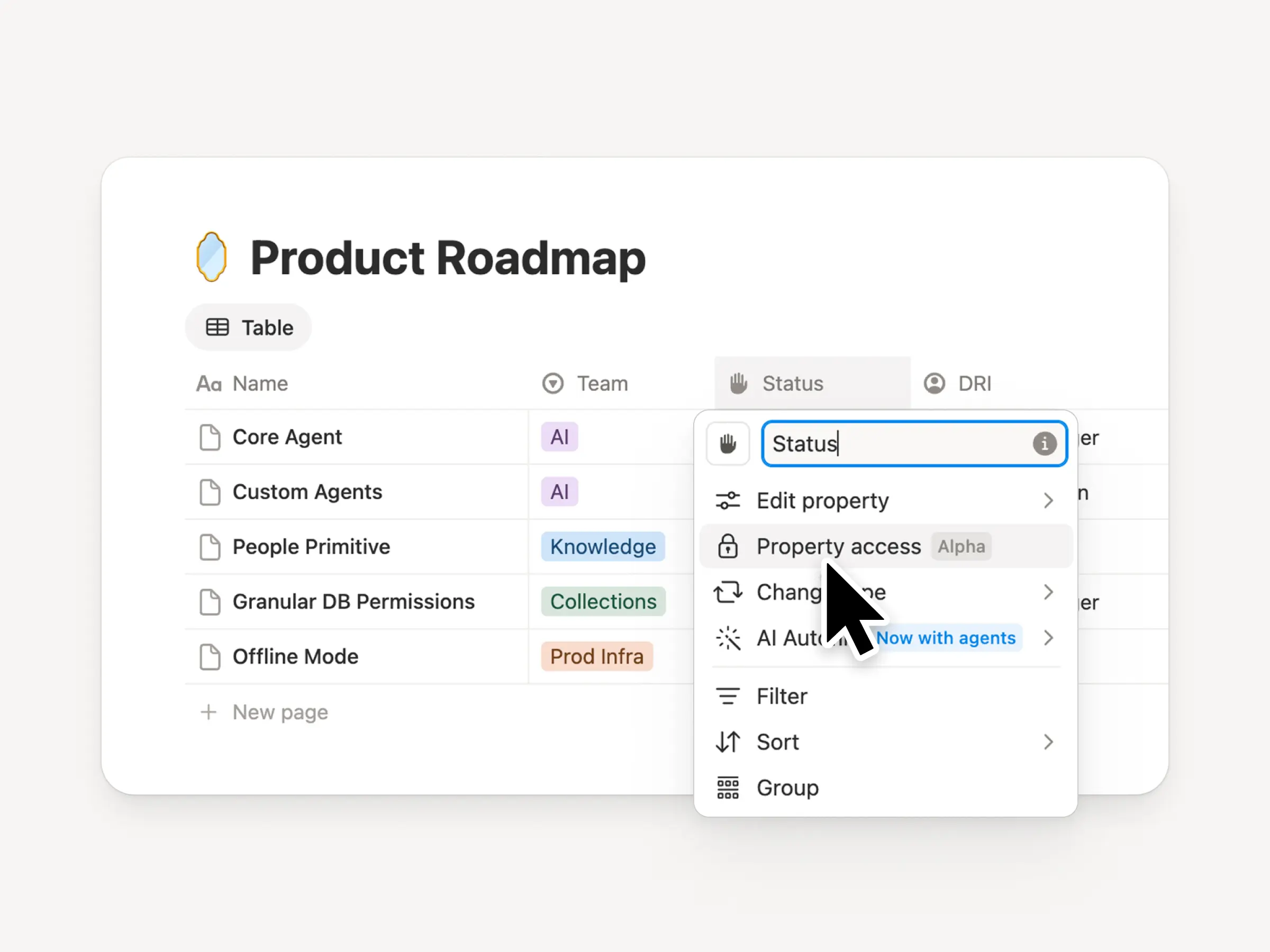
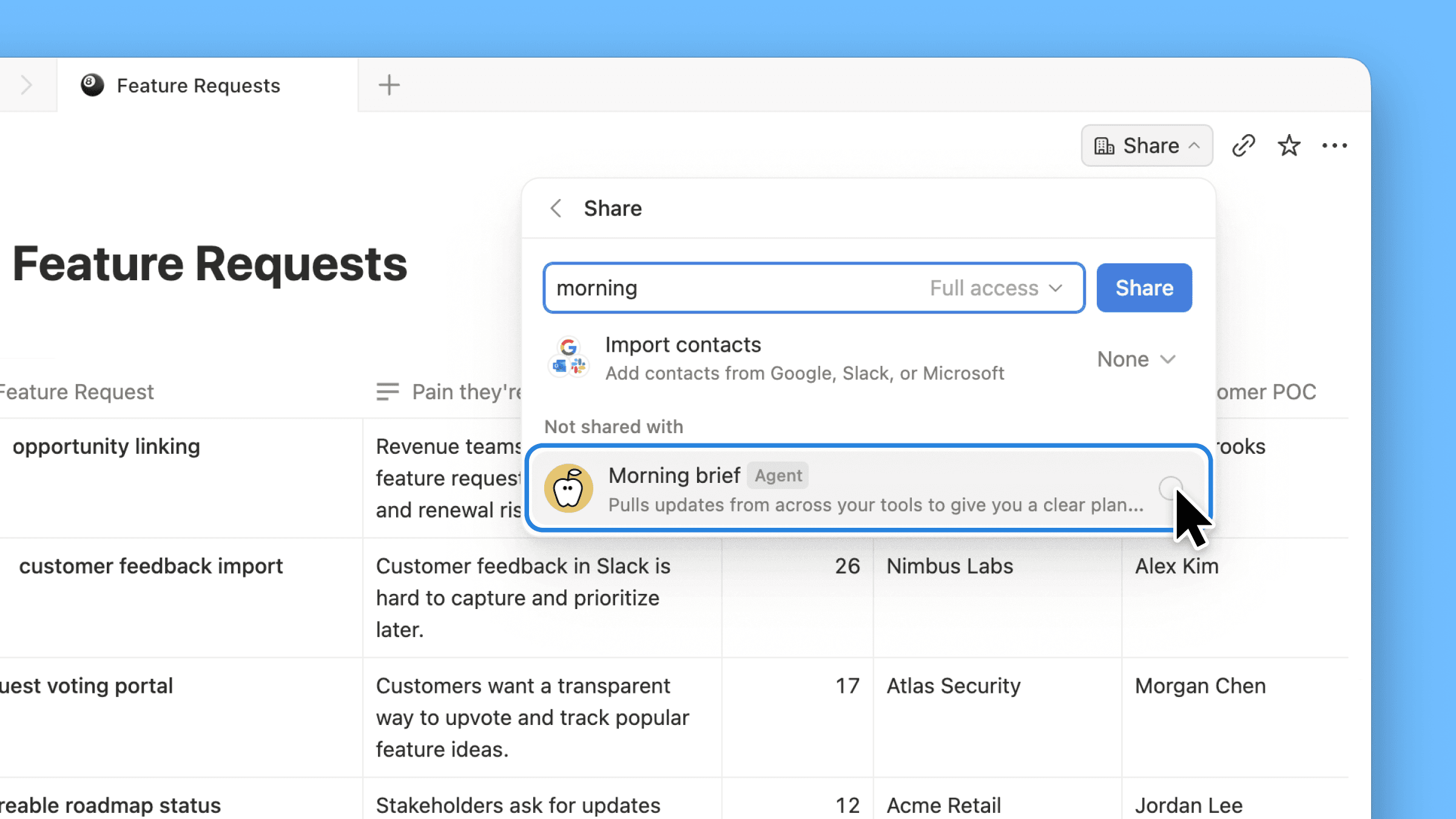
Las bases de datos de Notion brindan a los equipos y a los agentes una fuente de contexto compartida y actualizada. Pero tanto los equipos como los agentes necesitan el nivel de acceso adecuado. Los permisos de Columna fueron una de las funciones más solicitadas durante años (nos tomamos el tiempo necesario para hacerlo bien). Permiten que los propietarios de la base de datos controlen qué propiedades puede ver o editar cada persona o agente. Los equipos de selección de candidatos pueden colaborar en la evaluación de los candidatos sin exponer la compensación. Los agentes de soporte pueden usar el contexto de la cuenta sin ver datos restringidos de los clientes. Mira el tráiler de uno de sus creadores.

Reintroducción de bases de datos sincronizadas
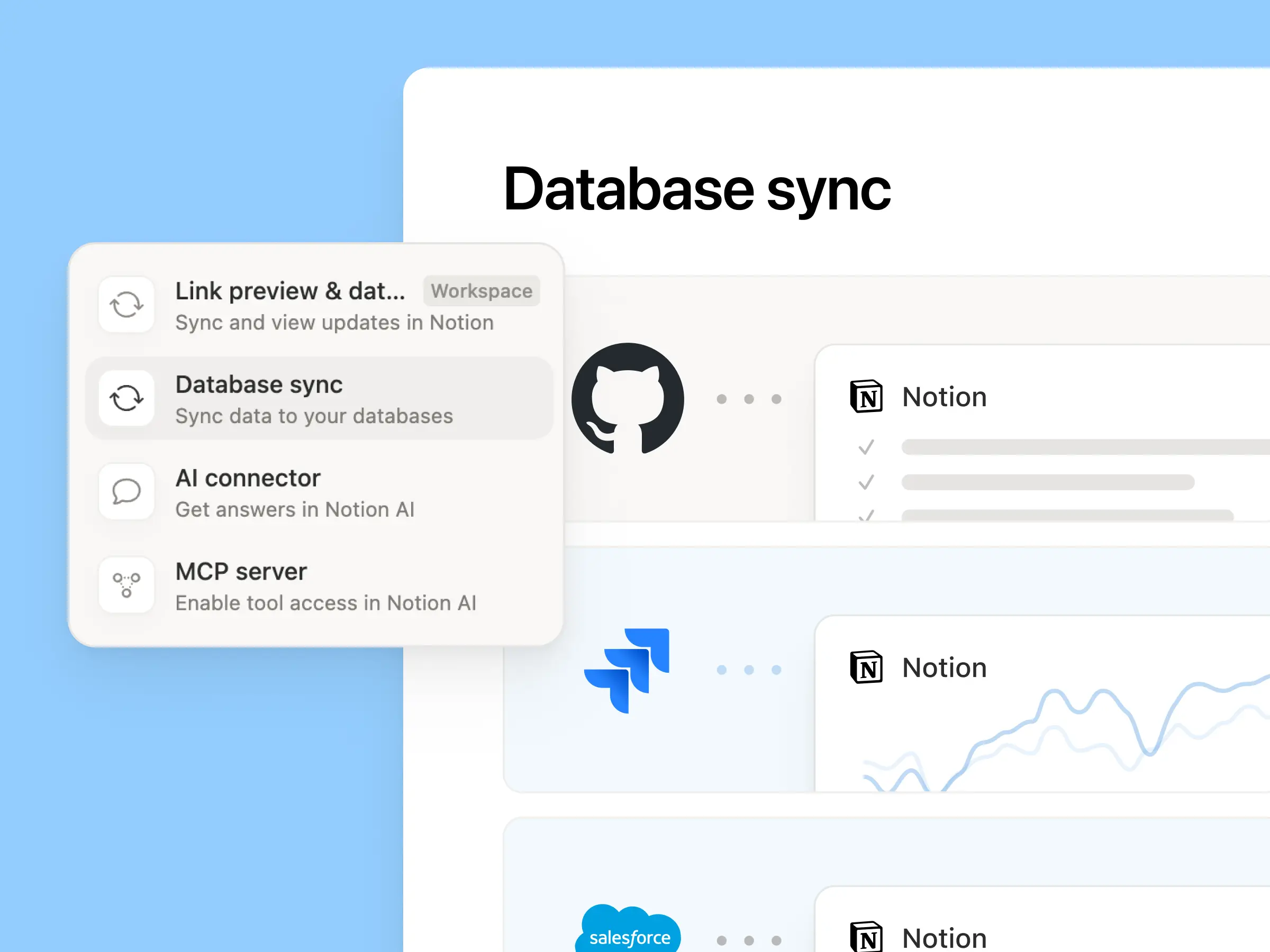
Reintroducing synced databases

Reconstruimos nuestras bases de datos sincronizadas, empezando por GitHub, Jira y Salesforce, para que tus equipos y agentes siempre trabajen con los datos más recientes. Son más rápidas, más confiables y muestran un Estado de salud en tiempo real para cada sincronización. Funcionan como cualquier otra base de datos de Notion, por lo que puedes agregar tus propias propiedades, crear vistas y activar automatizaciones. En Notion, creamos centros de clientes sincronizando cuentas de Salesforce y vinculándolas a notas de reunión y solicitudes de funciones, para que cada equipo trabaje desde la misma vista actualizada de cada cliente. Descubre más →

Nueva semana, nuevos modelos
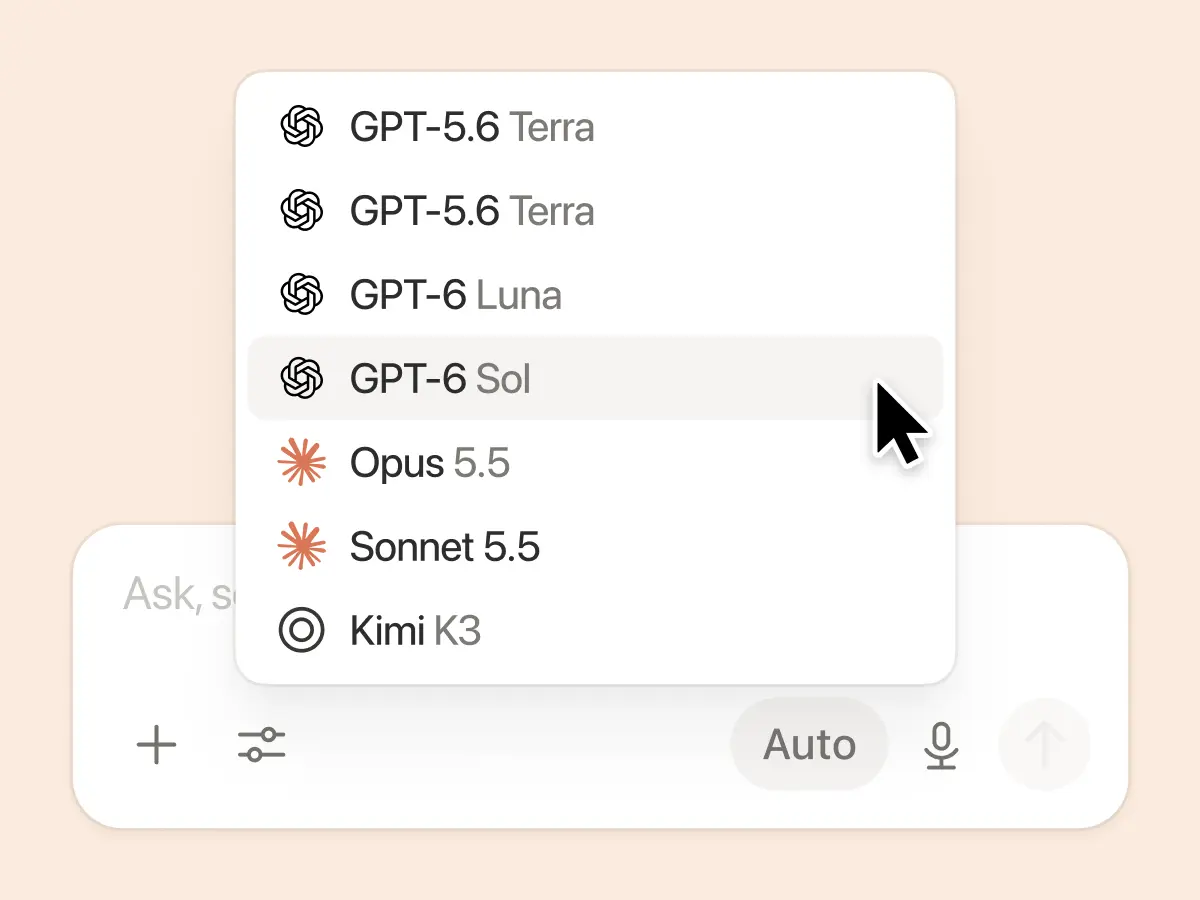
New week, new models

Los laboratorios lo hicieron de nuevo. Siete modelos nuevos agregados, incluidos GPT 6.1-Sol, GPT-6 Luna, Opus 5.5 y Sonnet 5.5. Usa cualquiera de ellos sabiendo que todos conocerán lo último sobre cómo trabaja tu equipo.

Por si no lo sabías, estuvimos evaluando cómo se desempeñan los modelos en una variedad de tareas laborales de conocimiento, utilizando tráfico anónimo en tiempo real y evaluaciones de modelos. Consulta nuestro tablero de conocimiento →

Más formas de conectar y gestionar el contexto

  • Configuración de conexiones rediseñada: Busca o explora por categoría, observa cómo se conecta cada herramienta y previsualiza flujos de trabajo de ejemplo. Los administradores pueden autorizar únicamente las herramientas verificadas por Notion o las herramientas específicas que ellos elijan.

  • Notificaciones de Notion en Microsoft Teams: Recibe menciones, comentarios y solicitudes de acceso de Notion en Teams y, luego, responde sin cambiar de aplicación.

Estamos ansiosos por ver cómo Notion puede ser el eje central de tu dock.
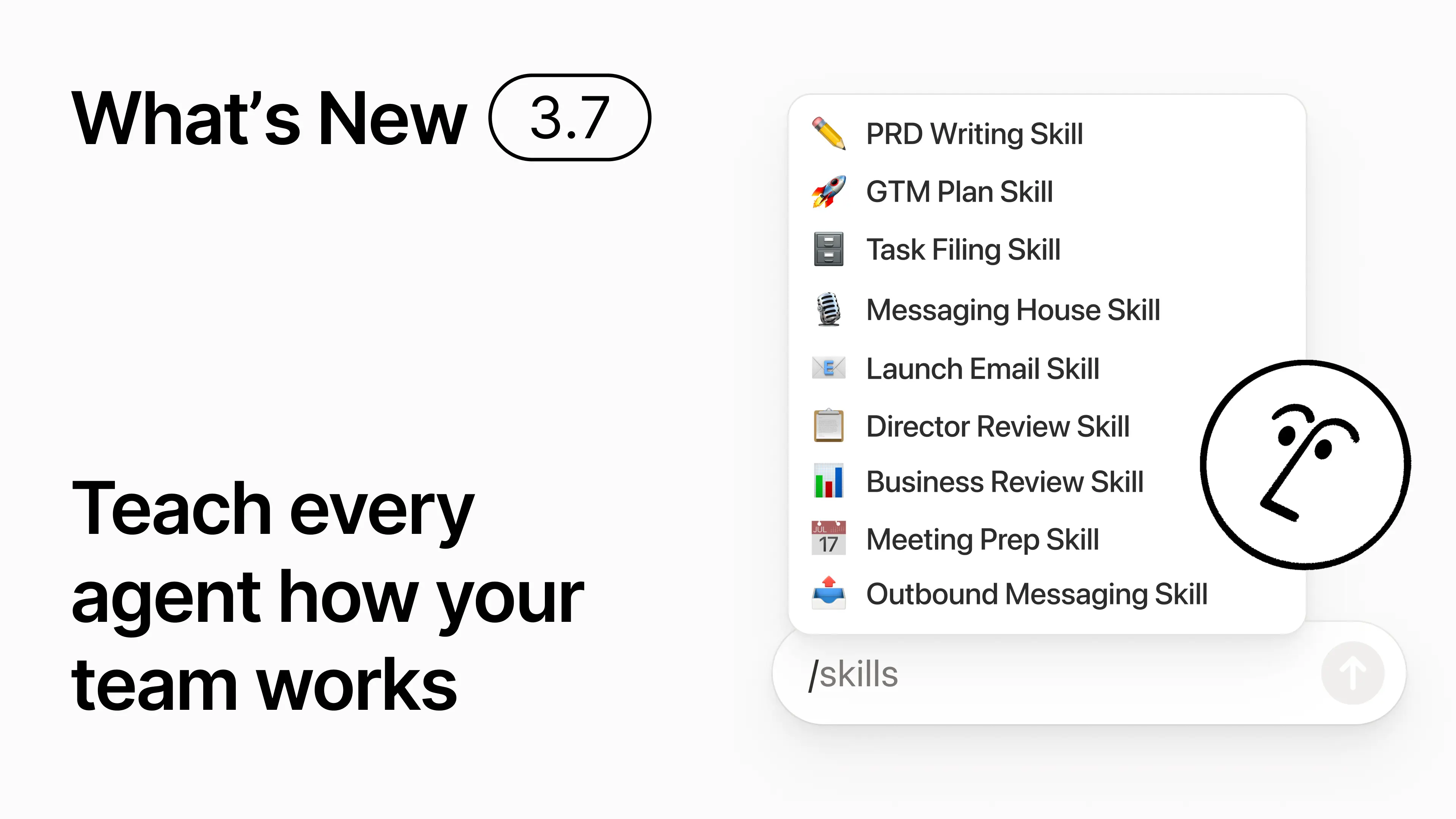
3.7

Notion 3.7: Agent skills for your whole team

What's New 3.7

You know how some people are really good at prompting AI? Or they’ve figured out the best way to handle repetitive work? Now they can turn that know-how into a skill and level up the whole team.

Skills are reusable instructions that teach AI how your team works. Like generating a monthly business review in your team’s format. Or critiquing your doc in the same way your boss would. They’re like team shortcuts for getting repetitive tasks done. Create a skill →

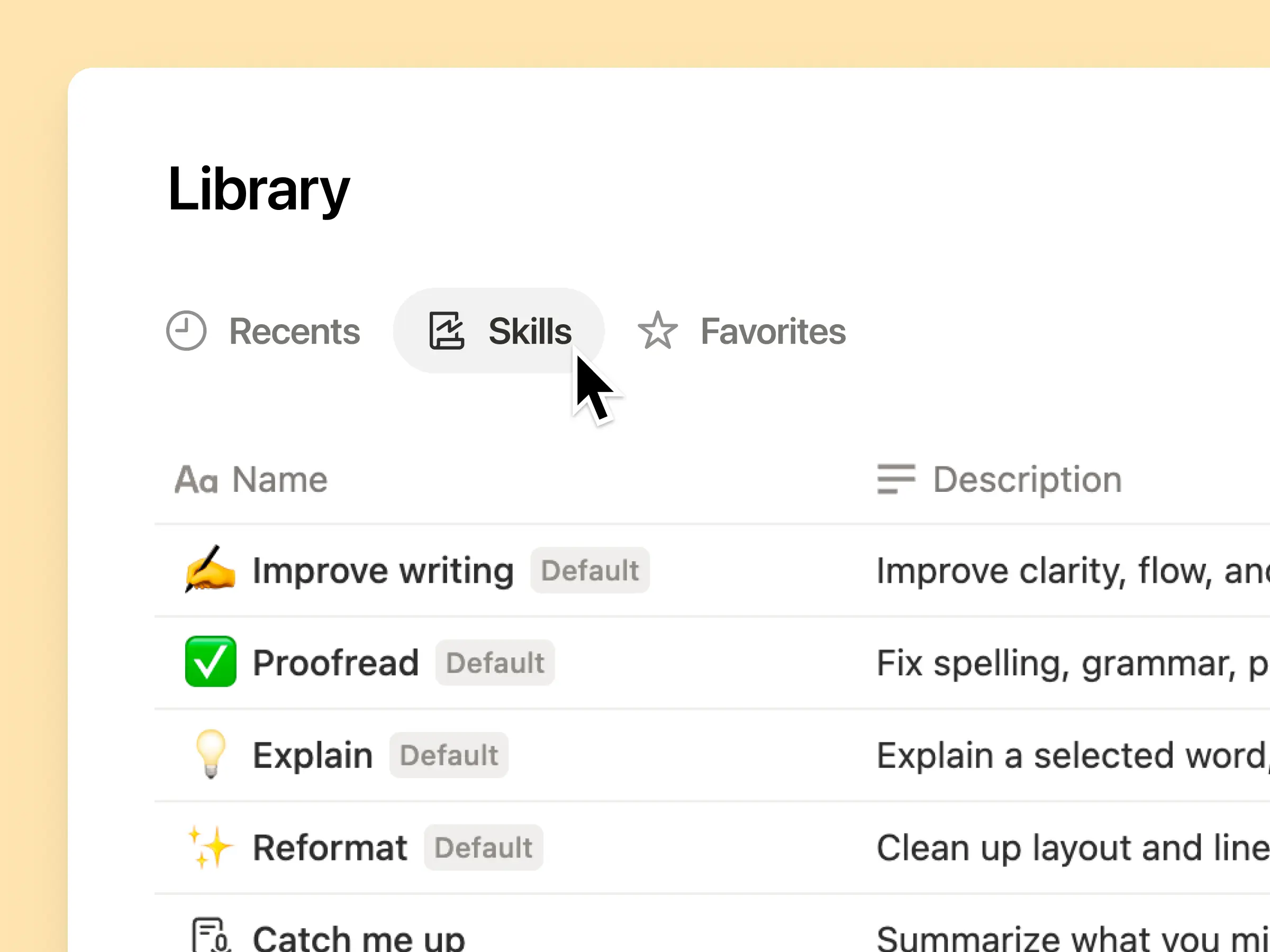
Every AI skill your team needs, in one library

Great prompts tend to live in one person’s head or otherwise disappear into standalone docs and chats. The skills library gives your workspace one hub for all shared skills. Browse the skills library →

Put related skills in a Notion database, then share one skill or the whole database. Each team gets one easy place to find its go-to skills, and everyone stays on the latest version. Learn more →

Write it once, and AI runs it your way

Chat with Notion Agent to create a skill from scratch:

  1. Review this feature proposal using our product, design, and engineering standards.

  2. Create a new-hire setup checklist using our device and app policies.

  3. Draft this job description using our leveling framework and approved language.

Not sure where to start? Notion can also suggest skills based on the work you already do. What skills do I need? →

Run a skill the moment you need it

Run Skill

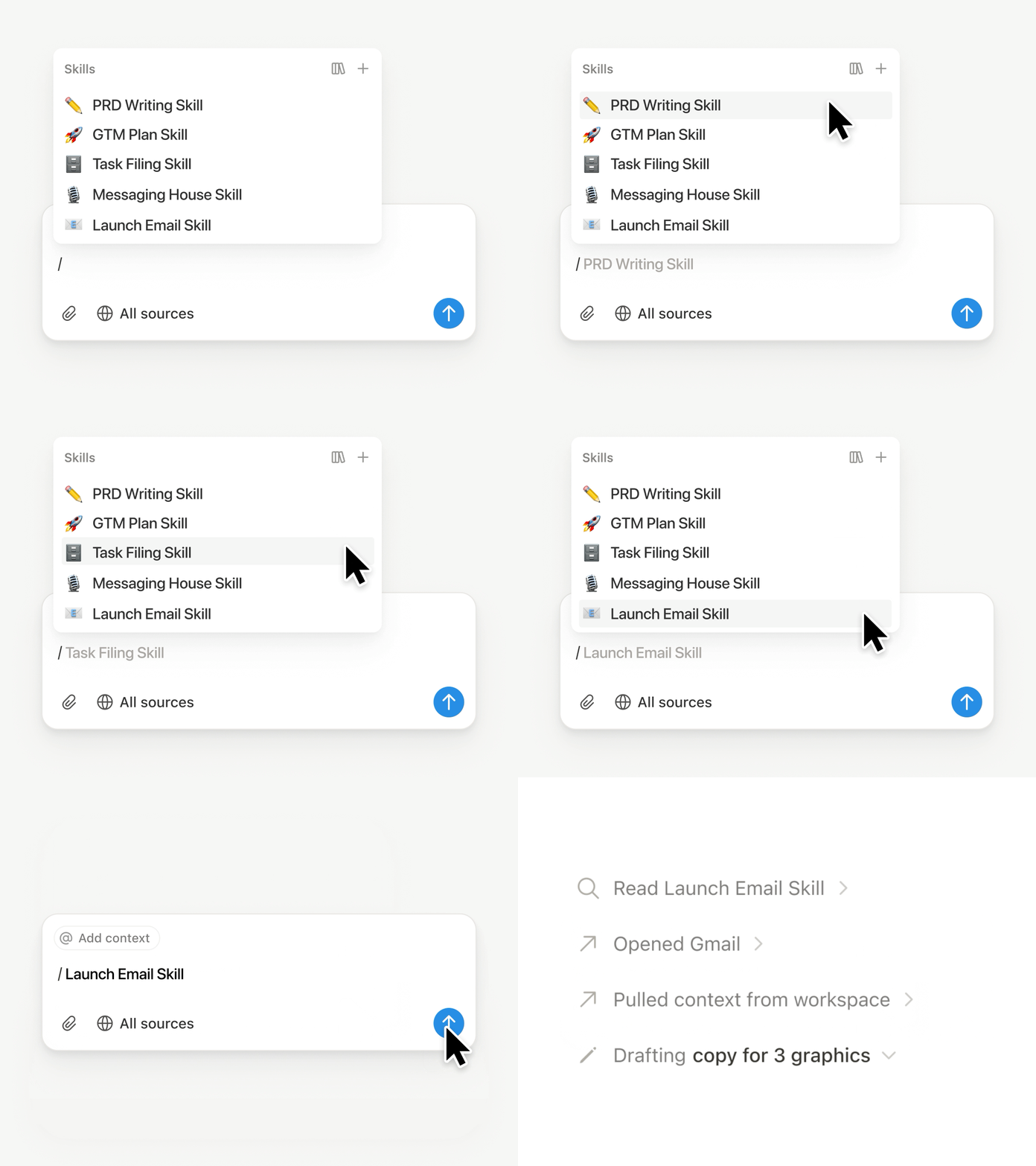
Type / in a Notion Agent chat and choose the skill you want to use. Add any other context, then hit Enter.

Run an Exec-ready skill to turn a draft into a concise executive brief with the takeaway, decisions, risks, and asks. Or turn raw notes into a PRD. You can also set skills to run automatically. Learn more →

Take your team’s skills to Claude Code, Codex, Cursor, and more

Skills to Claude or Codex

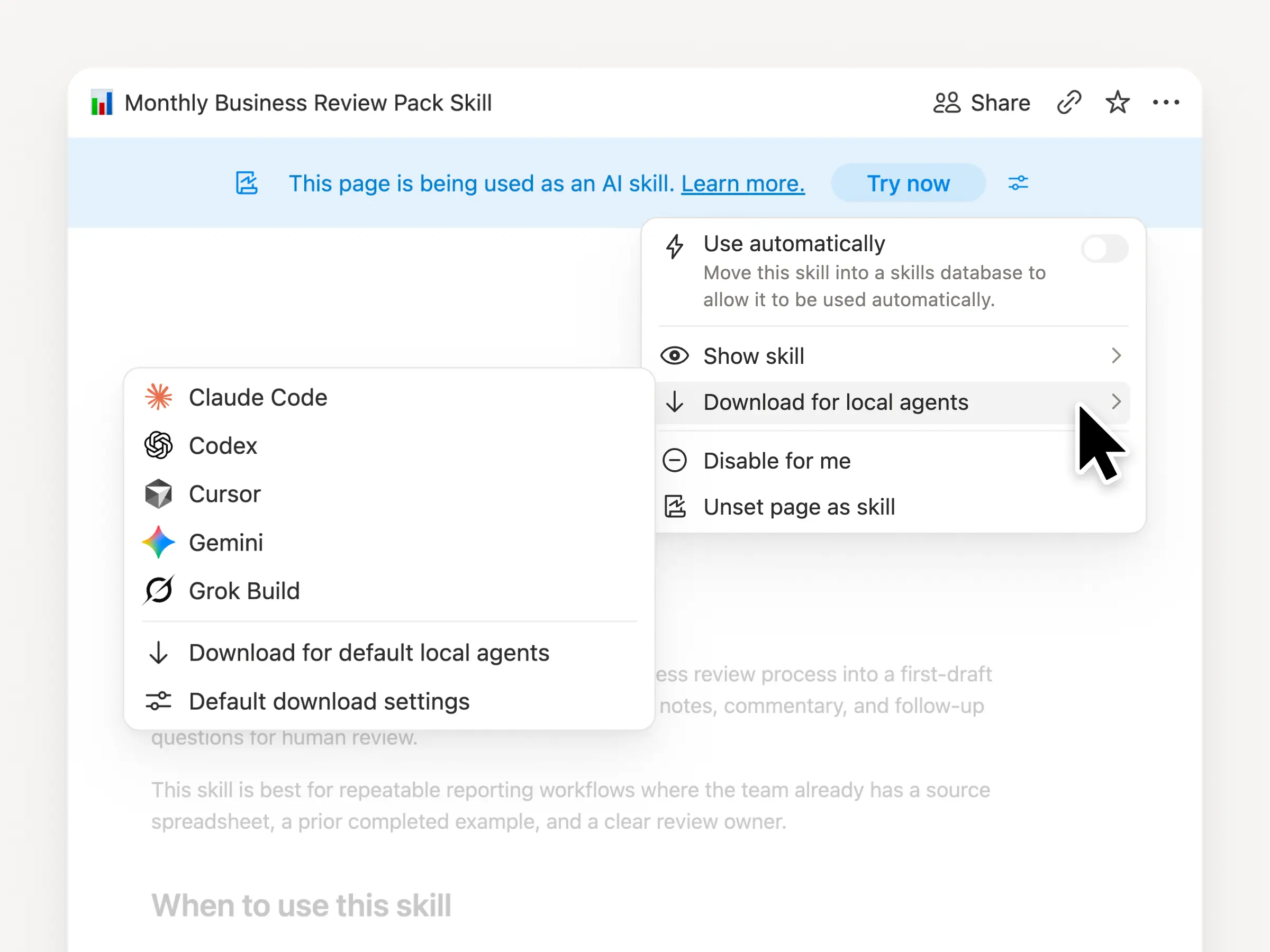
Take your skills with you, no matter what agent you use. Create and update the skill in Notion, then download it to Claude Code, Codex, Cursor, Gemini, or Grok.

Notion writes the skill as a SKILL.md file, along with approved supporting files. When the skill changes in Notion, it gets marked with a badge so you know to grab the latest version. Your team maintains the instructions in one place and your local agents can follow the same process. Learn more →

Ask your agent to connect GitHub, Amplitude, and more

Connect more to your agent

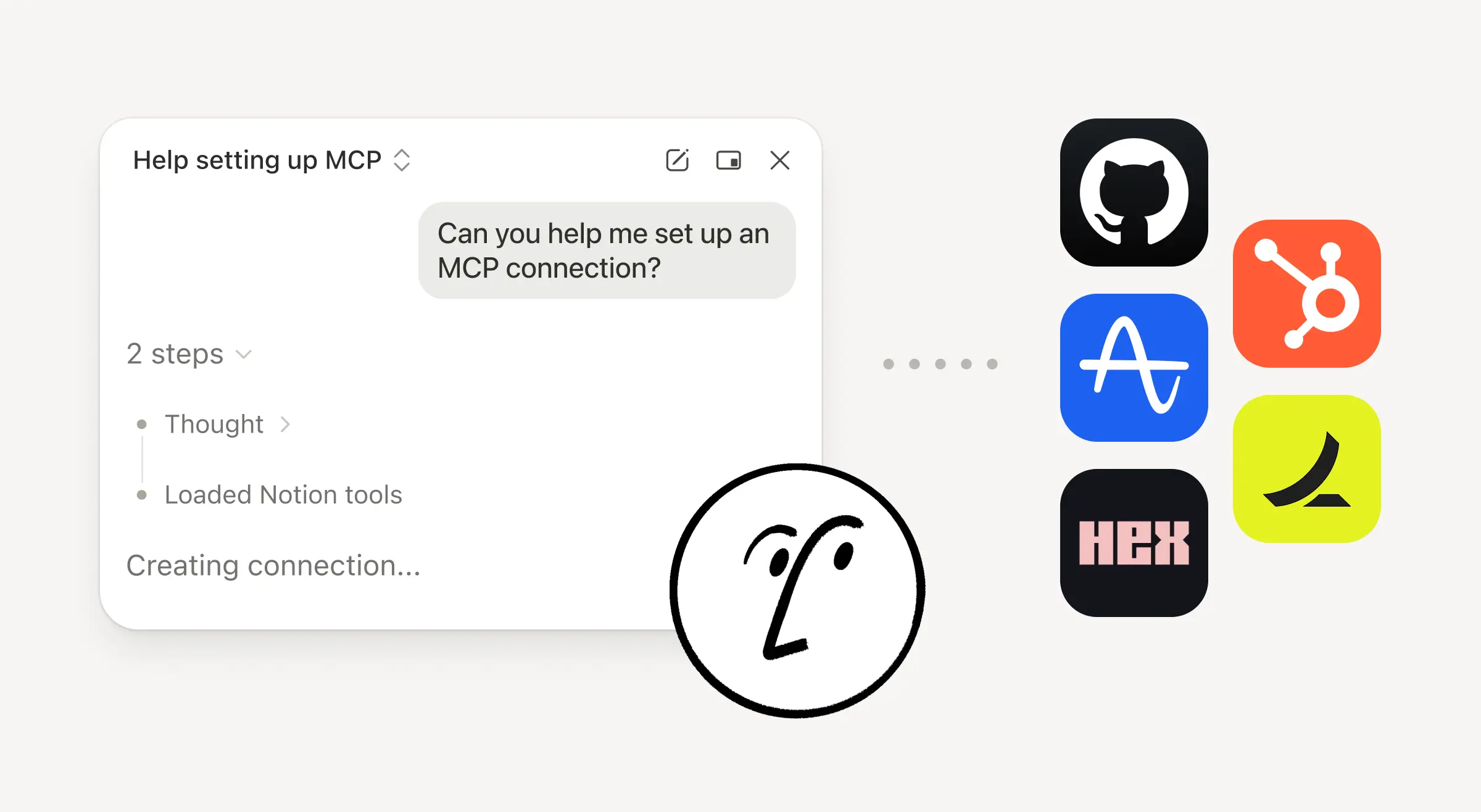
Bring more of your work into Notion Agent. Just ask it to connect a tool, and it walks you through the setup. You can now connect GitHub, Amplitude, and other tools with the Custom MCP connection so you can grab context, check performance, or take action in the tools your team already uses. Connect to GitHub →

Confirmations keep you in control, so nothing changes in a connected tool until you approve it. Available in beta on Business and Enterprise plans. Learn more →

On the go? Use the Notion Agents iOS app

Notion Agents App

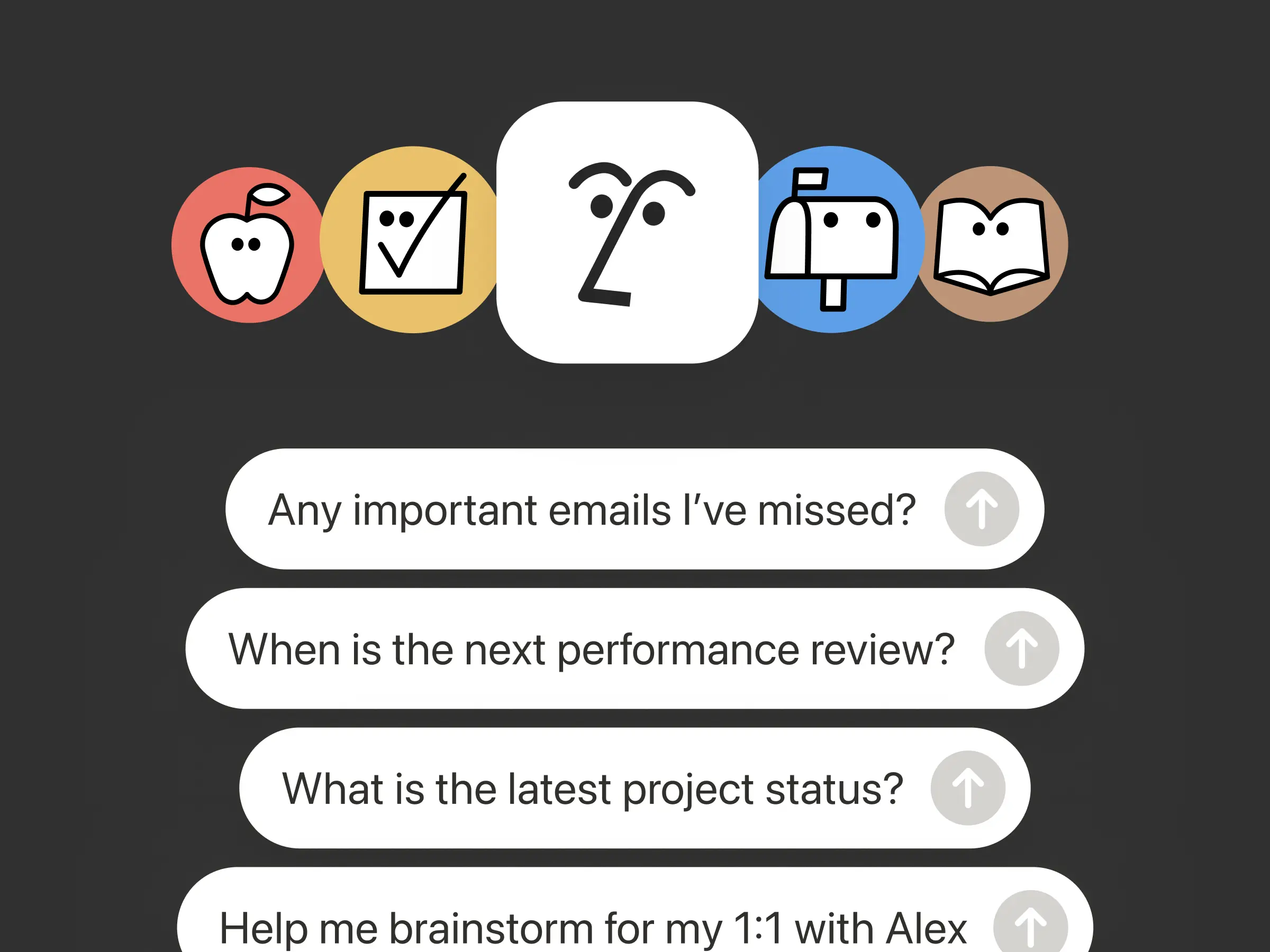
Your best ideas won’t wait until you’re back at your desk. The Notion Agents iOS app puts 1,000 agents in your pocket. Capture ideas and voice and photos, prep for a meeting, or spin up a doc when you’re on the move. Give an agent a task and it gets it done before you’re back at your laptop.

Have your Custom Agent call sub-agents

Sub Agents

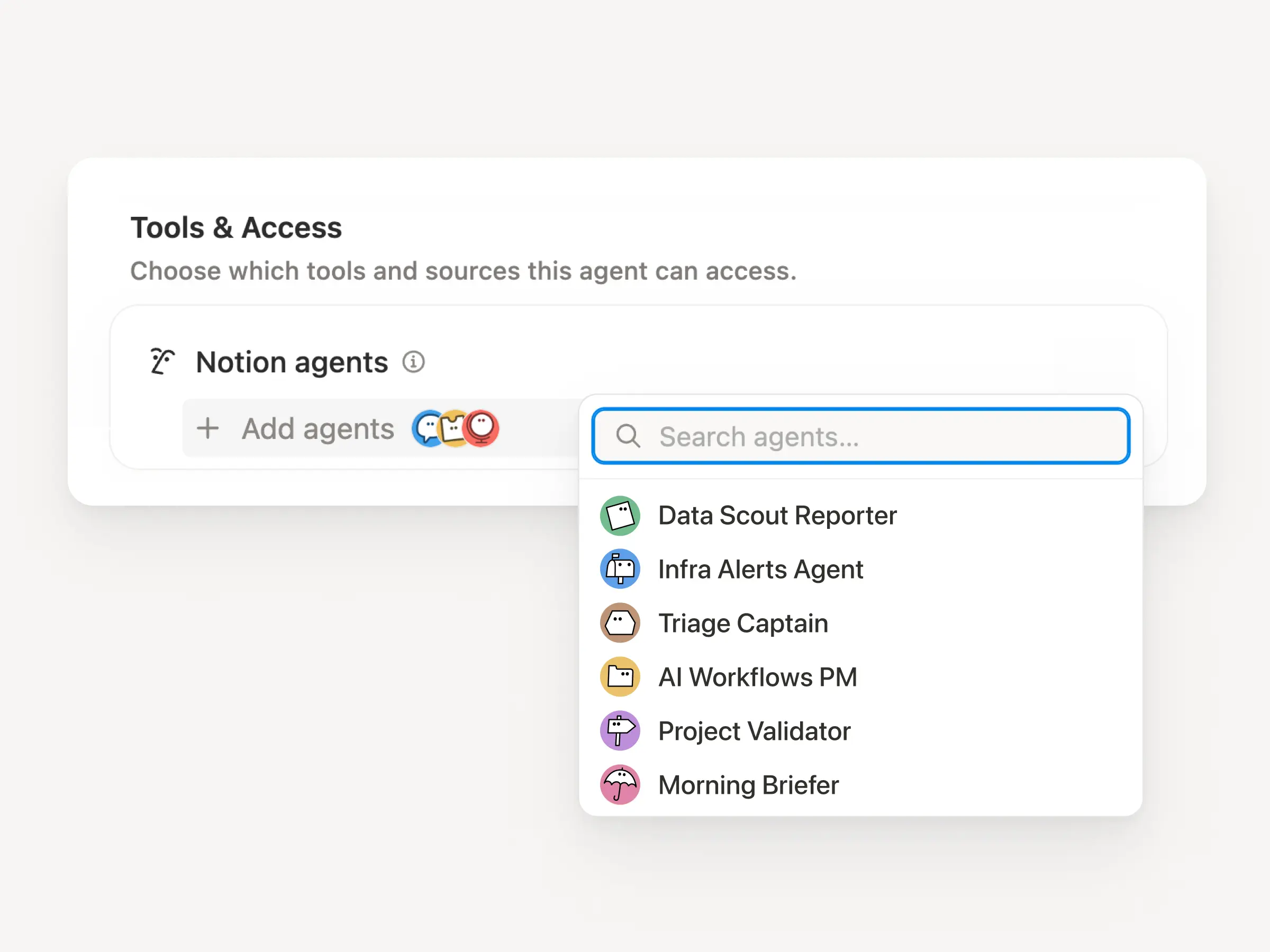
Big workflows are rarely one job. Now a Custom Agent can call other Custom Agents as sub-agents, each with its own instructions, context, access, and model. Learn more →

A Mobile App PM agent can send bug reports to a triage agent and metrics questions to a reporting agent, then bring the answers back into one Slack update. The primary agent decides when to delegate and uses each response to finish the original work. Remote runs its IT help desk on five agents this way and saves $500k a year.

Custom Agents can do the post-meeting work for you

Meeting Recap Agent

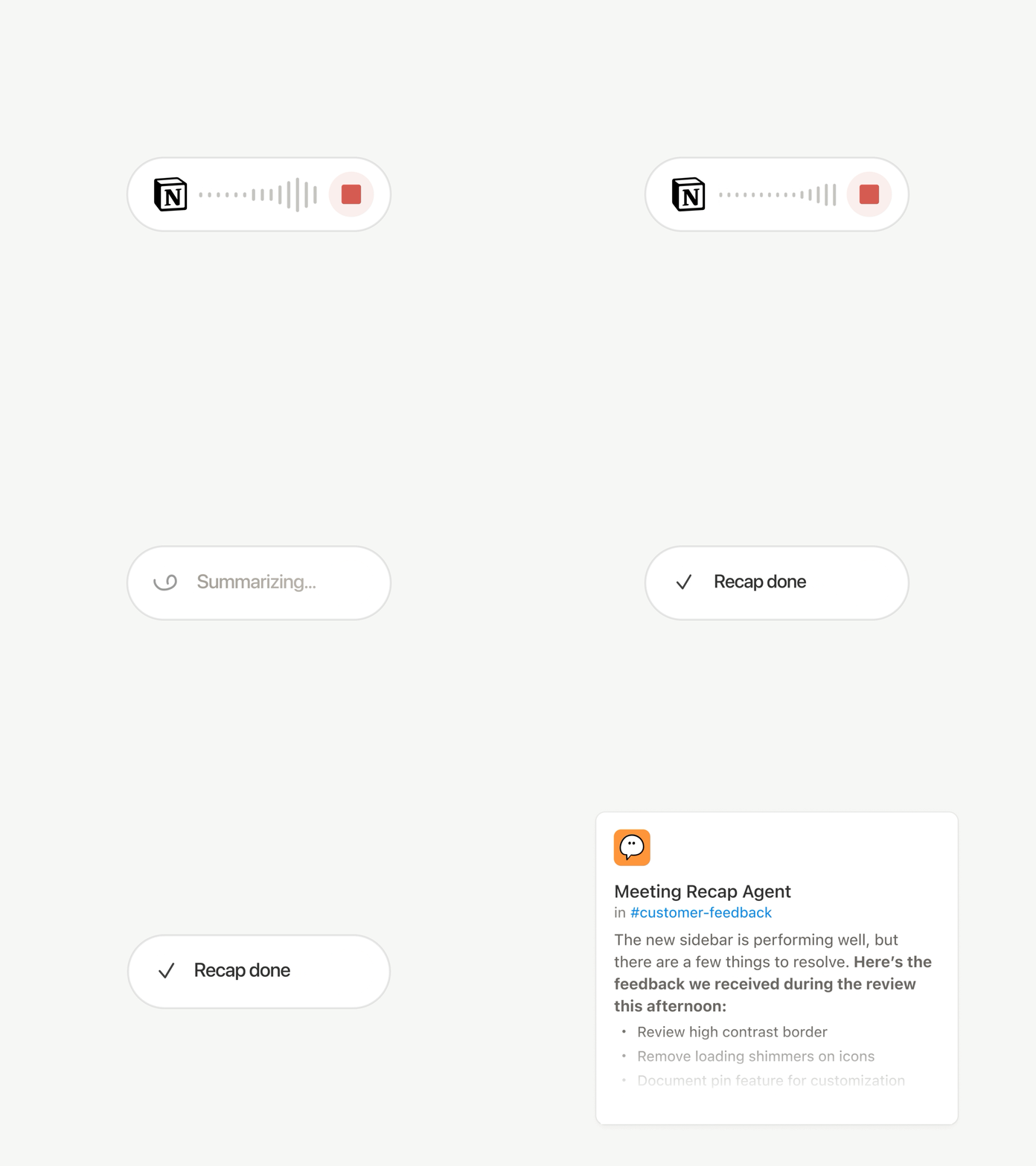
Every call ends with the same chores: Write the recap, file the action items, ping the people who weren’t there. Now Custom Agents can handle post-meeting work automatically.

Choose which meetings matter, then let a Custom Agent pick up the work as soon as each summary is ready. It gets the transcript and summary, so it can write the status update, file the action items, or send customer feedback to the right database. Available on Business and Enterprise plans. Learn more →

Browse every model, and see which is best for the job

Latest Models

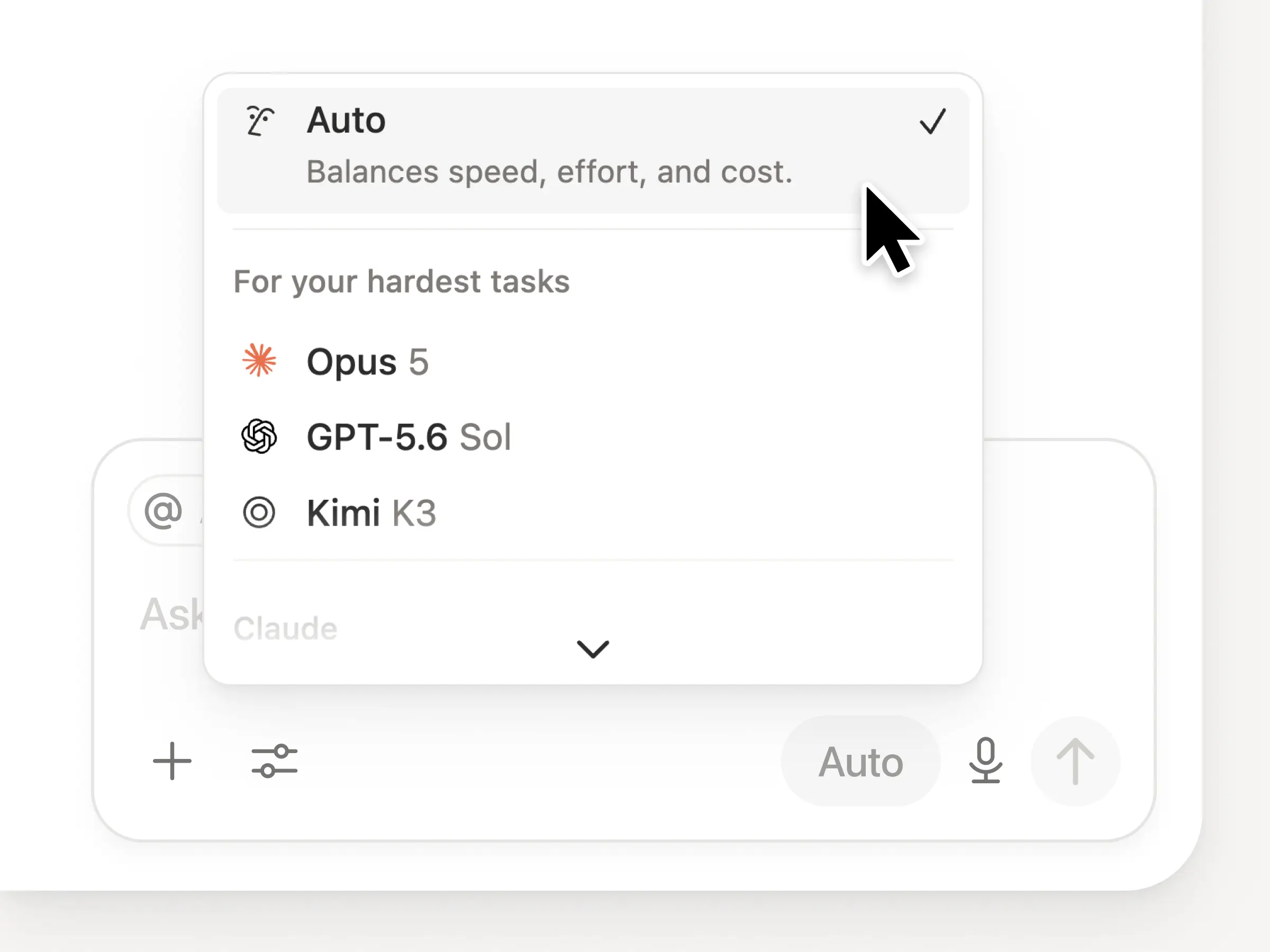
You get access to all the latest frontier models in Notion, including Opus 5, GPT-5.6 Sol, and Kimi K3. The new model picker is redesigned to help you choose the best model for your work, with indicators for speed, intelligence, and costs.

Also new is the Notion Knowledge Board, which evaluates model performance on real, everyday work. Compare models →

And a few more…

  • Embed a Custom Agent in any doc. Drop an agent right where the work happens, so anyone on the page can use it. See how →

  • Custom Agent Insights in the Public API. Pull credit usage, completed runs, and status and enable, disable, or set limits for any agent. Business and Enterprise. Read the Insights API docs →

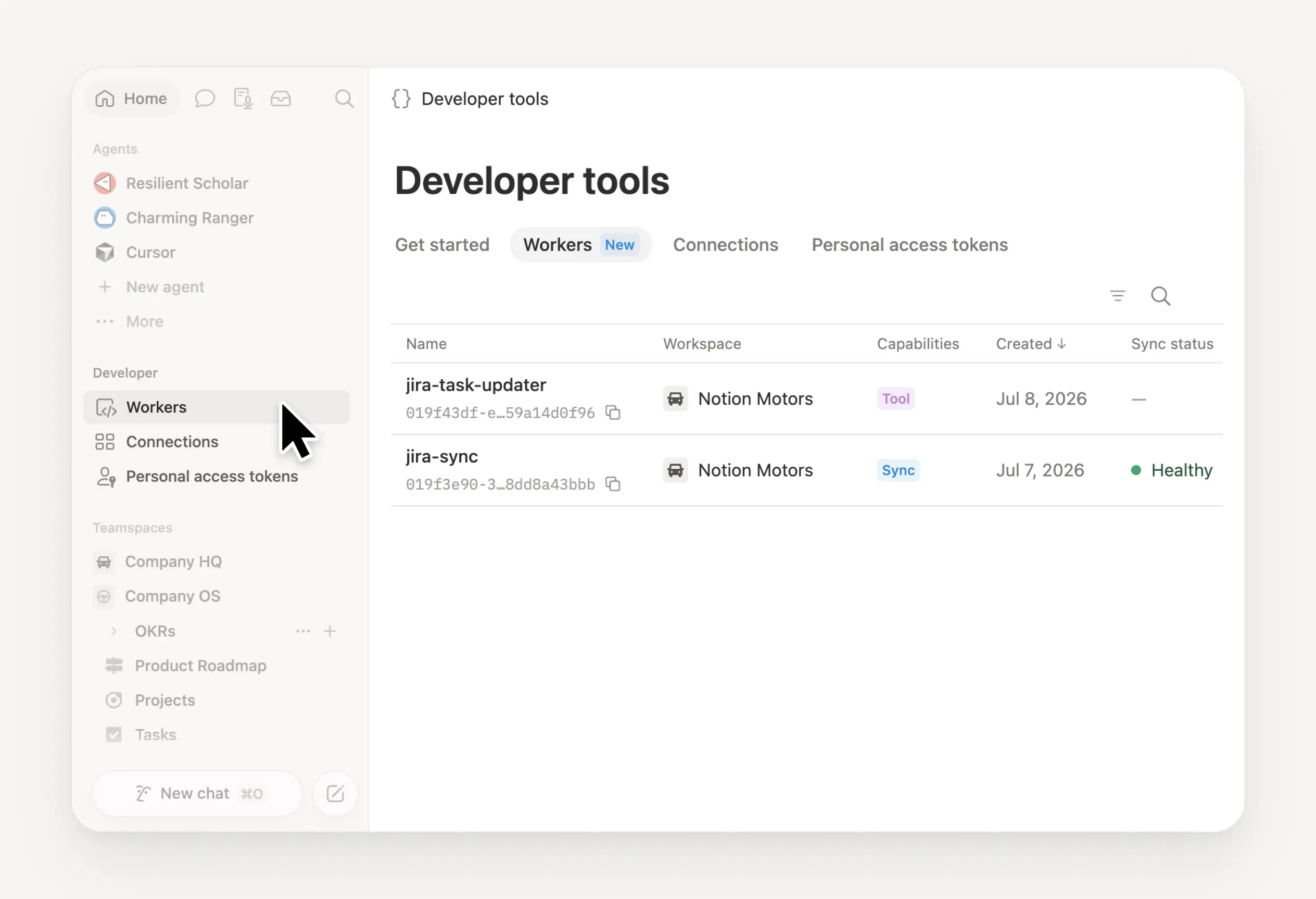
  • Manage your Workers and connections: Open the new Developer section in the sidebar to see every Worker, where it’s connected, and the logs from each run. Check it out →

  • Agent SDK, now in public beta. Continue Custom Agent conversations from anywhere, trigger them from your app, and stream results back. Business and Enterprise. Read the Agent SDK docs →

  • Developer Portal now lives in Notion. Manage your Workers, connections, and personal access tokens in one place. Open the portal →

  • AI Search is 50% faster. Less waiting on answers and agent outputs that use workspace context. Business and Enterprise. Give it a try →

  • Catch up on your inbox. Ask Notion Agent to group notifications, show what needs attention, and help clear the rest. Check it out →

Give skills a try! And share how we can make it better (we’ve got more cooking).

Control which AI models your agents can use

Control which AI models your agents can use

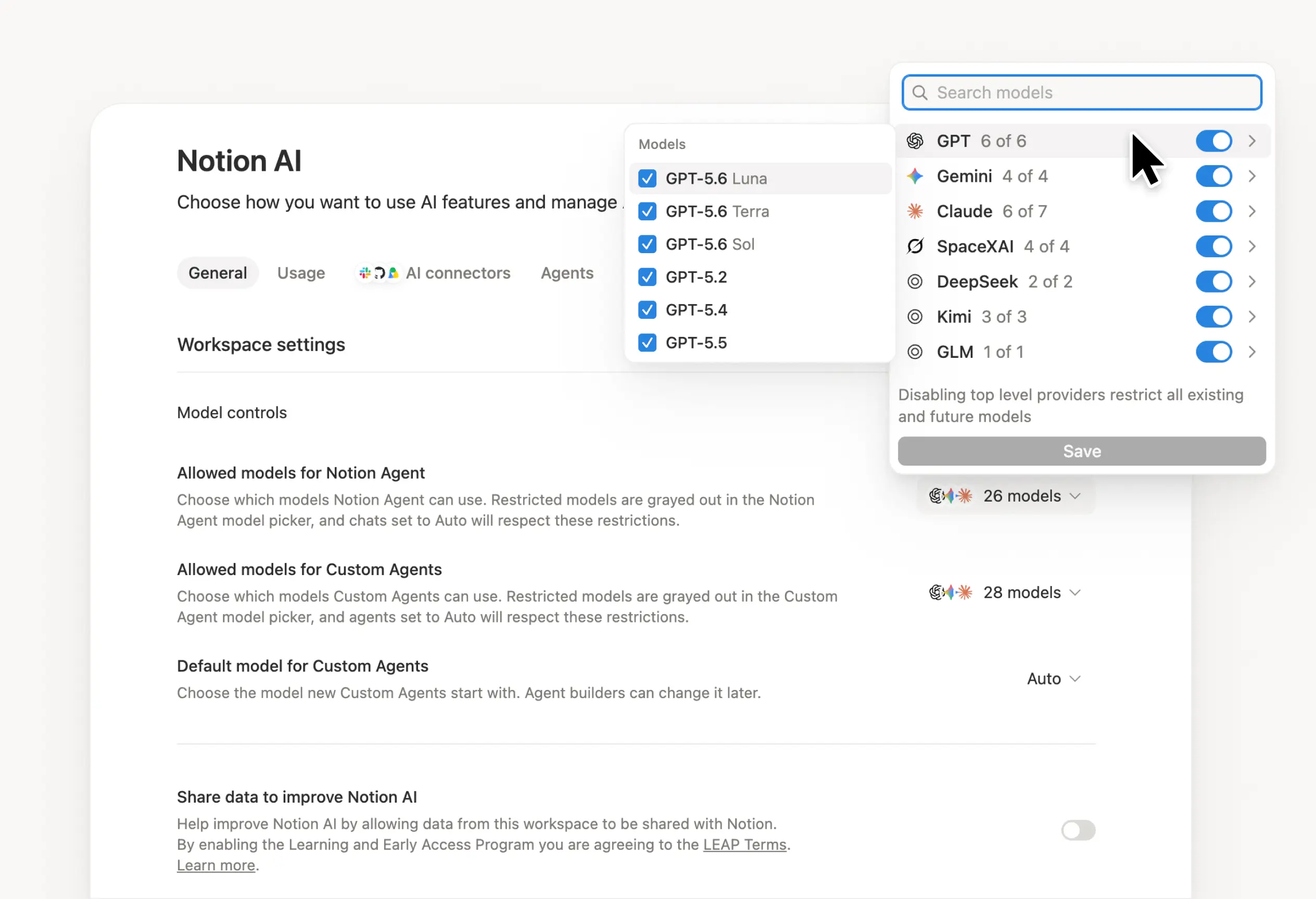
What’s on your team’s model roster? That’s up to you. With model controls, workspace owners can choose which AI models are available in Notion Agent and Custom Agents separately, and set a default model for Custom Agents. Keep costs predictable and support your compliance needs while your teams continue building. Available on Business and Enterprise plans.

Get started at Settings → Notion AI → General → Model controls.

Pídele a tu agente que sugiera ediciones

Ahora, los agentes pueden proponer cambios en lugar de hacerlos directamente. Pídele a tu agente que sugiera ediciones. Luego, desplázate de arriba a abajo para aprobar cada una. Esto es ideal para cuando necesitas cambios a nivel de línea, como una revisión gramatical.

Comienza pidiéndole a tu agente que “sugiera ediciones”.

Your Developer Portal, now in the sidebar

Manage your Workers, connections, and personal access tokens from the new Developer section of your Notion workspace. See an overview of deployed Workers and logs behind every run.

Developer sidebar section

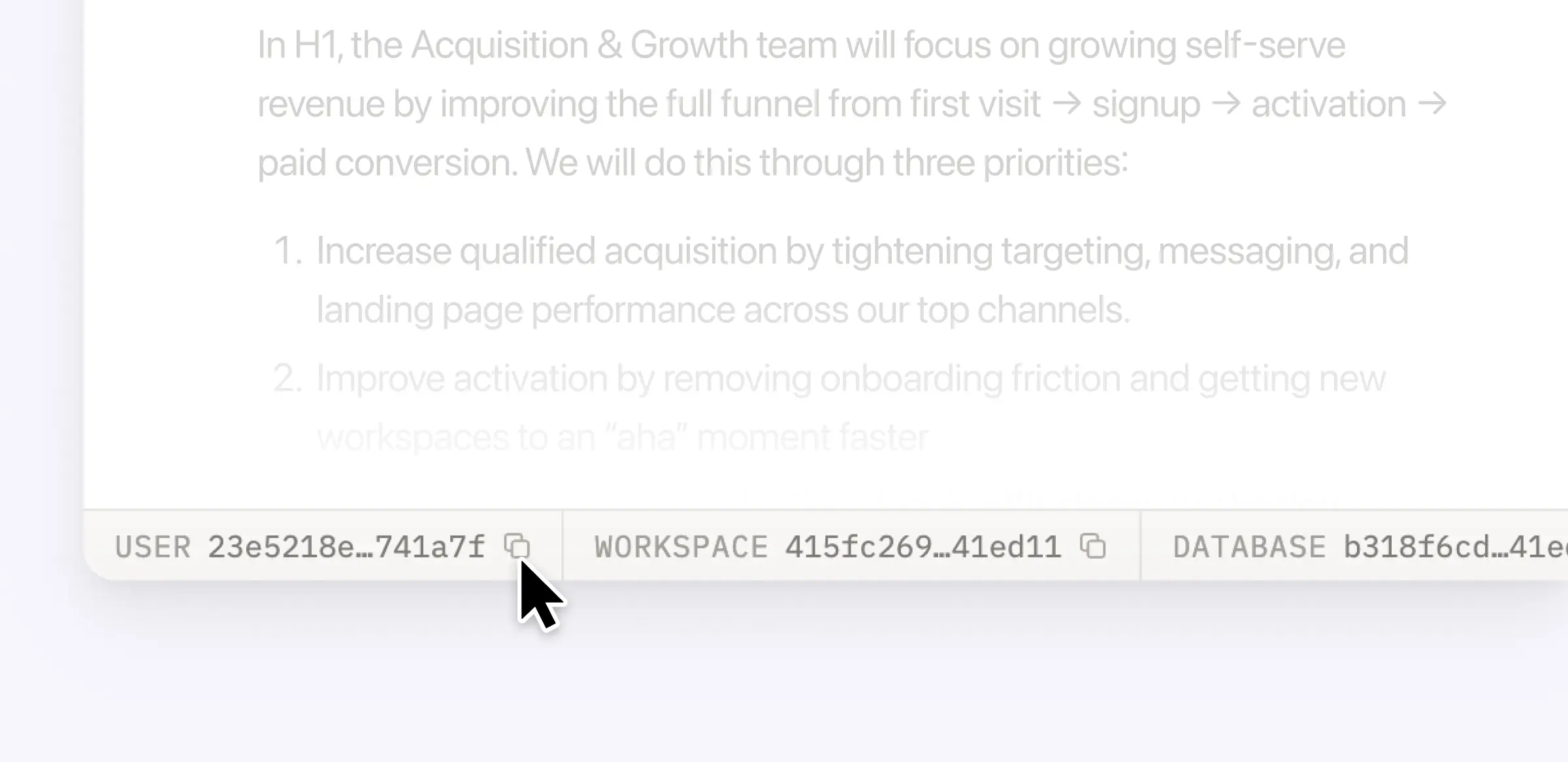
Plus, the new developer bar makes it easy for anyone building with the API to find IDs for the page, database, block, workspace, or user. Copy any one of them, or the full API object, in one click.

Developer bar

Get started from Settings → Developer → Enable developer features. Go there now →

Model selection, simplified

No more guessing which model to use.

The model picker now leads with a shortlist of models made for your hardest tasks, and every model has a scorecard to compare speed, intelligence, and cost. Pin your favorites for easy access and dial up the effort when you need a more thorough answer.

AI Meeting Notes can now trigger Custom Agents

Custom Agents can now run right after an AI Meeting Note is finished. No more need to manually update status trackers, post recaps to the project channel, or file tickets by hand.

Here’s a few of our favorite post-meeting workflows:

  • Update your project tracker with the latest status

  • Post a recap to Slack or email with decisions and next steps

  • Turn feedback into tickets for your engineering team

To get started, open your Custom Agent’s settings, add the Meeting note summarized trigger, and choose which meetings kick it off. After your next call, your agent will get to work.

High contrast mode

Accessibility win! High contrast mode is a new display option that makes text, icons, and borders easier to read.

Try it by going to Settings > Preferences > Appearance. Available on desktop and web.

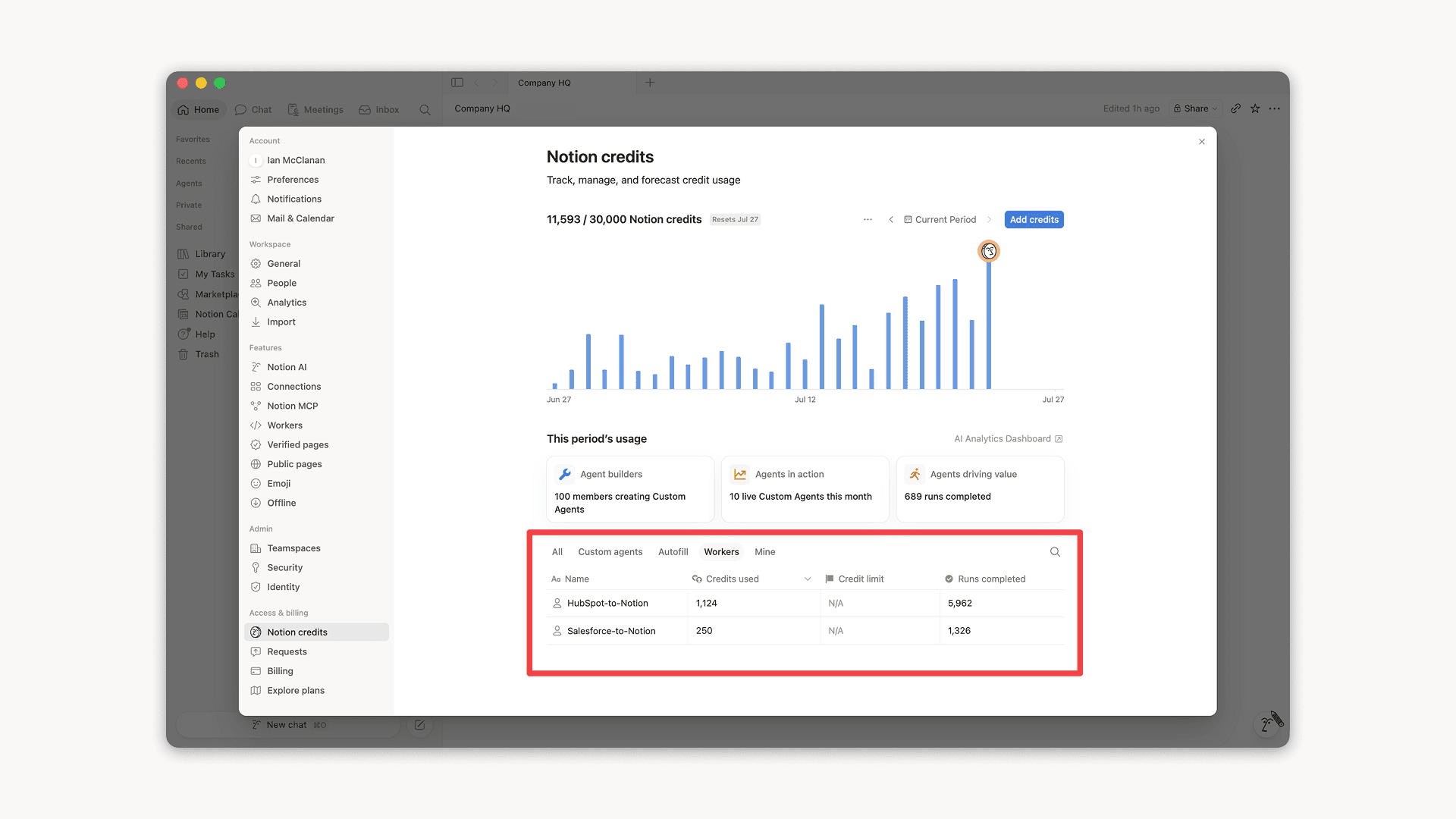
Workers, now in your Notion credits dashboard

Workers in the credits dashboard

Notion Workers run custom code on Notion's infrastructure to sync data, power tools for Custom Agents, and trigger webhook automations.

Now you can track your Workers’ usage in the credits dashboard, alongside your other spend.

Workers are free to try during the beta on Business and Enterprise plans (including Business trials). Usage is now visible in the dashboard to help your team size credits before the beta ends.

Learn more about the Notion Workers beta and pricing in our Help Center →