
SuperPost
Información
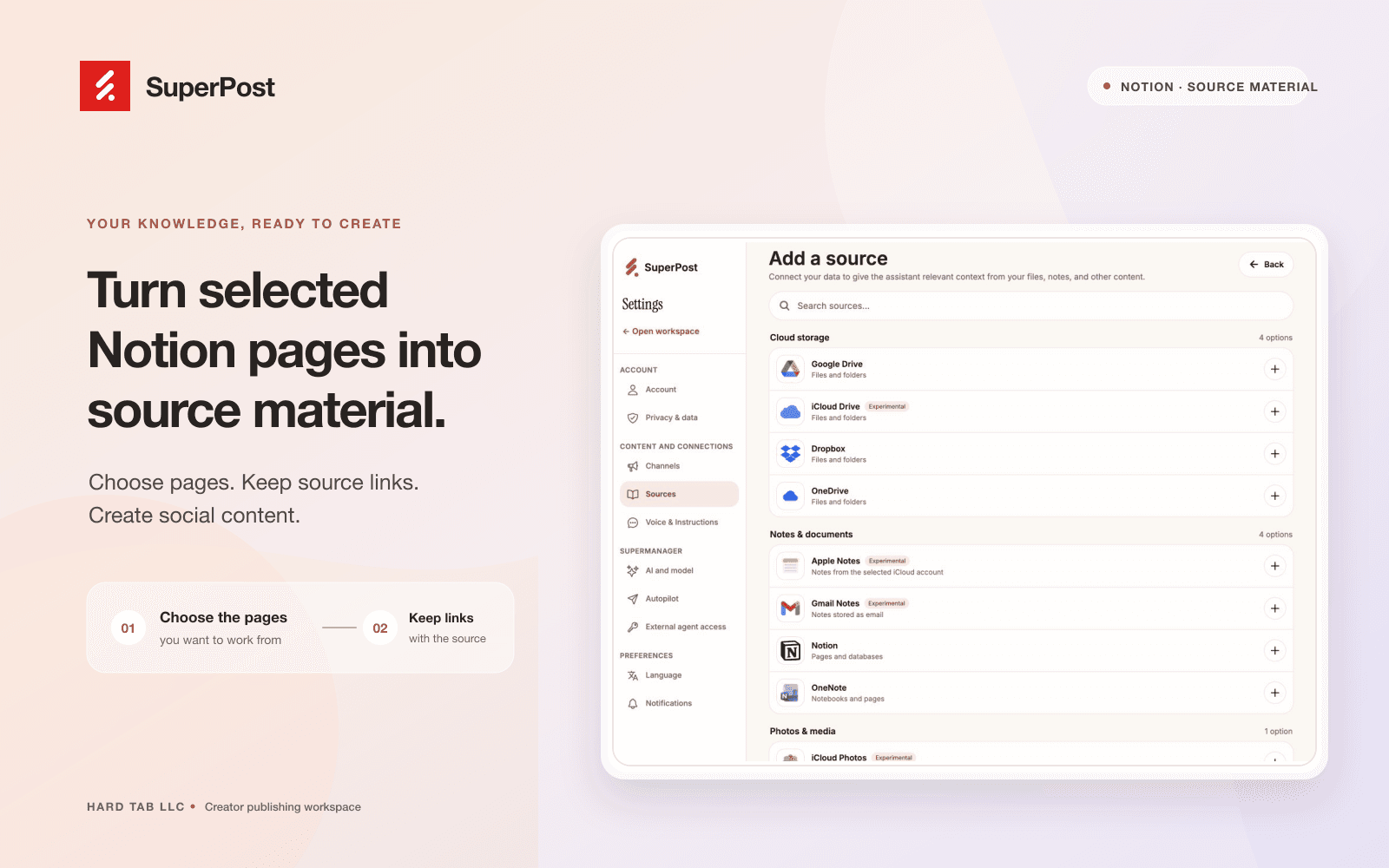
Connect Notion to SuperPost to use pages you select as source material for social content. SuperPost reads the connected pages and preserves their source links so you can review the original material while planning and writing posts.
You choose which pages to share during Notion authorization. The connection reads content; it does not create, edit, or delete your Notion pages. Manage your sources and disconnect the connection from SuperPost settings.
Funciones
- Leer contenidoPuede leer páginas, bases de datos y bloques compartidos con esta conexión.
- Ver los usuarios del espacio de trabajoLee información básica del perfil sobre los miembros e invitados del espacio de trabajo, incluidas sus direcciones de correo electrónico.
Cómo se usa
1. Sign in at https://superpost.social
2. Open Settings → Sources and choose Notion.
3. Authorize the connection and select the pages you want SuperPost to read.
4. Return to SuperPost, choose source pages, and review the imported material before using it to create social content.
5. You can disconnect Notion from Settings → Sources.
Detalles
- Marketing