
Información
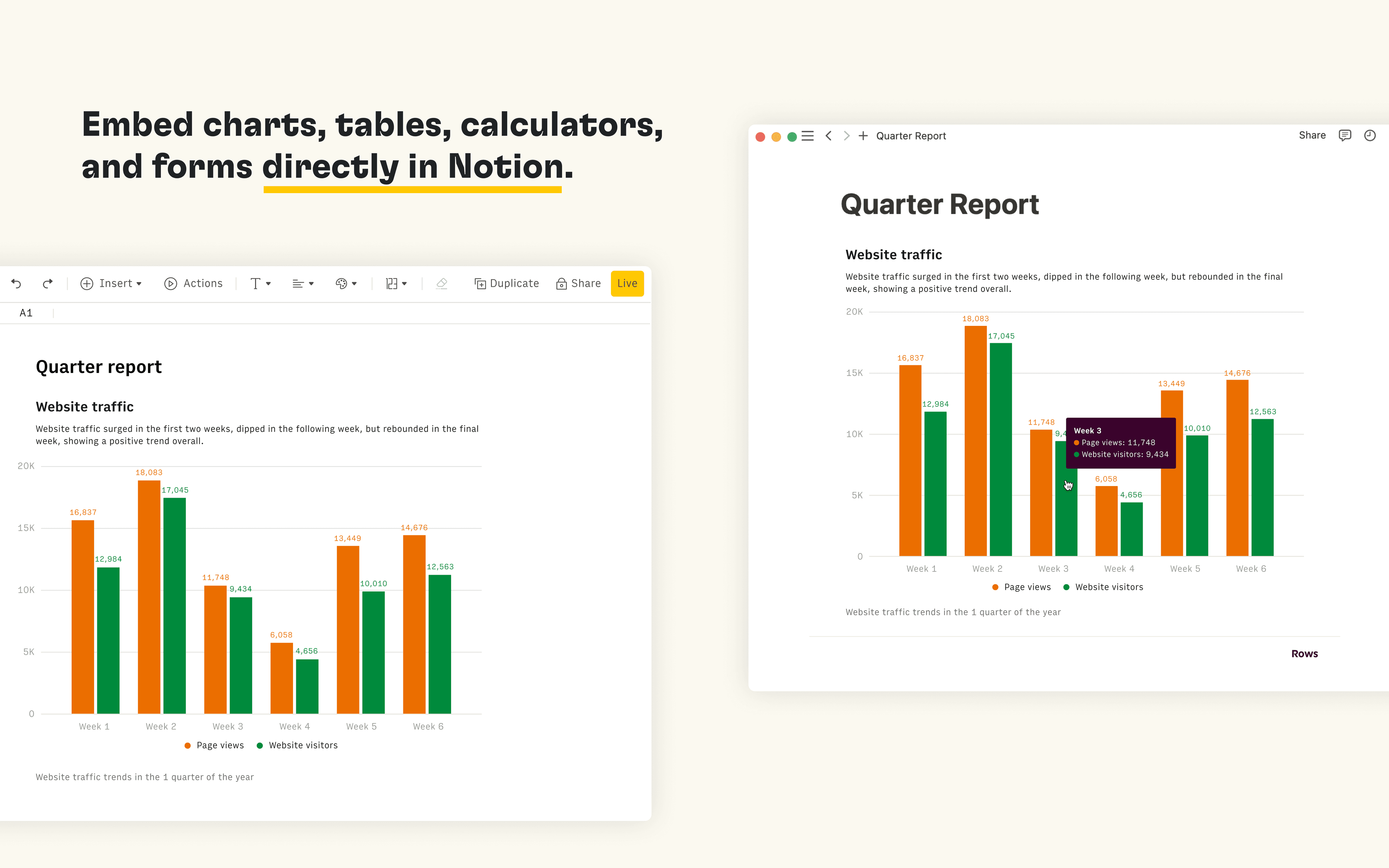
Rows is the spreadsheet where data comes to life. The Notion integration in Rows allows you to import and query your Notion databases in Rows, analyze and transform data using AI, and embed interactive tables and charts in your Notion pages.
Funciones
- Leer, insertar y actualizar contenidoPuede leer, insertar y actualizar páginas, bases de datos y bloques compartidos con esta conexión.
- Ver los usuarios del espacio de trabajoLee información básica del perfil sobre los miembros e invitados del espacio de trabajo.
Cómo se usa
Connect the Notion integration in Rows and import the contents of your databases to a table in Rows
Once you’re ready to embed your data into Notion, select
Embednext to the table, form or chart you want to share in Notion and selectCopy URL. The embed link should be in the following format:https:/ / rows. com/ embed/ projectIDPaste the Rows embed link into Notion and select
Create embedFor more information, see the Rows docs and watch the integration demo
Detalles
Categoría
- Estadísticas
Enlaces para desarrolladores