
Información
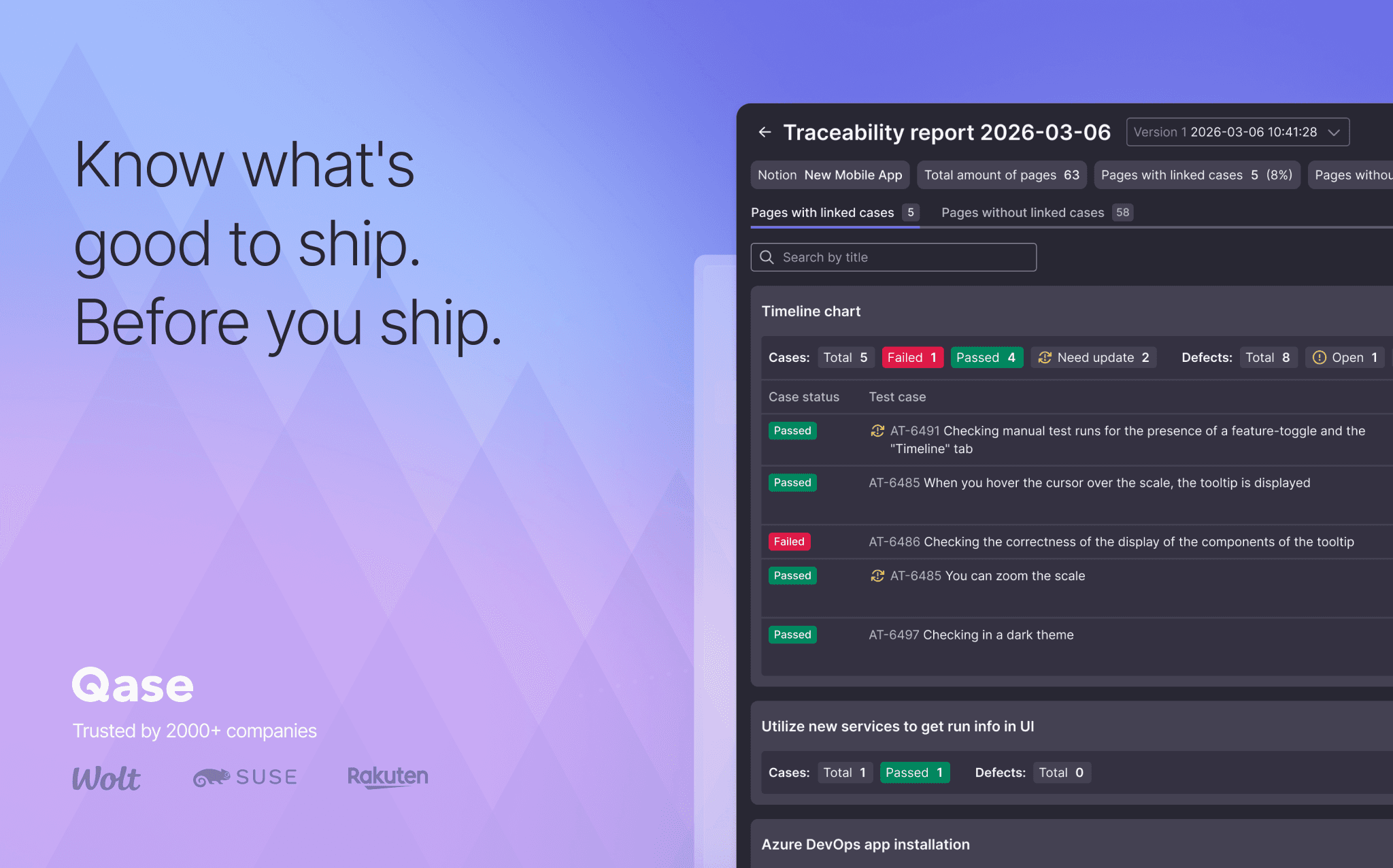
Qase is the test management platform where manual runs, automation results and AI-generated test cases live in one place. Connect Notion, and the requirement pages your team already writes feed your tests directly: link a page to its Qase test cases or defects, or open it in AIDEN, Qase's AI Test Case Designer. AIDEN can generate test cases from the spec, or import the content for you to draft from. Either way, no copy-pasting.
Funciones
- Leer, insertar y actualizar contenidoPuede leer, insertar y actualizar páginas, bases de datos y bloques compartidos con esta conexión.
- Ver los usuarios del espacio de trabajoLee información básica del perfil sobre los miembros e invitados del espacio de trabajo.
Cómo se usa
- In Qase, open Apps → Notion and authorize via OAuth.
- Browse your Notion pages and databases from inside Qase. Link them to test cases or defects.
- Open a Notion page in AIDEN's Test Case Designer. Generate cases from the spec, or draft your own from the imported content.
- Open the Requirement Traceability Report to see which Notion pages still need coverage.
Detalles
Categoría
- Desarrollo
- Automatizaciones
- Productividad
Enlaces para desarrolladores