

Información
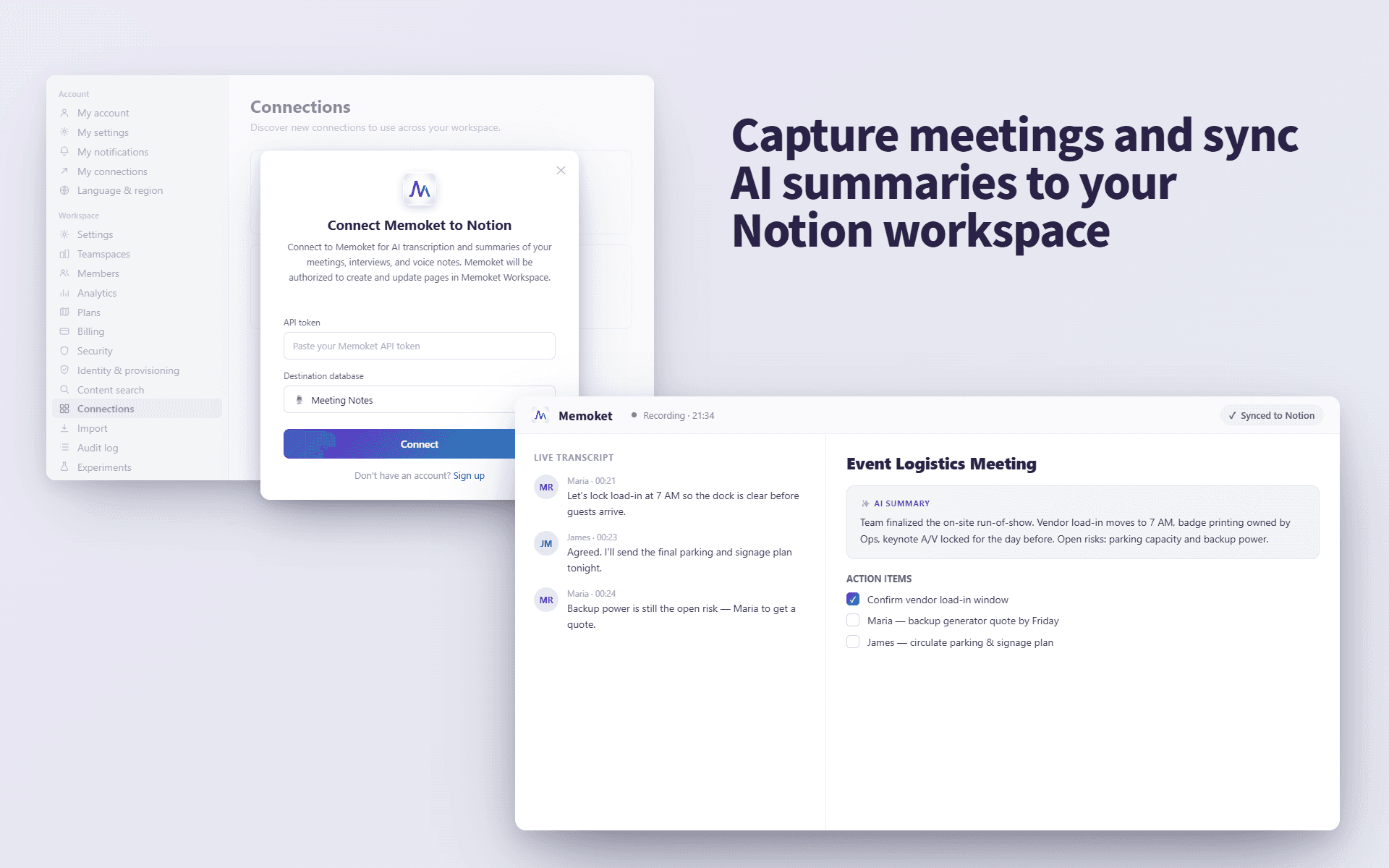
Memoket helps you turn conversations, meetings, interviews, and voice notes into structured transcripts and AI summaries, then send them directly to your Notion pages.
Use Memoket to keep important discussions, research calls, meeting notes, and personal ideas organized in your Notion workspace.
Funciones
- Leer, insertar y actualizar contenidoPuede leer, insertar y actualizar páginas, bases de datos y bloques compartidos con esta conexión.
- Ver los usuarios del espacio de trabajoLee información básica del perfil sobre los miembros e invitados del espacio de trabajo, incluidas sus direcciones de correo electrónico.
Cómo se usa
Open the Memoket app and go to Settings → Integrations (Connections), then tap "Connect Notion." You'll be redirected to Notion's authorization page, where you choose your workspace and select the specific pages you want Memoket to access. After you click "Allow access," you'll be redirected back to Memoket and the connection is active. From then on, open any recording, choose "Send to Notion," and pick a destination page — Memoket sends the transcript and AI summary to that Notion page.
Note: Memoket can only access the pages you select during authorization. You can review or revoke access anytime in Notion → Settings → Connections.
Detalles
- Gestión de archivos