
Marcomm AI
Información
Marcomm AI is where corporate communications teams write, review and publish press releases, blog posts and newsroom content.
This connection lets you send a press release or blog draft to your own Notion workspace as a new page with one click. Each person connects with their own Notion login (OAuth).
What the connection does:
- Creates a new page for the press release or draft you choose, with headings, paragraphs, lists, quotes and links preserved.
- Needs only permission to insert content and to read basic user information to show which account is connected.
- Never edits or deletes existing pages, and never reads your other Notion content.
You can disconnect at any time from Settings > Integrations > Notion in Marcomm AI.
Funciones
- Leer e insertar contenidoPuede leer e insertar páginas, bases de datos y bloques compartidos con esta conexión.
- Ver los usuarios del espacio de trabajoLee información básica del perfil sobre los miembros e invitados del espacio de trabajo, incluidas sus direcciones de correo electrónico.
Cómo se usa
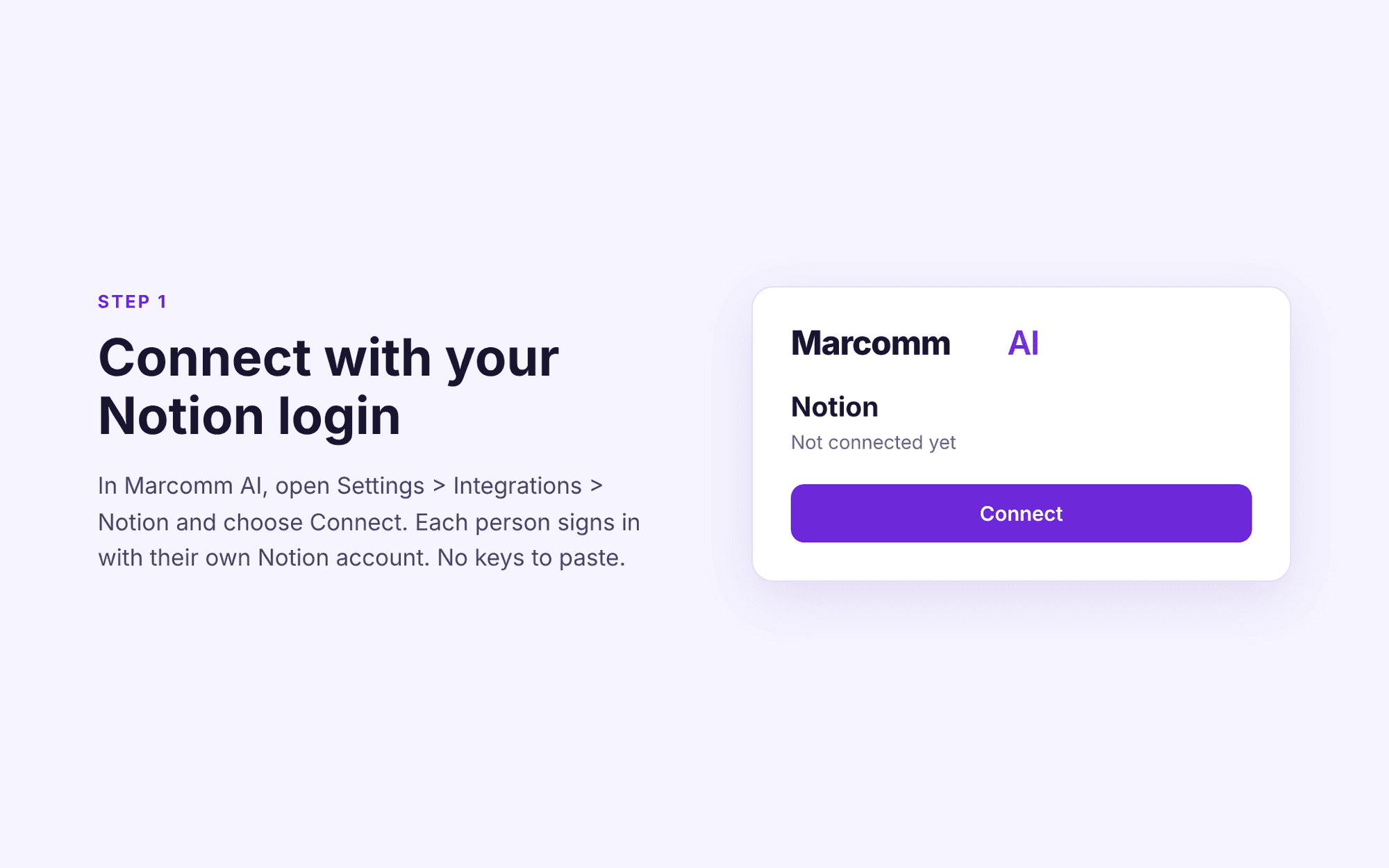
1. Sign in to Marcomm AI (https://marcomm.works) and open Settings > Integrations > Notion.
2. Click Connect, sign in to Notion and choose the pages you want to share with the connection.
3. Open any press release or blog post and choose "Send to Notion". A new Notion page is created in the location you selected.
To stop sharing, disconnect the connection in Marcomm AI or remove it in Notion under Settings > Connections.
Detalles
- Marketing
- Productividad
- Comunicación