 FlowAppz Dev
FormRelay
Información
FormRelay sends submissions from your Webflow site's forms straight into a Notion database — no copy-paste, no Zapier task limits, no code.
Connect your Notion workspace, choose which database should receive submissions, and map each form field to a database property. Every new submission becomes a new page in that database, with values written into the right columns.
Property types supported
Form fields are written into Notion using the property's own type, so your database stays queryable rather than filling up with plain text: Title, Text, Number, Select, Status, Email, Phone, URL, Date and Checkbox.
If you don't map a title property explicitly, FormRelay fills it from the submitter's name or email so pages are never left untitled.
What it does in your workspace
FormRelay only sees the pages and databases you explicitly share with the connection. It creates pages in the database you select. It does not read, edit or delete anything else in your workspace.
Delivery you can verify
Every submission is logged with its result, so you can confirm a lead reached Notion. Failed deliveries show the reason and can be retried with one click.
Also connects to
The same form can deliver to Mailchimp, HubSpot, Slack, Airtable, Klaviyo, Brevo, MailerLite, Discord, Zapier, Make and more — 16 destinations in total.
Pricing
4.99 USD per site per month, or 49.99 USD per year. Billing is handled by LemonSqueezy.
Funciones
- Leer, insertar y actualizar contenidoPuede leer, insertar y actualizar páginas, bases de datos y bloques compartidos con esta conexión.
- Ver los usuarios del espacio de trabajoLee información básica del perfil sobre los miembros e invitados del espacio de trabajo, incluidas sus direcciones de correo electrónico.
Cómo se usa
1. Create your FormRelay account
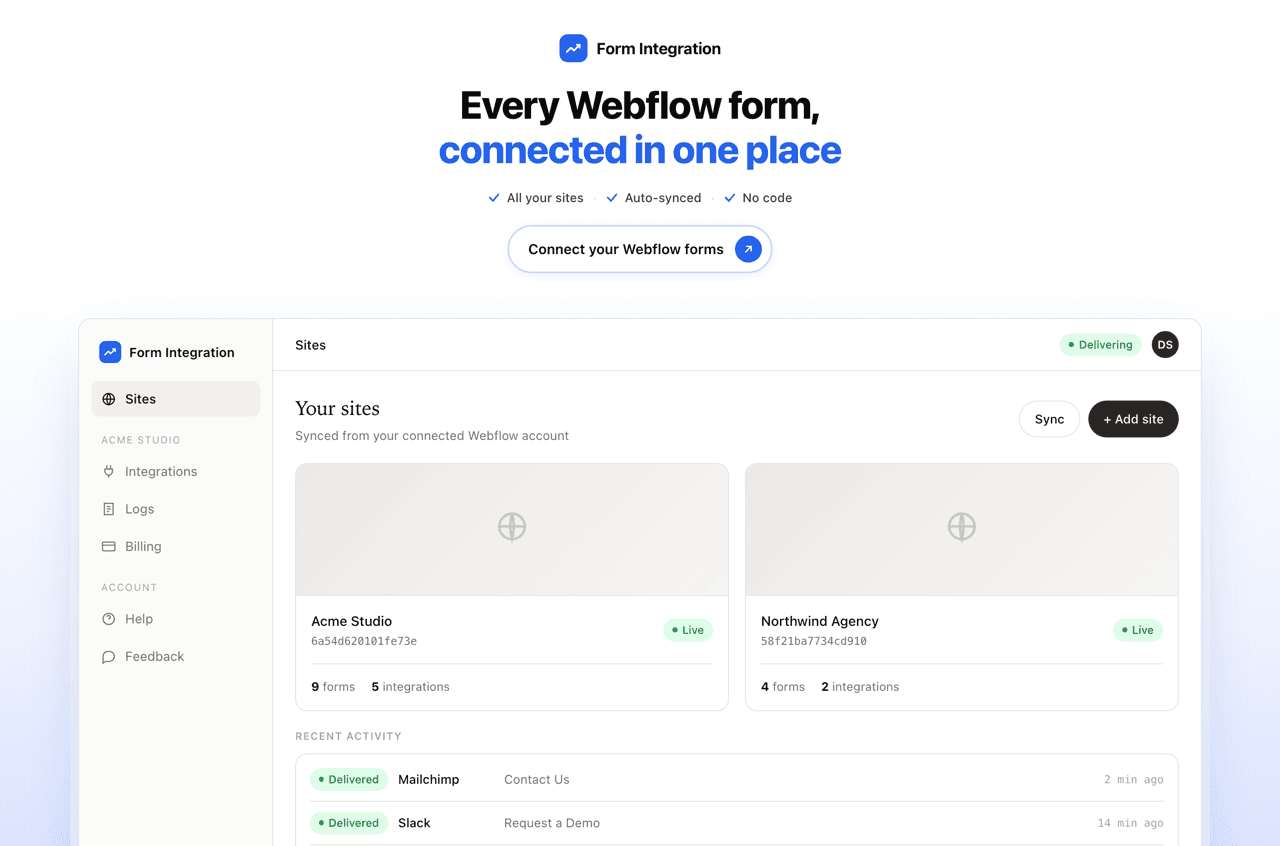
Sign up at formrelay.faizatech.com and connect your Webflow account. Your sites and forms are imported automatically.
2. Prepare a Notion database
Create (or pick) the database that should receive submissions. Add columns for the fields you want to capture — for example Name, Email, Message. The database needs one Title property, which every Notion database has by default.
3. Share the database with FormRelay
Open the database in Notion, click the ••• menu at the top right, choose Connections, and add FormRelay. Without this step the connection authenticates successfully but sees no databases — Notion only exposes pages you explicitly share.
4. Connect Notion in FormRelay
In FormRelay, open your site, go to Integrations and choose Notion. Approve the connection, then select the database you shared in step 3.
5. Map your fields
Match each Webflow form field to a Notion property. Save the mapping.
6. Test it
Submit your published Webflow form. A new page appears in your Notion database within seconds, and the delivery is recorded in the FormRelay logs.
Detalles

- Marketing
- Automatizaciones
- Formularios