
Drata
Información
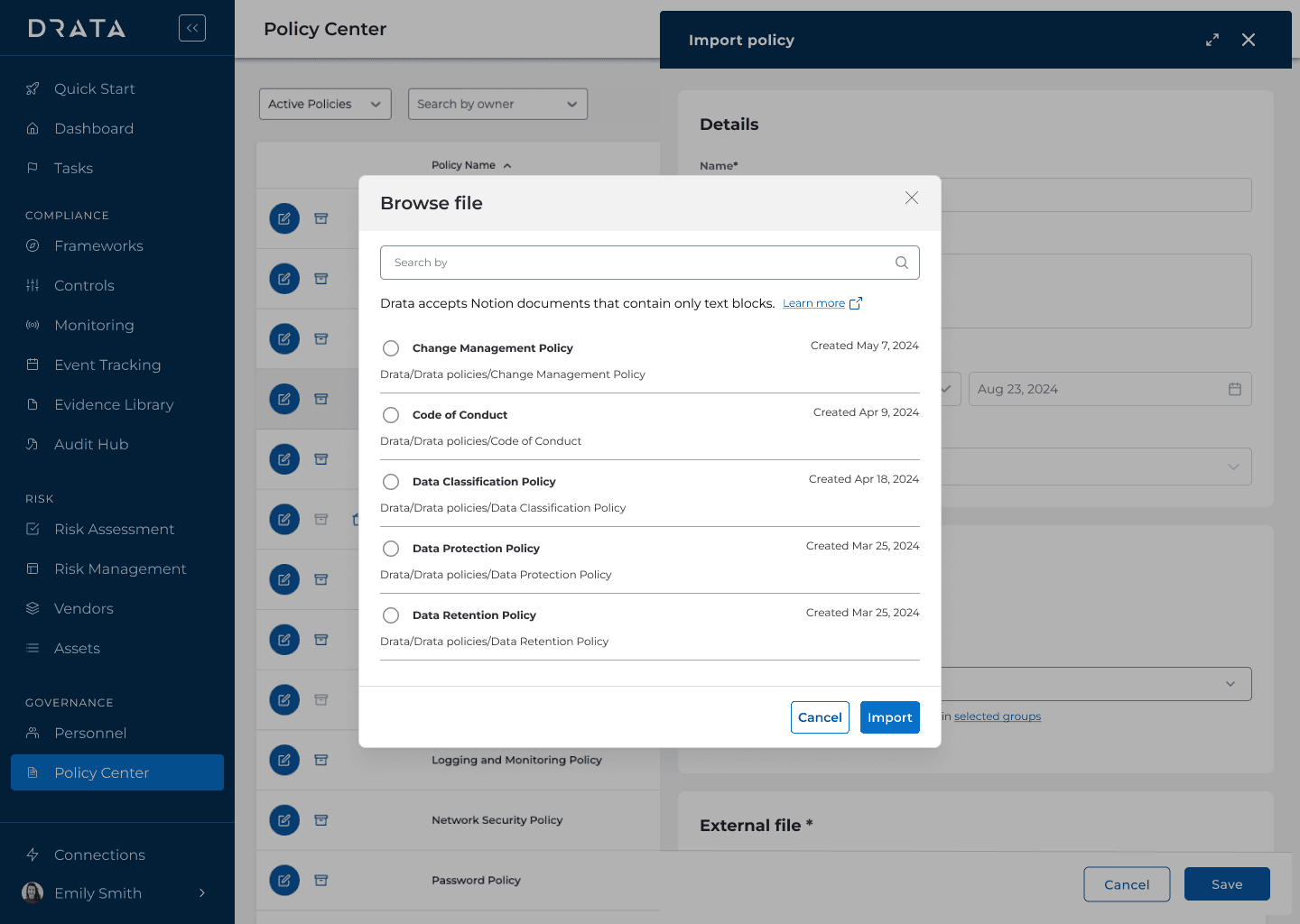
Connect Notion to Drata so that you can sync and manage policies from Notion in Drata. Expand your policies while utilizing Drata for the approval and acknowledgement of those policies.
Cómo se usa
Prerequisites
Ensure the personnel connecting Notion to Drata also has administrative access to an enterprise Notion workspaces that contain the policy pages.
Configure the pages so that it is ready to sync into Drata
Ensure that the pages are not personal pages or pages in private spaces.
Ensure that the pages do not contain database blocks.
Pages with attachments are synced but the attachments are not synced.
Enable Notion
Select Connections on the side navigation menu.
Select the Available connections tab, search for Notion, and select Connect.
You are redirected to Notion when you select Connect. On Notion, Allow access to grant Drata access to your Notion workspace.
Detalles
- Seguridad y cumplimiento normativo