NotionNotion
Ícono de conexión

Deepnote

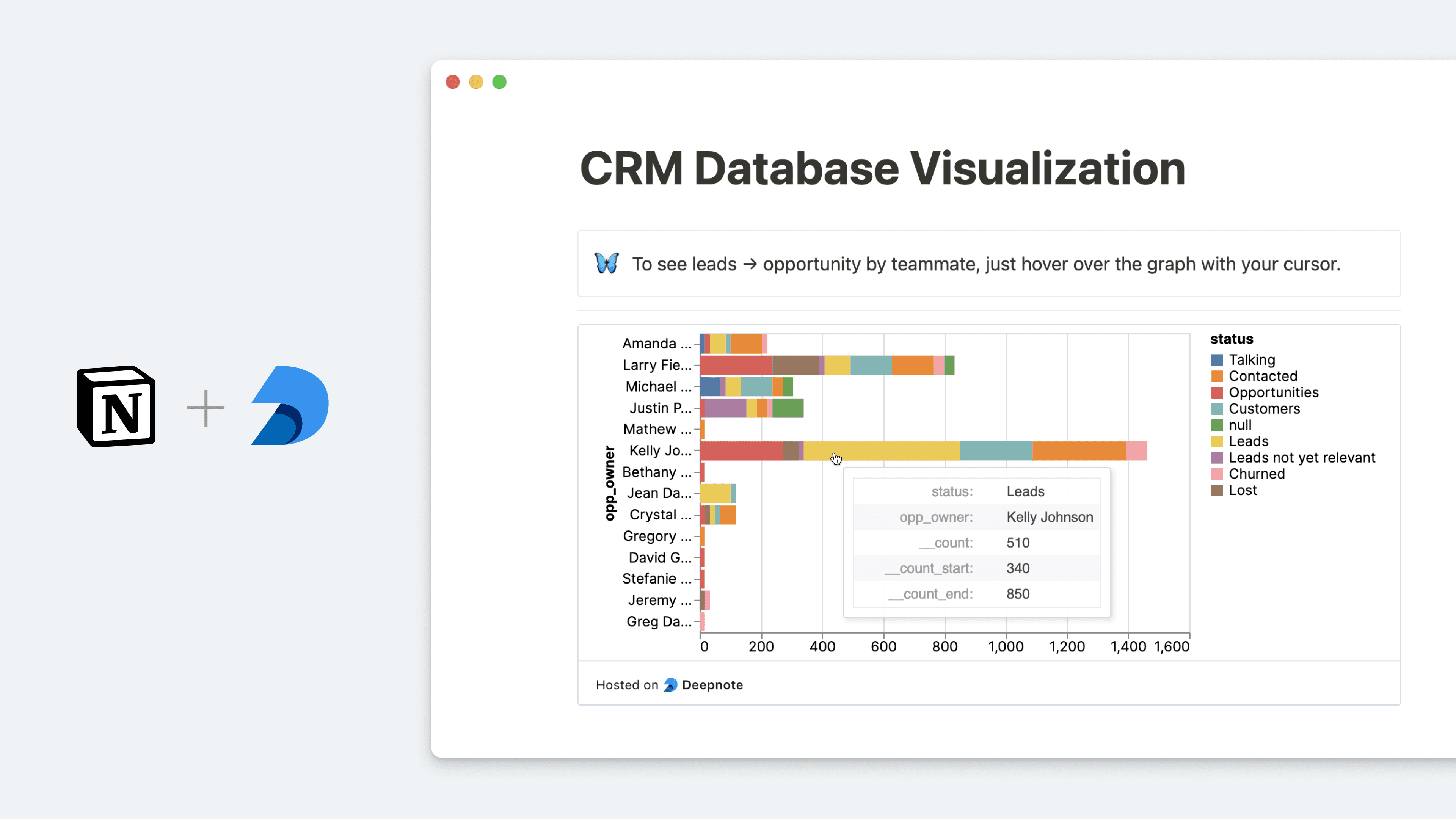
Query Notion databases and embed charts into your pages
  • Insertar
Query Notion databases and embed charts into your pages

Información

Deepnote is a data science notebook that helps teams explore data with Python and SQL, build data visualizations and share insights that lead to action. With this integration, you can query data stored in your Notion databases and analyze it in Deepnote. After visualizing your data, you can then go full-circle and embed your Deepnote charts and blocks back into Notion, keeping your data insights and context all in one place.

Cómo se usa

  • In Deepnote, select the block you want to embed into Notion select Share block copy the Share block URL (formatted as https://embed.deepnote.com/...)

  • Paste the copied link into Notion, then select Embed Deepnote. You can also type /deepnote into a Notion page - a field will come up that allows you to paste Deepnote links

  • To learn more about how to query Notion databases in Deepnote and set up the integration, follow this guide

Detalles

Creada por
Categoría
  • Estadísticas
Enlaces para desarrolladores
Todas las marcas comerciales de terceros (incluidos logotipos e íconos) a las que se hace referencia en este documento son propiedad de sus respectivos propietarios. A menos que se indique expresamente que fueron creadas por Notion, las conexiones no cuentan con soporte ni mantenimiento por parte de Notion. Los productos o servicios de terceros a los que se vinculan las conexiones son aplicaciones que no pertenecen a Notion (según se define en el Acuerdo de suscripción principal o en los Términos de uso personal de Notion, según corresponda). Al activar cualquier conexión o usar la Galería de conexiones de Notion, aceptas los Términos de la Galería de conexiones de Notion.