Adam

Jasper
Información
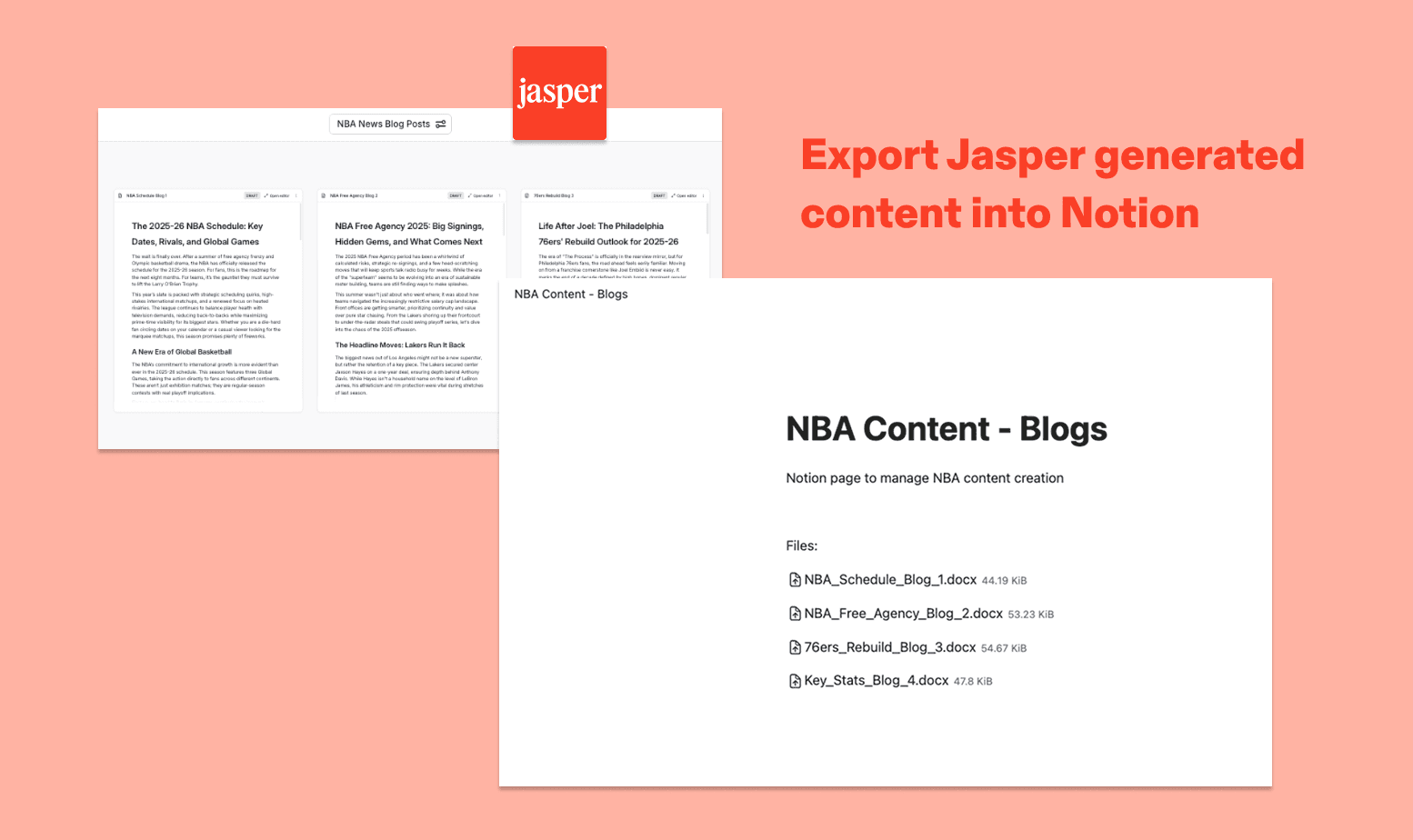
With Jasper's Notion integration, you can export documents, images, and other assets directly into your Notion workspace. Once connected, simply browse your existing Notion pages or create a new one, and your content will be uploaded as a DOCX or PNG — ready to share, review, or publish.
Funciones
- Leer, insertar y actualizar contenidoPuede leer, insertar y actualizar páginas, bases de datos y bloques compartidos con esta conexión.
- Ver los usuarios del espacio de trabajoLee información básica del perfil sobre los miembros e invitados del espacio de trabajo, incluidas sus direcciones de correo electrónico.
Cómo se usa
- A Jasper Workspace admin enables the Notion integration in Jasper. This makes Notion available as a connection option for all users in the Workspace.
- Each Jasper user connects their Notion account, either from the Integrations settings page or when they first try to export content to Notion.
- Notion will prompt the user to review the permissions Jasper is requesting: viewing and editing pages, creating new content within selected pages, and viewing workspace users and their emails.
- The user then selects which Notion pages Jasper should have access to. Only the pages selected here will be accessible to Jasper.
- Once authorized, Jasper is connected to the user's Notion account and ready to use.
Detalles
Categoría
- Marketing
Enlaces para desarrolladores