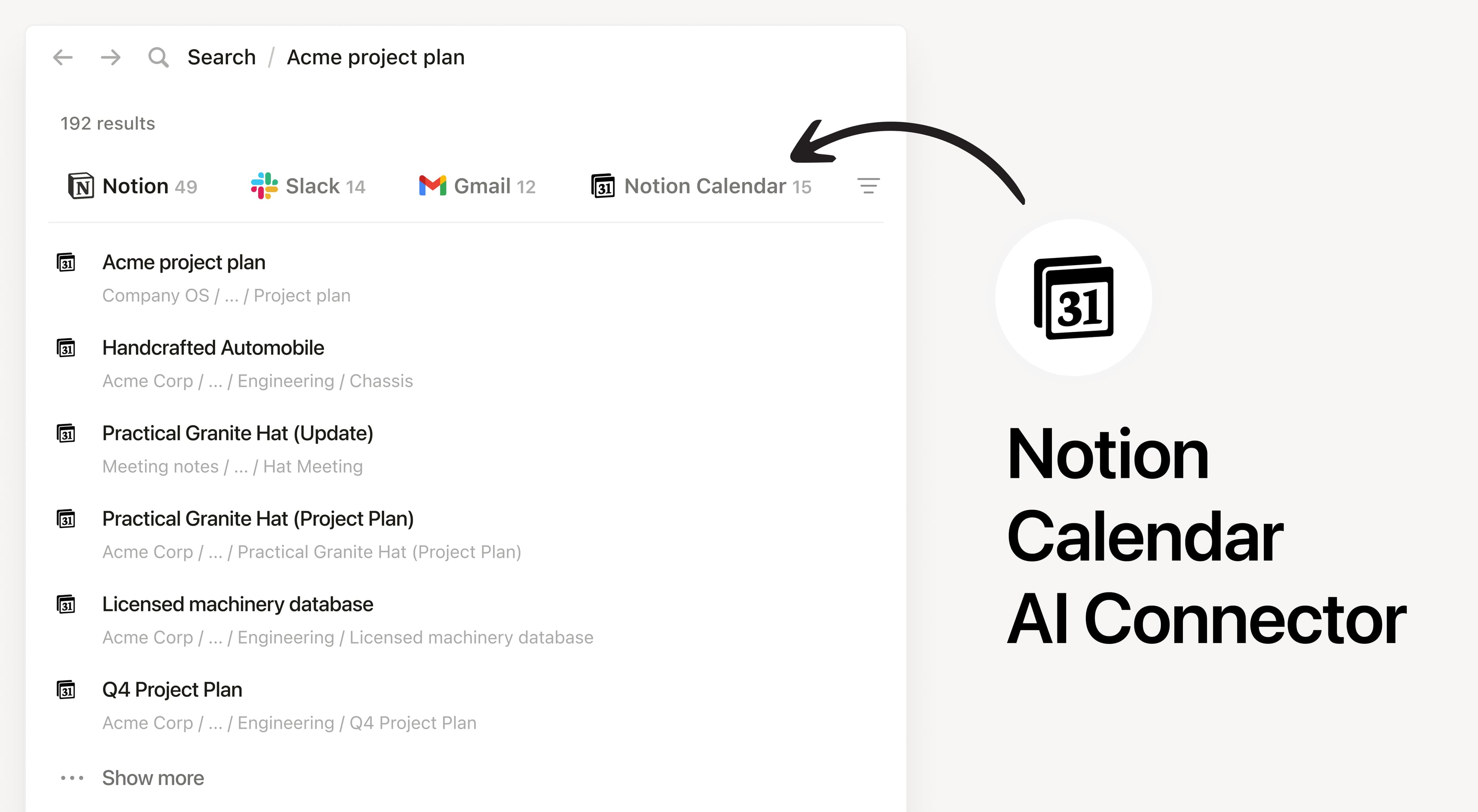

Notion AI Connector for Notion Calendar
المزيد من عمليات التكامل
monah
A focus timer that lives on your Mac, next to your Notion tasks.
Mind Mapping
Brainstorm visually, then send to Notion
OneRequest
Automatically sync form submissions and document requests to your Notion databases. One link collects everything — Notion organises it
Ajeris
Run your Notion workspace from SMS, Whatsapp, Telegram. Log meeting notes, query CRM databases, append to your brain dump all from your phone.
Reattend
Save things you never want to forget
Zendesk Connector
The Zendesk + Notion connector lets you automate workflows, create new pages, add comments and more