

نبذة
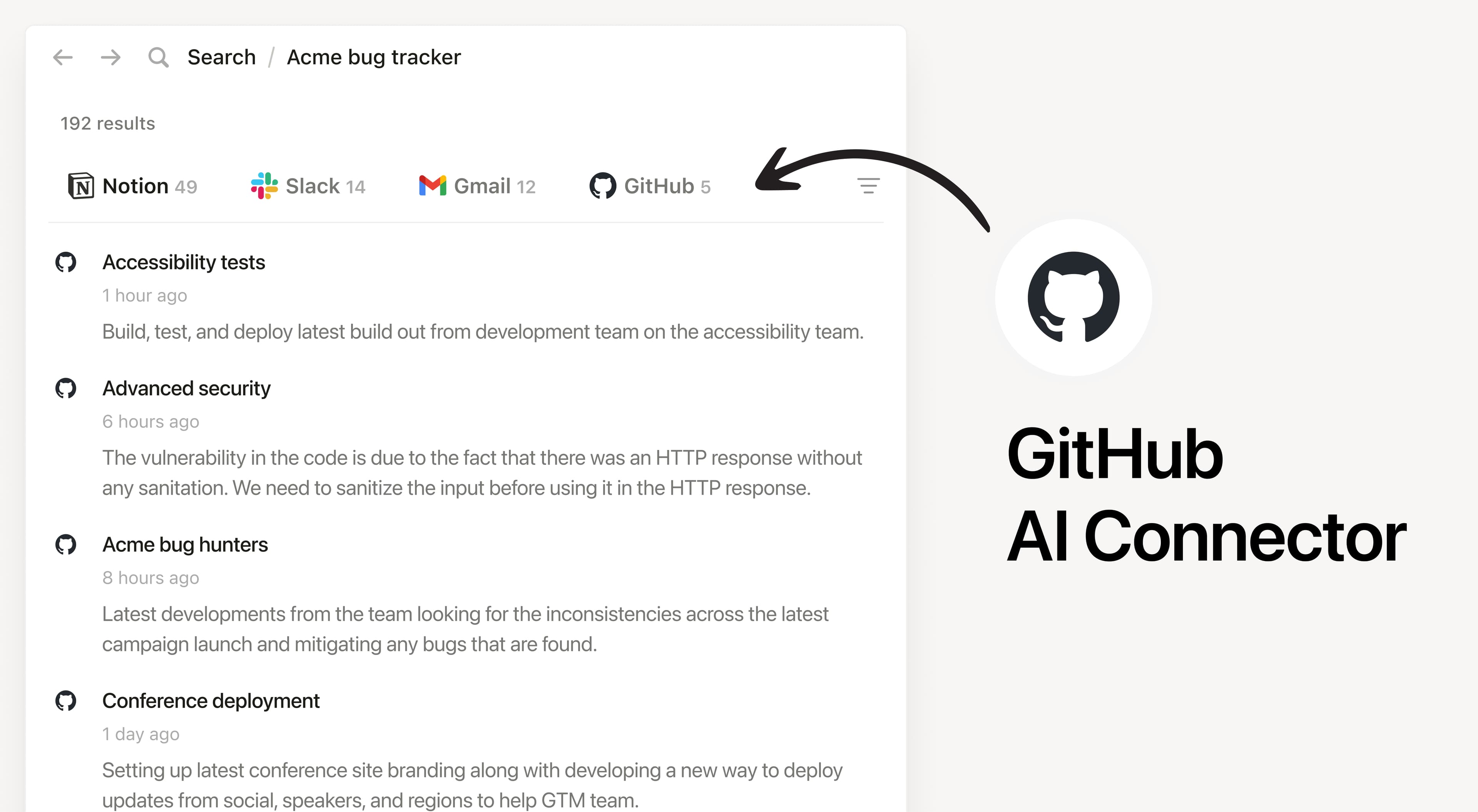
Install Notion's AI Connector to your GitHub Organization. Get the latest and most relevant context on your code files ranging from PR descriptions, Issues, conversations, READMEs, and more without having to leave Notion.
طريقة الاستخدام
Must be a Notion workspace owner on the Business or Enterprise plan and GitHub organization owner to connect.
In Notion, navigate to GitHub AI Connector by going to Settings → Notion AI → AI Connectors → GitHub and follow the setup steps. You'll be taken to GitHub to continue.
Once the connection is made, members of your Notion workspace must log in to access the repositories that they have access to.
For detailed instructions, check out our Help Center.
After installation is complete, ask Notion AI about a recent example of how your team implemented a feature or when a product was shipped in GitHub.
