NotionNotion
أيقونة عملية الربط

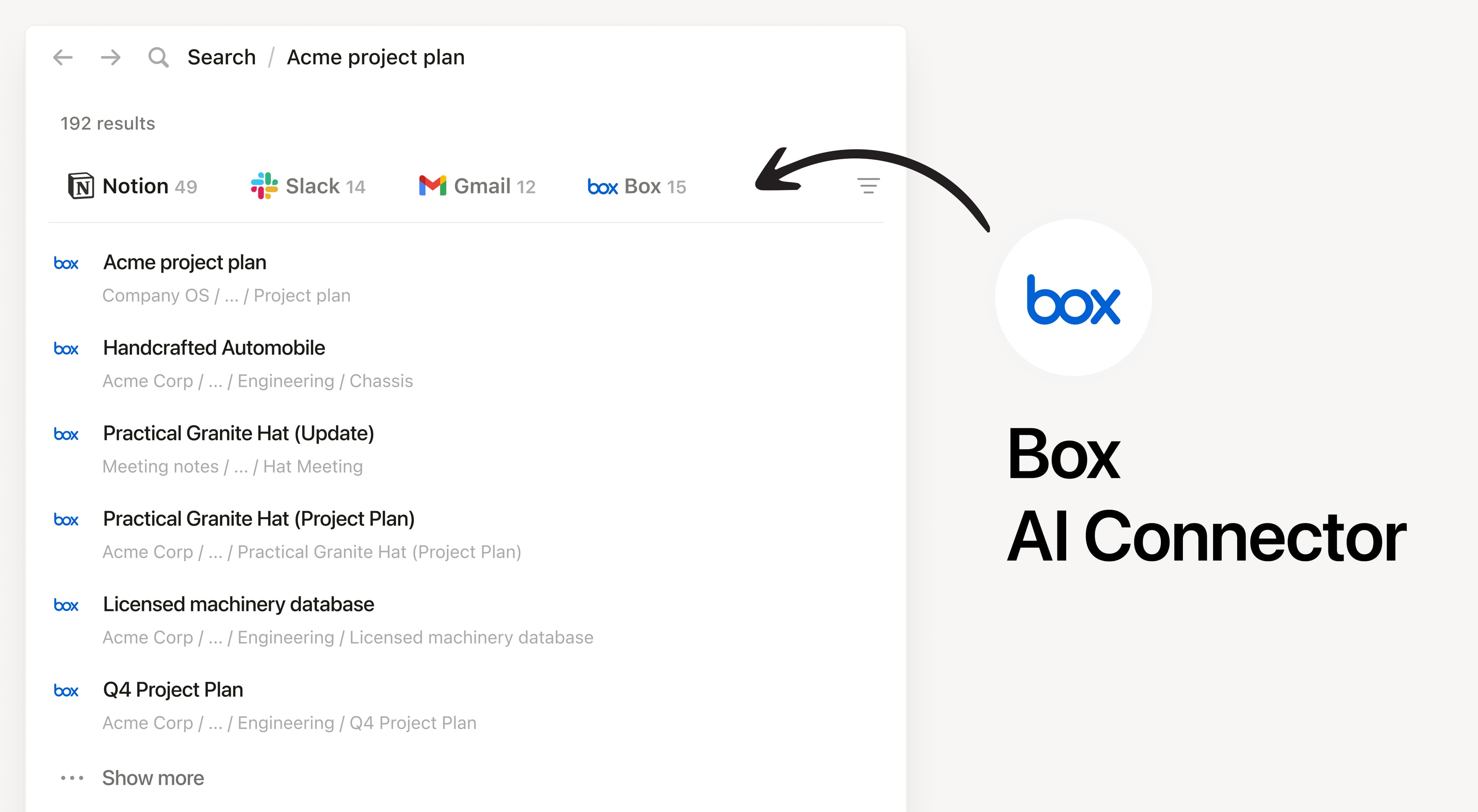
Notion AI Connector for Box

Search your Box files and folders in Notion

نبذة

Install Notion’s AI Connector to your Box account. Search your files and folders hosted in Box to answer questions and summarize information without having to leave Notion.

طريقة الاستخدام

Must be a Notion workspace owner on the Enterprise plan and Box Admin to connect.

In Notion, navigate to the Box AI Connector by going to Settings → Notion AI → AI Connectors tab → Box and follow the setup steps. You’ll be taken to Box to continue.

For detailed instructions, check out our Help Center.

After installation is complete, ask Notion AI to summarize the key decisions and action items in a specific file or compare two docs to list what changed.

التفاصيل

مُعدّ بواسطة
الفئة
  • التعاون
  • الإنتاجية
جميع العلامات التجارية التابعة لجهات خارجية (بما في ذلك الشعارات والأيقونات) المشار إليها هنا ملك لأصحابها المعنيين. ولا تدعم Notion عمليات الربط أو تتولى صيانتها، ما لم يُنص صراحةً على أنها من تطوير Notion. وتُعد المنتجات أو الخدمات التابعة لجهات خارجية التي ترتبط بها عمليات الربط تطبيقات غير تابعة لمنصة Notion (وفقاً للمحدد في اتفاقية الاشتراك الرئيسية أو شروط الاستخدام الشخصية لدى Notion، حسب الاقتضاء). وعند تفعيل أي ربط أو استخدام معرض اتصالات Notion، فإنك توافق على شروط معرض اتصالات Notion.