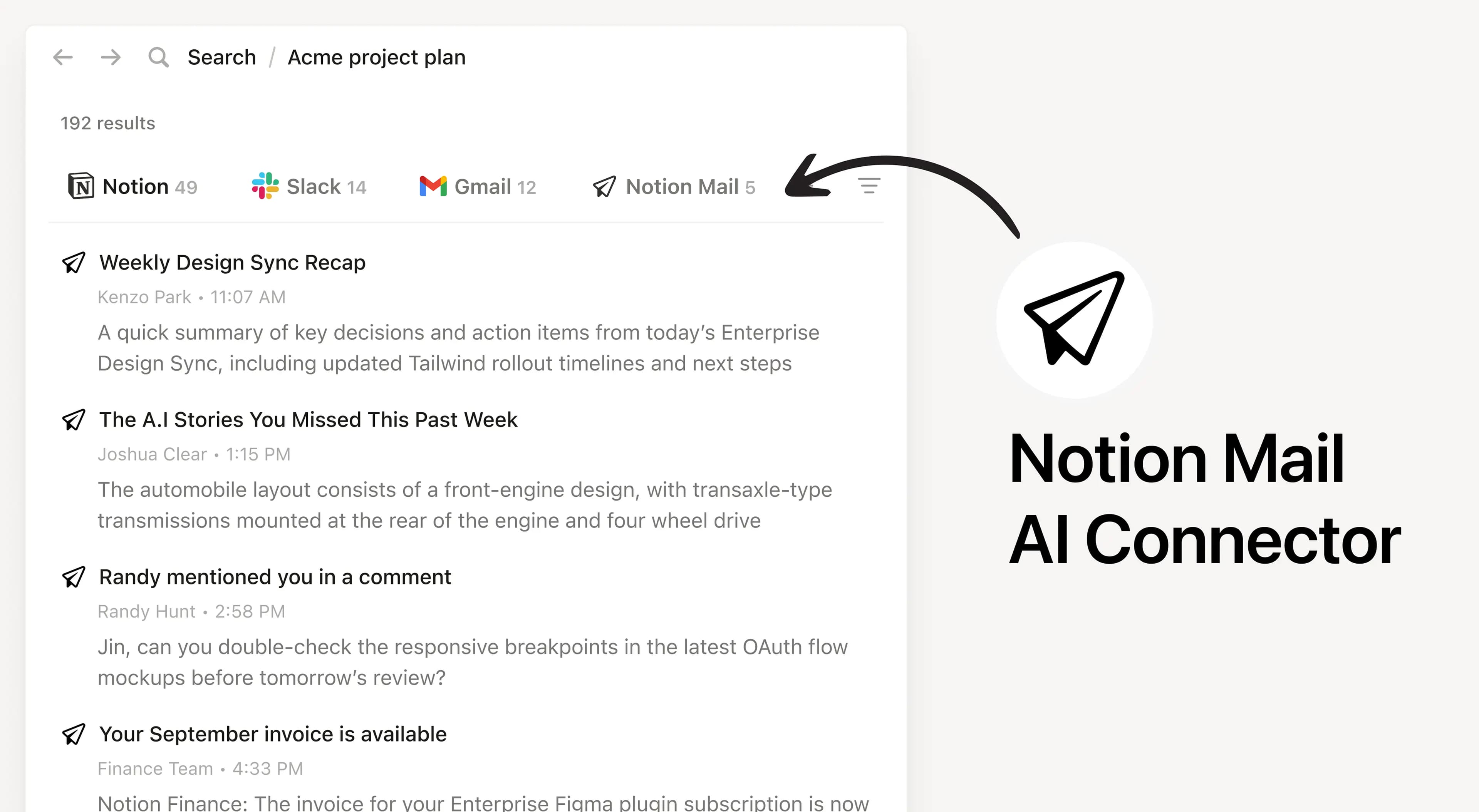
Notion AI Connector for Notion Mail
Overview
Install Notion’s AI Connector to your Notion Mail account. Available on all plans, subject to Notion AI’s complimentary responses with unlimited usage on the Business and Enterprise plans. Easily find and summarize email threads, search your inbox with natural language, and access important communications seamlessly across Notion tools.
How to use
Anyone on any Notion plan can connect Notion Mail to Notion AI. Users must create a Notion Mail account in order to set up the connection successfully. At this time, the email you use for Notion Mail must match with the email you use for your Notion workspace.
In Notion, navigate to Notion Mail Connector by going to Settings → Notion AI → AI Connectors → Notion Mail and follow the setup steps.
For detailed instructions, check out our Help Center.
After installation is complete, ask Notion AI to summarize recent emails from a specific sender or search for emails about a particular topic for quick access.
- 由
- Notion
- 类别
- Notion AI
- 协作
- 效率
- 功能
更多集成
Front
Connect your team's Notion workspace to Front AI and enhance customer communication with knowledge-powered responses
Konnectify
Connect Notion to your other apps and automate workflows—no code required.
BaseToPDF
Turn Notion databases and pages into professional PDFs
m2n
Convert Markdown to beautifully formatted Notion pages
Notion AI Connector for Salesforce
Search Salesforce accounts, leads, opportunities, and contacts in Notion
viaSocket
Automate Anything around AI