How Brainlabs turns client calls into action (and not busywork)
Brainlabs keeps client meeting notes, projects, and resources connected in Notion. Agents use that context to help assign follow-ups and start on repeatable work, giving teams more time to focus on their clients.
The work starts when the meeting ends
Most meeting note tools capture a list of action items. But those follow-ups can stay in a document, separate from where the work actually happens. What if the tasks were actually filed and assigned—and the work started happening as soon as the meeting ended?
That’s what Brainlabs built. The full-service media agency has more than 1,000 employees and has helped brands including Capital One, Microsoft, and Hilton grow through media, measurement, and creative.
Brainlabs keeps client resources, projects, and meeting notes together in Notion. After Notion Notetaker captures a conversation, agents use that context to assign follow-up tasks and even start drafting client deliverables.
We're building a business that is obsessively client-centric, and that means staying on top of every client need. Manual follow-ups are where things slip through the cracks. Automating them means nothing gets dropped and our people can focus on understanding our clients' businesses and finding their next growth levers, not chasing tasks.

Client meetings land in a shared workspace
The Brainlabs team was already using AI note takers, but people had their own ways of storing notes and delegating action items. That made the follow-up process different from one client to the next.
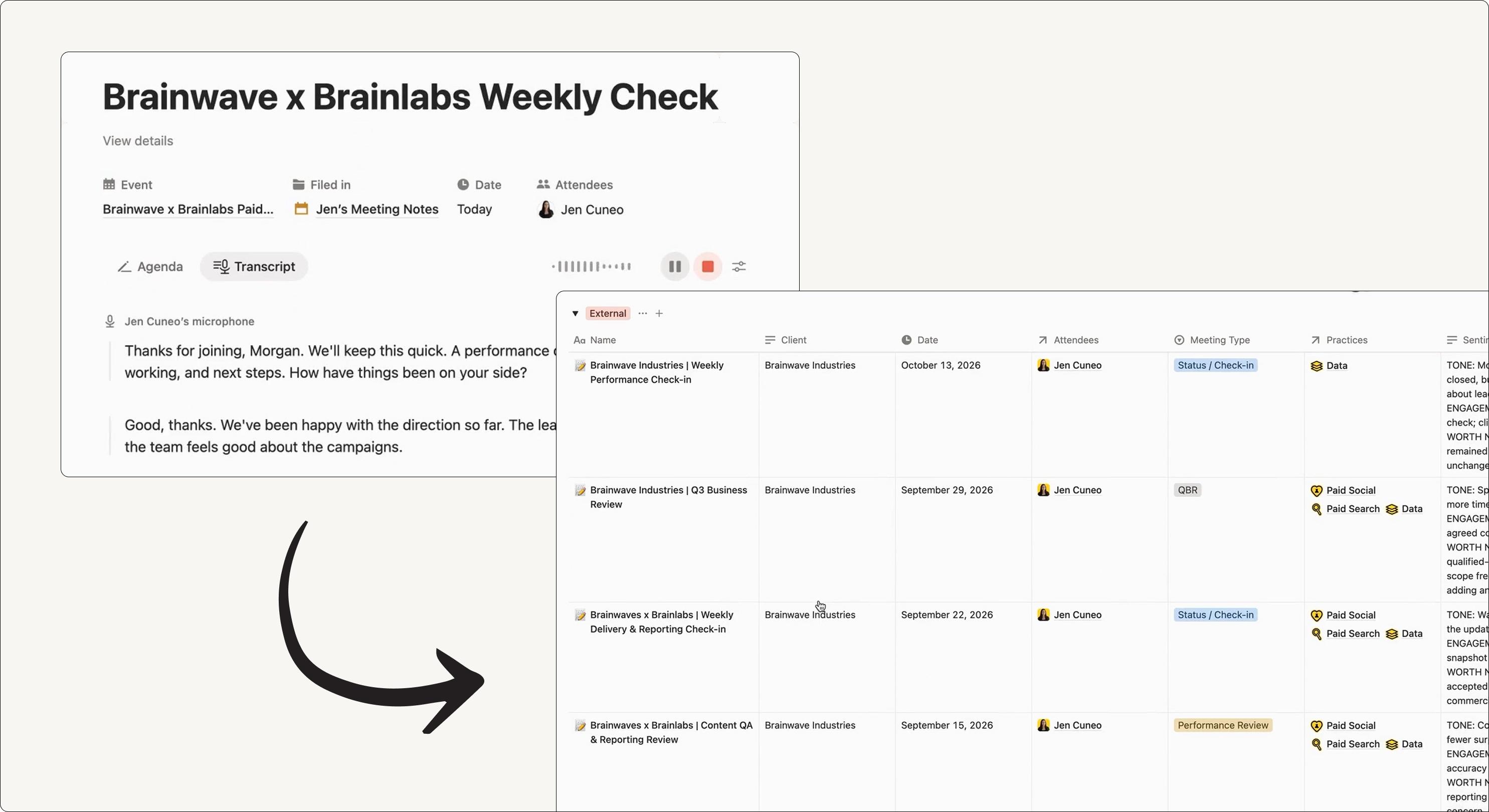
Now, during a client meeting, Notion Notetaker captures the conversation while the team focuses on the client. Jen Cuneo, Commercial Operations Manager at Brainlabs, says it helps the team “be more present with our clients” while keeping a record of their needs and follow-up action items.
Once the meeting is over, an agent routes the notes to the right client teamspace, where they live alongside the client’s other resources. The meeting page contains a summary and action items; the agent also fills in details such as attendees, meeting type, and the teams involved.
Calls get analyzed for client sentiment and risks
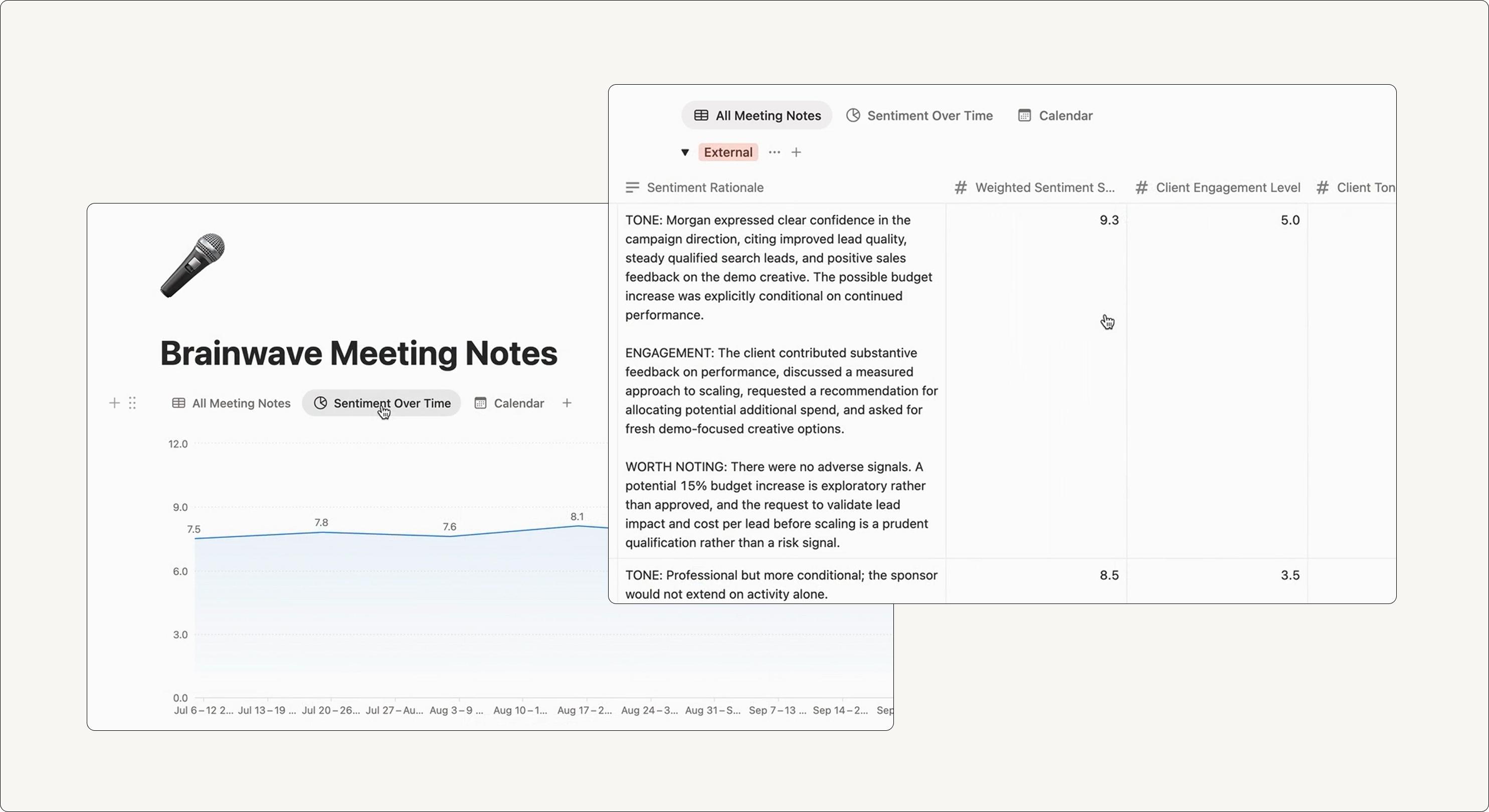
Client meetings give Brainlabs a window into how a relationship is going, from how engaged a client feels to the concerns they raise.
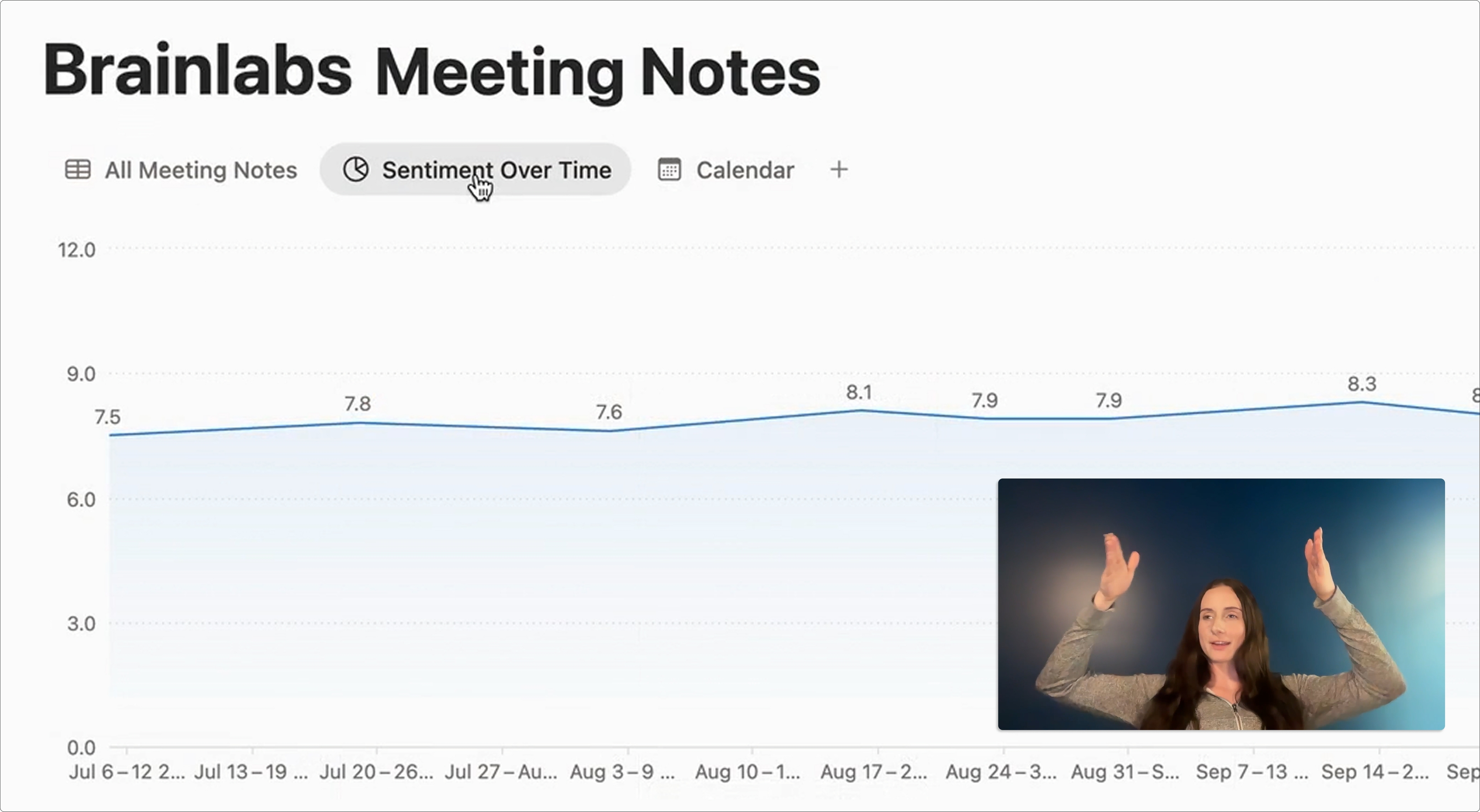
The meeting agent adds a weighted sentiment score to each meeting. It looks at client context and signals including engagement, tone, risks, and opportunities, giving the team a way to track sentiment over time.
That information could also support a next step: an agent could alert an account owner when sentiment drops or a concern comes up repeatedly, giving them a chance to follow up.
A client meeting is a huge part of the client relationship, and we feel it gives us the richest signals to really understand how the relationship is tracking.

Follow-ups get assigned to the right owner
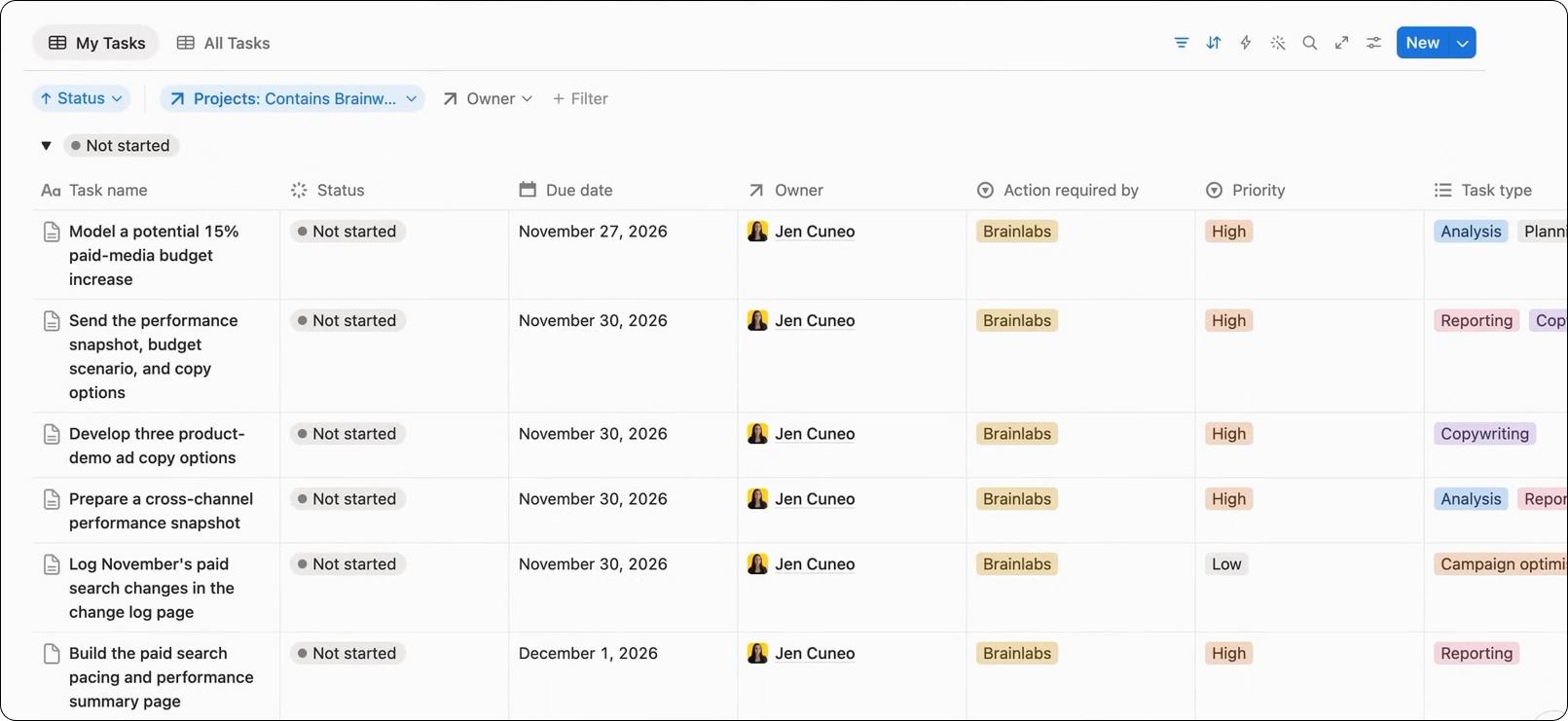
When the meeting agent finishes, it signals the task router to get to work. The router can use the client’s resources—including documented roles and responsibilities—to determine who should own each follow-up.
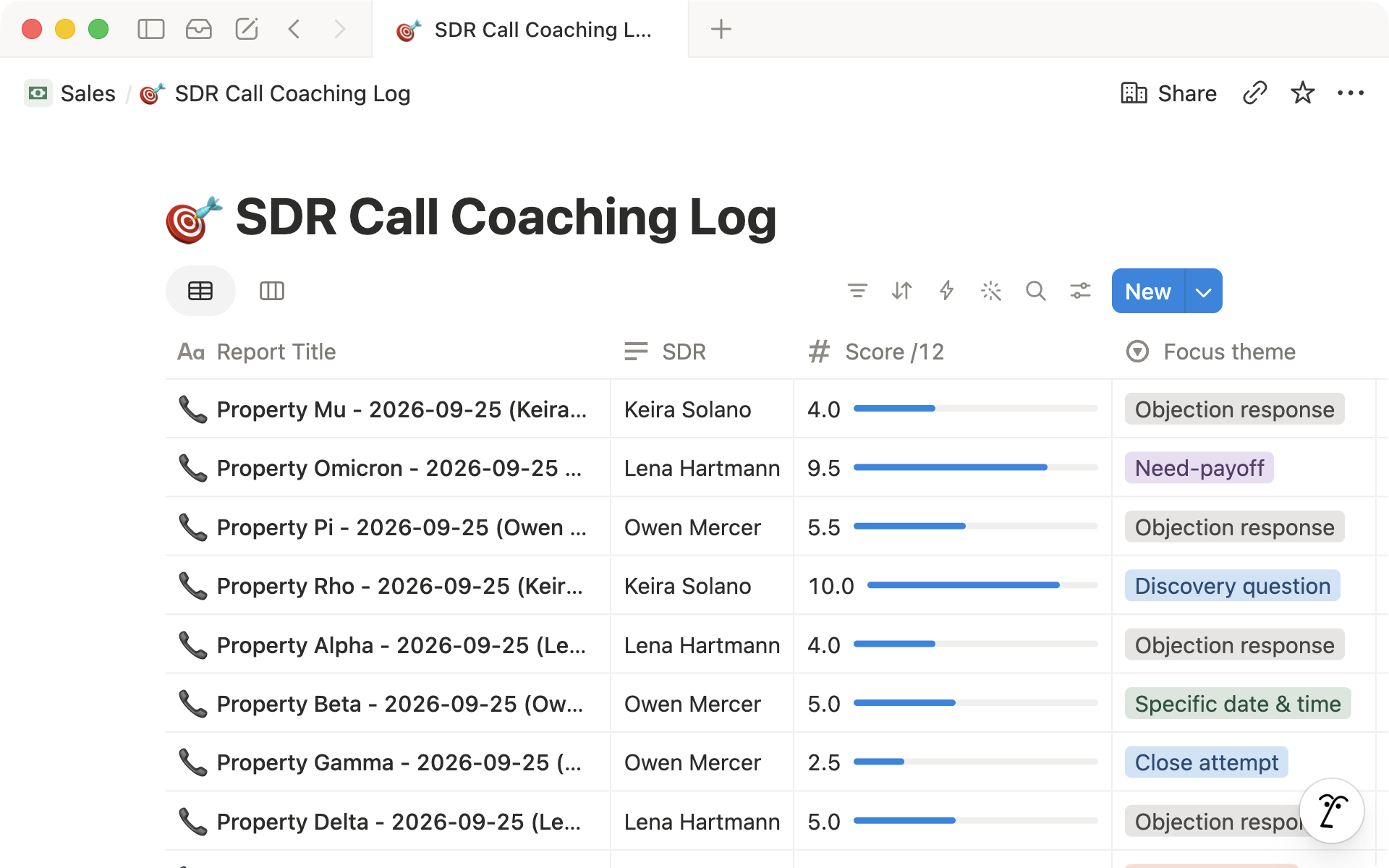
It sends tasks to the client’s project board with an owner and a link back to the source meeting, so the team can return to the conversation when it needs more context.
Agents get a head start on repeatable work
Some tasks don’t stop at assignment. Brainlabs also has agents that can start on repeatable work, using skills developed and tested by teams across the business. Jen says the agents are particularly useful for tasks such as analytics, insights, and budget pacing.
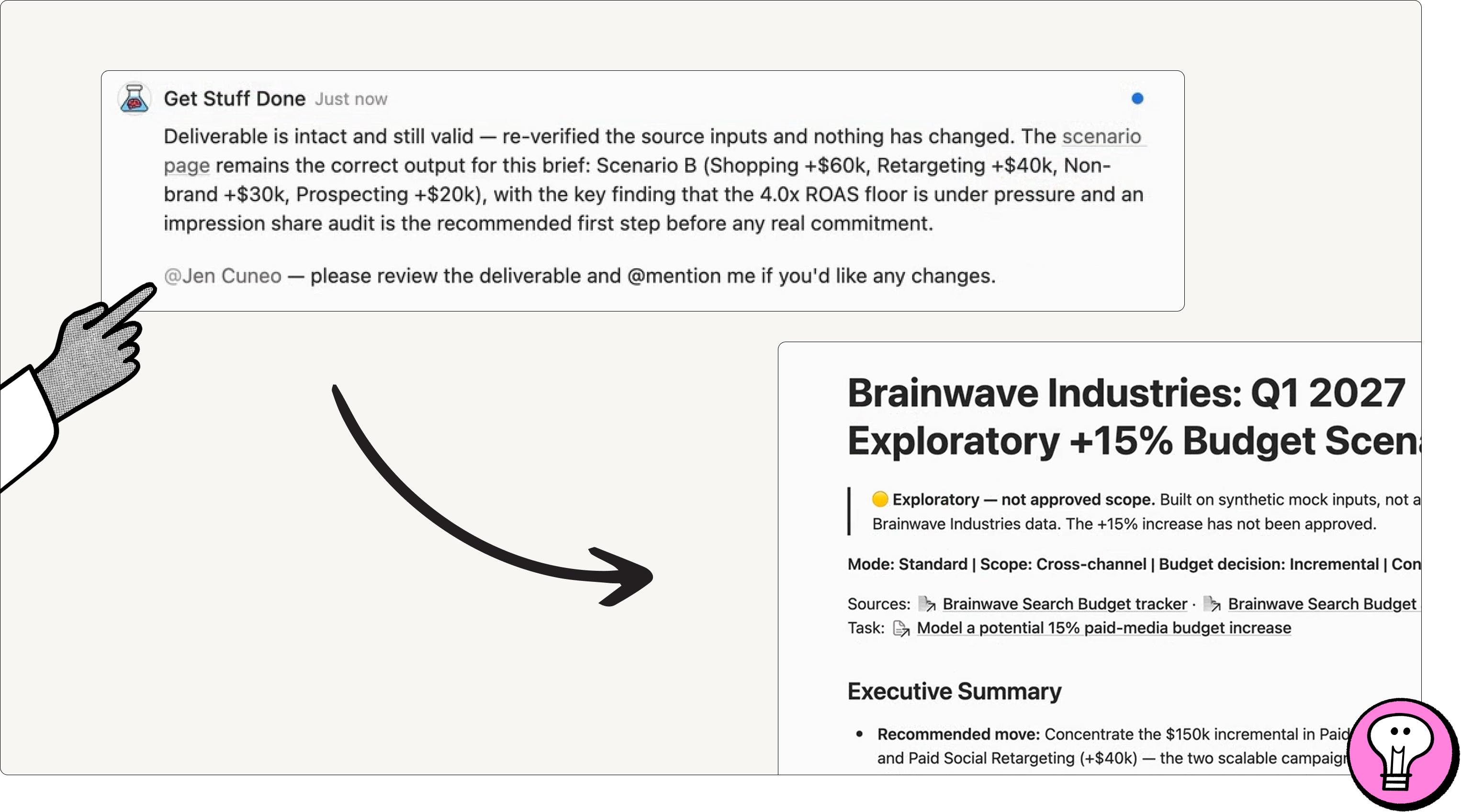
Take the budget-modeling example. The meeting gives the agent more than an action item: it captures what the client asked for. Alongside the client’s other resources, that conversation gives the agent context to prepare a first draft tailored to the client’s needs.
The resulting document includes budget scenarios and an executive summary. The agent attaches its work to the task and tags the owner, who can review and edit it before sending it to the client.
“These meeting notes can then be used as context for agents to actually go ahead and start getting work done,” Jen says.
The workflow also gives client teams time back. “We’re saving over a hundred hours a week across our client teams,” Jen says, by reducing the admin work and task delegation that follow meetings. That leaves more time to focus on delivering for clients.