
About
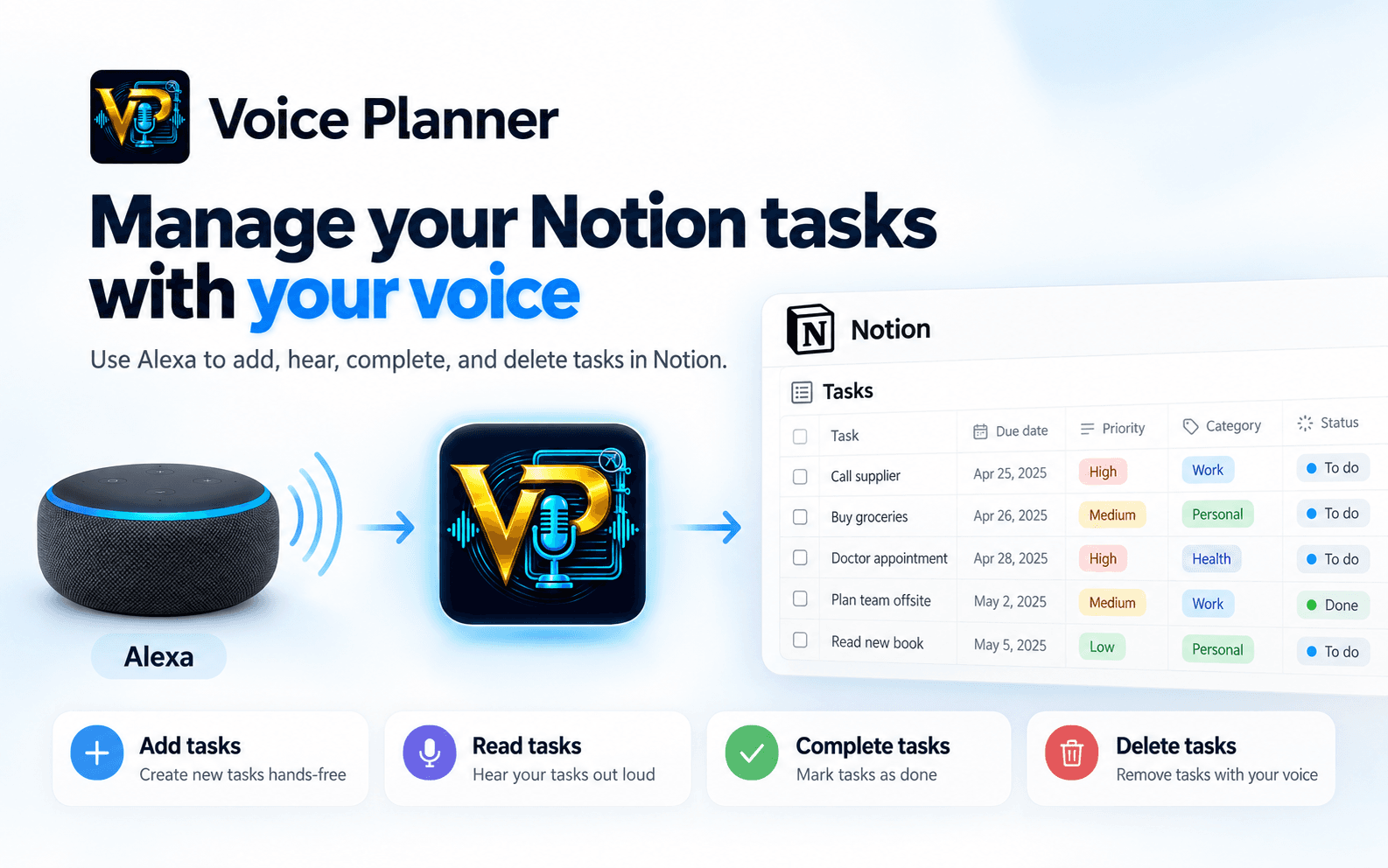
Voice Planner connects Alexa with Notion so you can manage your tasks using your voice.
Add new tasks, hear your upcoming tasks, mark tasks as completed, and delete tasks without opening Notion.
Tasks are stored directly in your Notion workspace and can be organized by date, time, priority, and category.
To use Voice Planner, connect your Notion workspace and enable the Voice Planner Alexa skill. Then simply say “Alexa, open Voice Planner” to start managing your tasks by voice.
Voice Planner is designed for people who use Notion as their task management system and want a faster, hands-free way to capture and manage tasks.
Voice Planner requires an annual license. Launch price: $29/year. Regular price: $58/year.
Functies
- Content Lezen, invoegen & bijwerkenKan pagina's, databases en blokken lezen, invoegen & bijwerken die met deze koppeling zijn gedeeld.
- Workspace-gebruikers bekijkenLeest basisprofielgegevens over workspace-leden en -gasten, inclusief hun e-mailadressen.
How to use
1. Open the Voice Planner dashboard and sign in to your account.
2. Connect your Notion workspace and authorize the Voice Planner connection.
3. Follow the browser setup to link Voice Planner with your Alexa account.
4. Enable the Voice Planner skill in the Alexa Skill Store, if it is not already enabled.
5. Say “Alexa, open Voice Planner” and start managing your tasks by voice.