Preet Suthar

Ikiform
About
Ikiform is a form backend. Point any HTML form, framework or site builder at your Ikiform endpoint and every submission is stored, checked for spam and sent where your team works.
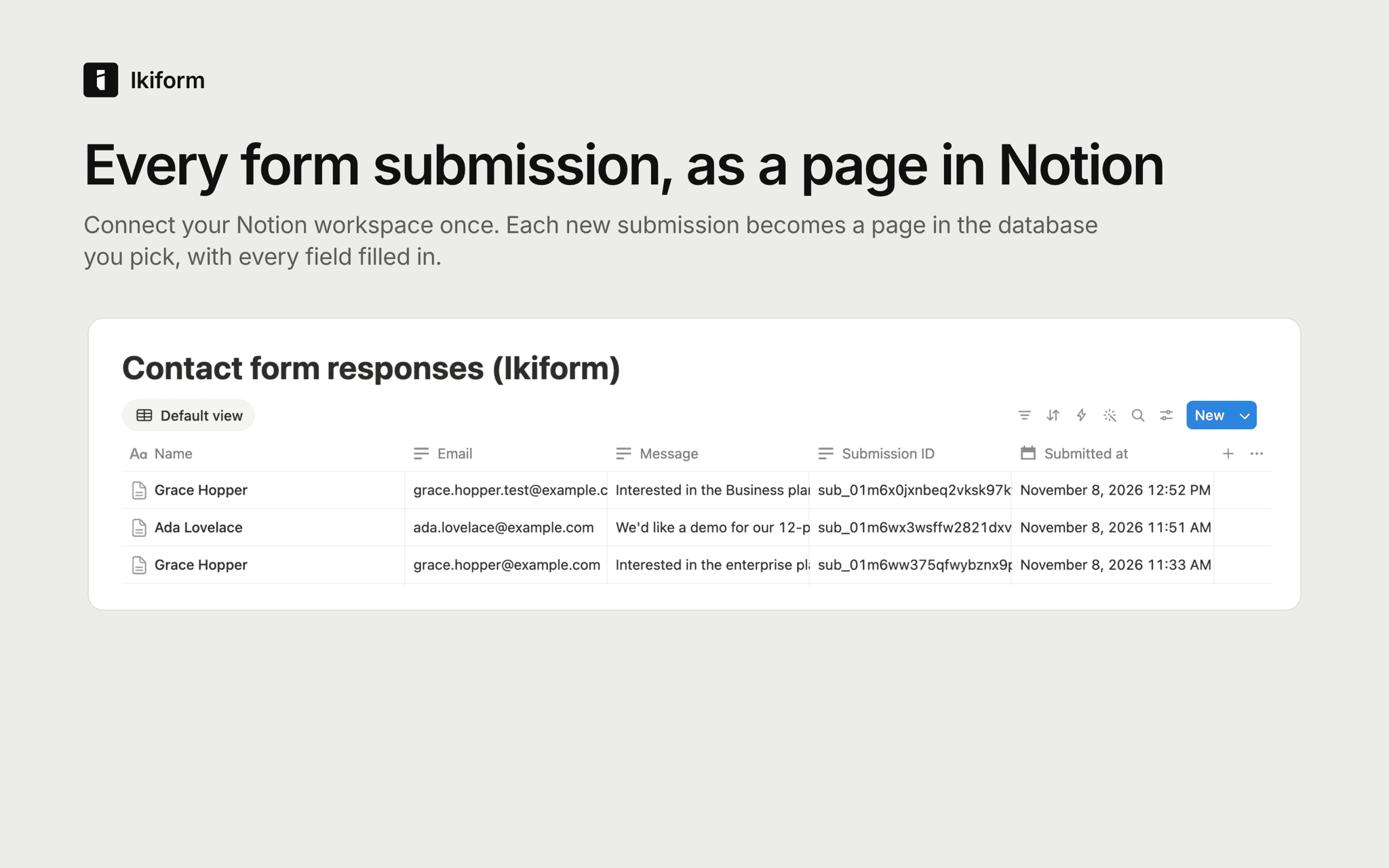
With the Notion connection, each new submission becomes a page in a Notion database you choose.
- Pick an existing database, or let Ikiform create one inside a page you choose.
- Form fields are matched to properties by name and converted to each property's type. A field with no matching property gets its own text property, so nothing is dropped.
- Each page records when the submission arrived and its submission ID.
- Spam is never sent to Notion.
- Failed sends are retried automatically, and you can replay them from the dashboard.
Ikiform only sees the pages and databases you share with it. You can disconnect at any time from the Ikiform dashboard or from your Notion connection settings.
Functies
- Content Lezen, invoegen & bijwerkenKan pagina's, databases en blokken lezen, invoegen & bijwerken die met deze koppeling zijn gedeeld.
How to use
1. Sign in at ikiform.com and create a form, or open one you already have.
2. Open Integrations, choose Notion, then Connect Notion. Approve Ikiform and pick the pages it can use.
3. In your form's Integrations tab, choose Add integration, then Notion. Pick a database or create a new one.
4. Choose Send test to add a test page, then submit your form. Each new submission appears as a page.
Full guide: https://ikiform.com/docs/integrations#notion