 Dashbreeze
Dashbreeze
About
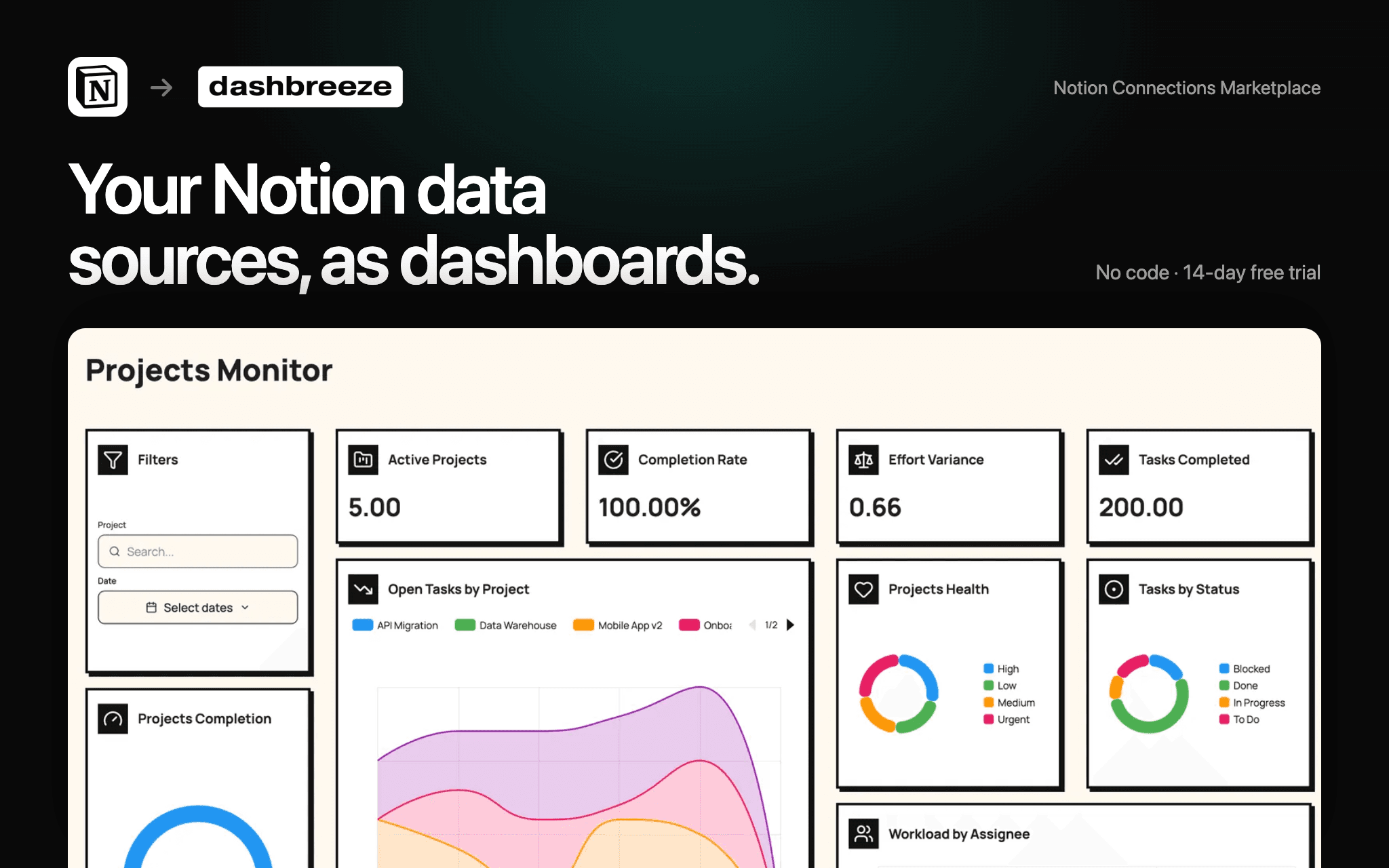
Dashbreeze turns your Notion data sources into interactive dashboards.
- **Visualize** projects, CRM pipelines, finances, marketing metrics, and operations.
- **Build** customizable charts, KPI cards, tables, filters, and custom metrics.
- **Combine** Notion with Stripe, Google Analytics, Airtable, SQL databases, and spreadsheets in a single dashboard.
- **Share** dashboards with your team, clients, or anyone using a public link or a protected dashboard.
Functies
- Content LezenKan pagina's, databases en blokken lezen die met deze koppeling zijn gedeeld.
- Workspace-gebruikers bekijkenLeest basisprofielgegevens over workspace-leden en -gasten.
How to use
1. **Connect Notion to Dashbreeze**
Open Dashbreeze and add Notion as a data source. Authorize Dashbreeze to access the Notion pages and databases you want to use.
2. **Select your data**
Choose the Notion data source you want to bring into Dashbreeze. Your data will be imported into a Dashbreeze table.
3. **Build your dashboard**
Use your Notion data to create charts, KPI cards, tables, and other dashboard blocks.
4. **Customize your dashboard**
Add filters, adjust styles, and organize your blocks to create a dashboard that fits your needs.
5. **Share your dashboard**
When your dashboard is ready, publish it and share the link with your team or anyone who needs access.
> **Tip:** You can combine Notion with other data sources in Dashbreeze to bring all your business data into one dashboard.
