 BulkPublish
BulkPublish
About
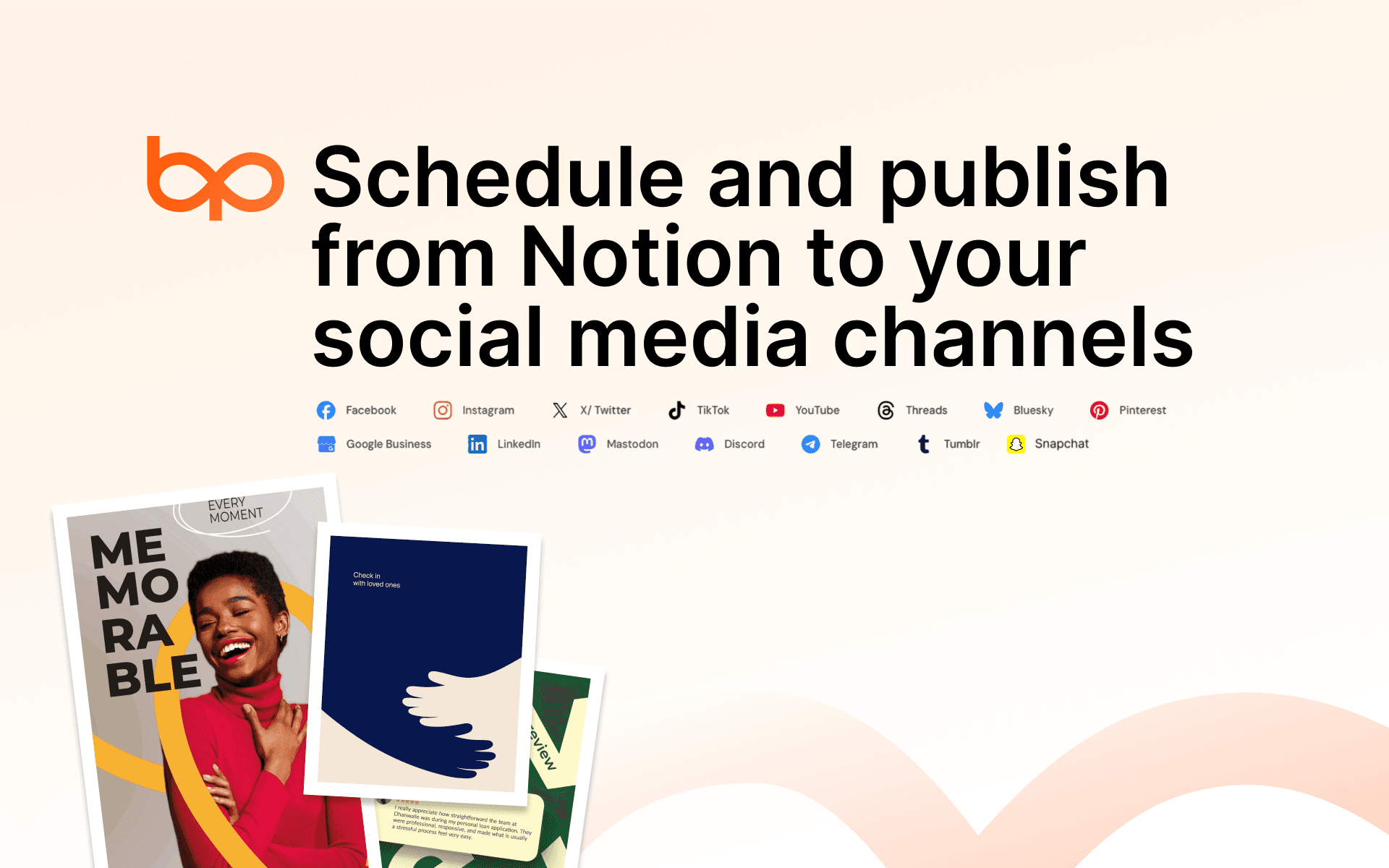
Plan your social posts where you already plan everything else. BulkPublish turns a Notion database into a publishing queue: write a post in a row, pick the channels, and set Status to Ready. BulkPublish publishes it to X, LinkedIn, Instagram, Facebook, Threads, Bluesky, TikTok, YouTube, Pinterest and more, then writes the links to the live posts back into the row.
- Publish now, or set a Schedule date and it goes out on time.
- Attach images and videos in the Media column.
- Post to every account on a platform, or pick one account, such as "LinkedIn: Your Company".
- Tick Request Approval to have a teammate review a post first.
- See what happened in the row itself: Posting, Scheduled, Awaiting approval, Posted, or Failed with the reason.
- Start from our content calendar template, or use your own database: BulkPublish adds any columns it needs and never changes the ones you have.
A row is never posted twice on its own. If anything interrupts a post, the row says so and asks you to check before trying again.
Requires a BulkPublish account (free plan available) with your social accounts connected.
Functies
- Content Lezen, invoegen & bijwerkenKan pagina's, databases en blokken lezen, invoegen & bijwerken die met deze koppeling zijn gedeeld.
How to use
1. Sign in to BulkPublish at https://app.bulkpublish.com (or create a free account) and connect your social accounts on the Channels page.
2. Open Publish from Notion and click Connect Notion.
3. Choose "Use a template provided by the developer" to get a ready-made content calendar, or share your own database.
4. In Notion, write a post in a row, pick its Channels, and set Status to Ready.
5. Within about a minute the row changes to Posted, with links to the live posts in the Result column.
Details

- Marketing
- Automatiseringen
- Communicatie