NotionNotion
סמל חיבור

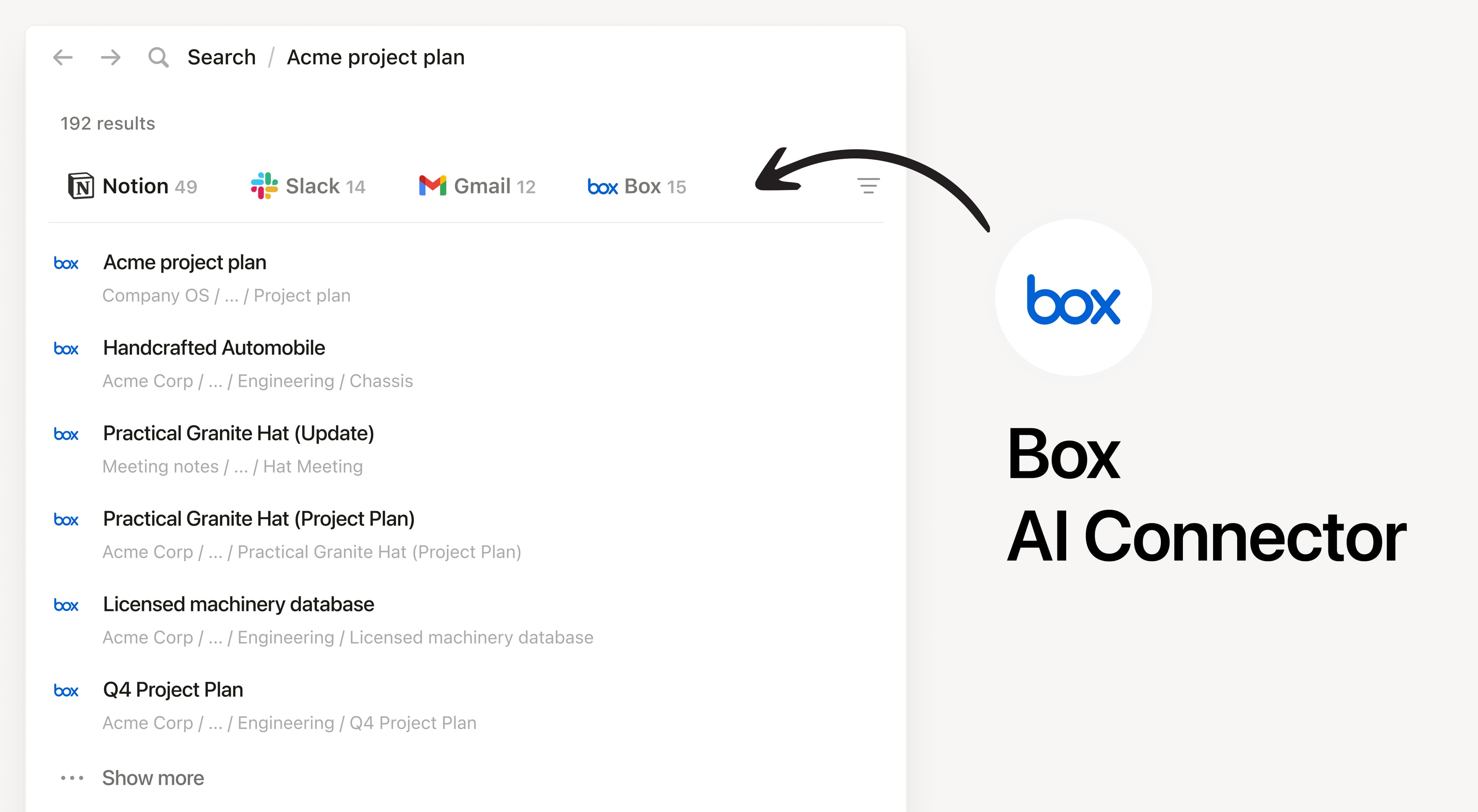
Notion AI Connector for Box

Search your Box files and folders in Notion

מידע

Install Notion’s AI Connector to your Box account. Search your files and folders hosted in Box to answer questions and summarize information without having to leave Notion.

הוראות שימוש

Must be a Notion workspace owner on the Enterprise plan and Box Admin to connect.

In Notion, navigate to the Box AI Connector by going to Settings → Notion AI → AI Connectors tab → Box and follow the setup steps. You’ll be taken to Box to continue.

For detailed instructions, check out our Help Center.

After installation is complete, ask Notion AI to summarize the key decisions and action items in a specific file or compare two docs to list what changed.

פרטים

נוצר על ידי
קטגוריה
  • עבודה משותפת
  • פרודוקטיביות
כל הסימנים המסחריים של צד שלישי (כולל לוגואים וסמלים) המוזכרים כאן הם רכוש של הבעלים שלהם. אלא אם כן צוין במפורש כי החיבורים מיוצרים על ידי Notion, הם אינם נתמכים או מתוחזקים על ידי Notion. המוצרים או השירותים של צד שלישי שהחיבורים מתחברים אליהם אינם יישומים של Notion (כפי שמוגדר‏ בהסכם המינוי הראשי של Notion או בתנאי השימוש האישיים, לפי הרלוונטי). הפעלת כל חיבור או שימוש אחר באוסף החיבורים של Notion מהווים את הסכמתכם לתנאי אוסף החיבורים של Notion.