

Inbox Triage
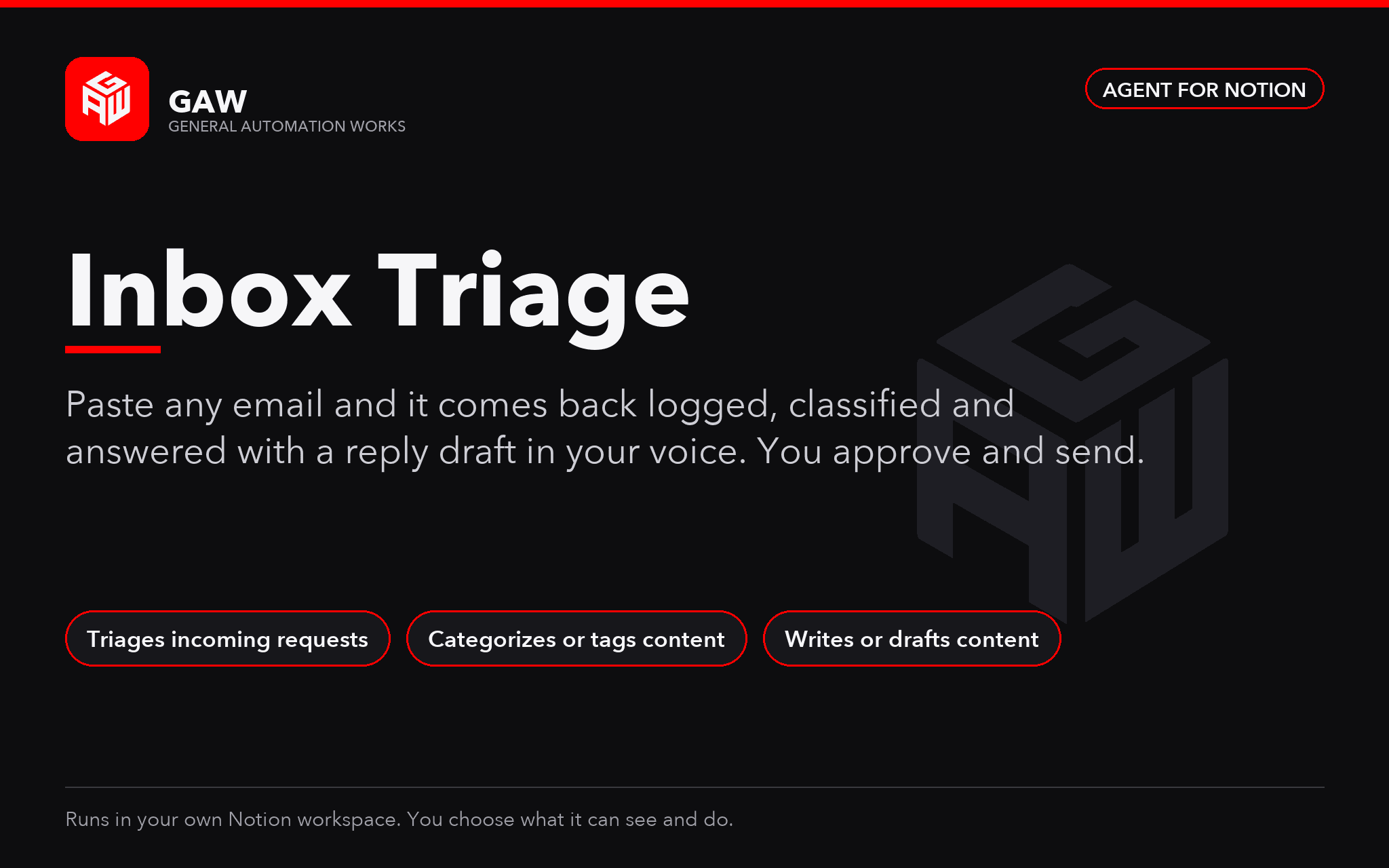
Your inbox, sorted before you open it. Twice a day the agent sorts new Gmail or Outlook mail into Reply, Follow up, FYI and Noise, summarizes what matters, flags phishing, and leaves reply drafts in your voice. It will never send, archive or delete you mail.- Prioriterer indgående anmodninger
- Kategoriserer eller tagger indhold
- Skriver eller udarbejder indhold
Om denne agent
Most of your inbox doesn't need you. The trouble is finding the ten emails that do, buried under newsletters, notifications and threads you were only copied on.
The Inbox Triage does the first pass for you. Twice a day it reads your new mail, decides what each email needs, and gets the replies started.
What it does:
- Sorts every email by what it needs: Reply, Follow up, FYI, Noise, Suspicious or Sensitive
- Sets a priority with clear rules: VIPs, deadlines within 48 hours and money or legal topics come first
- Logs the emails that need action in Notion, with a two-sentence summary (never the full email)
- Writes reply drafts in your voice, saved in the same thread in Gmail or Outlook
- Tracks follow-ups when you are waiting on someone, with a date to nudge them
- Posts a short digest twice a day: counts, plus the five emails that need you most
Built to be trusted:
- It never sends, forwards, archives, deletes or unsubscribes. Drafts only. You approve and send.
- It treats every email as information, never as instructions, so a malicious email can't make it act.
- Look-alike domains, sudden bank-detail changes and password requests are flagged Suspicious, with no draft.
- Replies never promise prices, dates or meetings that aren't already in the thread. Anything you must decide is left in [brackets].
Example: "Can we move Thursday's call to Friday 2pm? And is October's invoice final?" from a client becomes High priority, Reply, with a draft that answers both and leaves [confirm Friday 2pm] for you. An email from "your client" on a look-alike domain asking to wire money to a new account is flagged Suspicious.
Set up in about 3 minutes:
- In the agent's Settings, connect Mail (Gmail or Outlook). Turn on Draft, leave Send off. Turn on Modify inbox only if you want labels.
- Under Tools and access, add the page where your triage log should live and set it to Can edit.
- Chat with the agent, type "set up", and click Allow once. It learns your tone from your recent sent replies and schedules itself.
What you need: a Notion Business or Enterprise plan with custom agents (runs use your Notion credits) and a Gmail or Outlook account connected to the agent.
Built by GAW (General Automation Works). Want it tuned to your inbox or connected to your CRM? Book a free call from our profile.
Galleri
Oplysninger
Kategorier
Om denne opretter
Relaterede agenter