 Vindaris - Strategy Execution Software
Vindaris
About
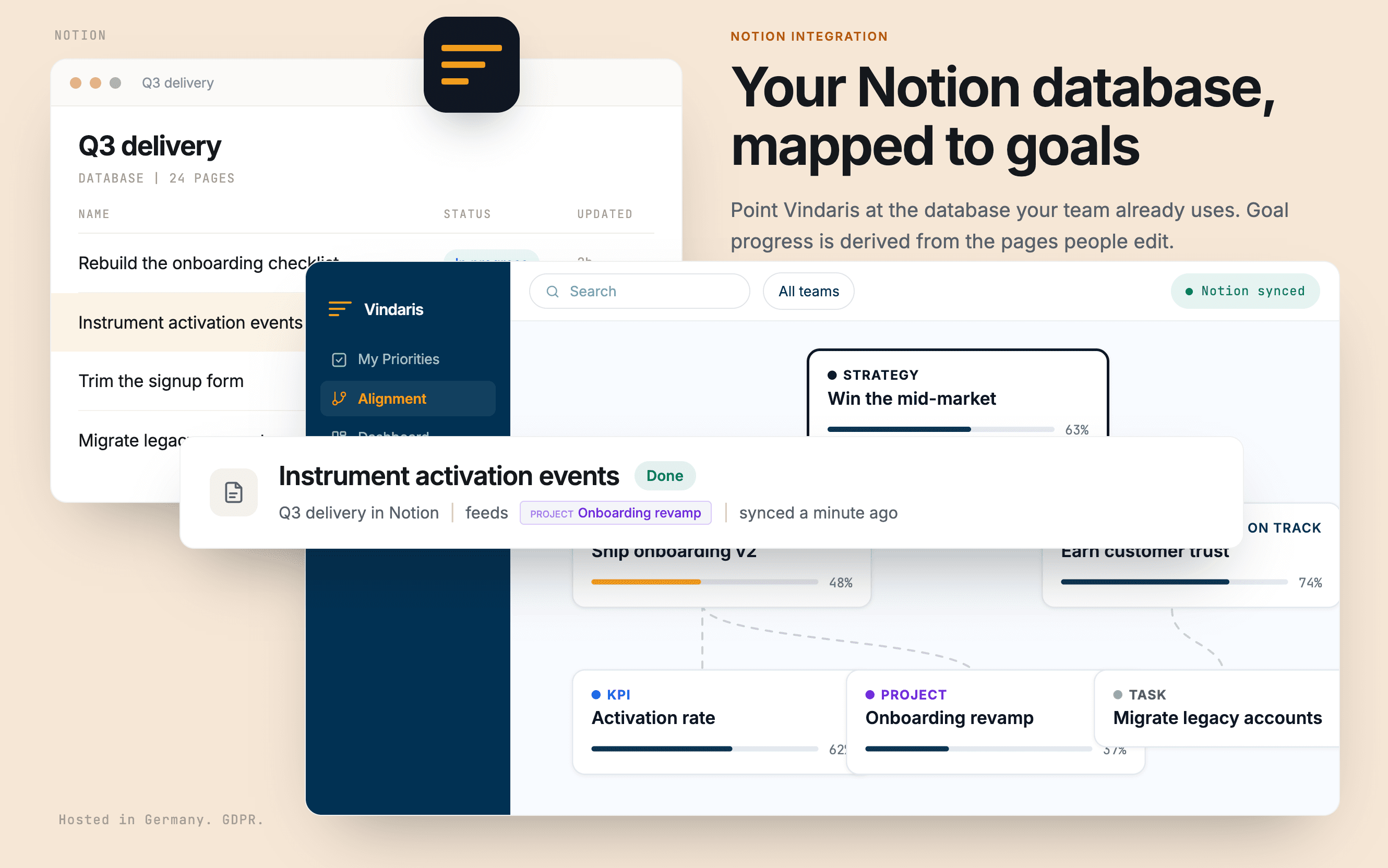
Vindaris turns a Notion database into tracked progress on your goals.
Point it at the database your team already uses and map your own property names for status, priority, due date, and description. Nothing has to be restructured to fit a template. Pages and goals then stay in step in both directions, comments sync as context, and a number property on a single page can feed a KPI directly.
Because progress is derived from the pages people edit as part of doing the work, a goal turns amber when the work behind it stops moving, rather than when someone remembers to update a rollup. Vindaris only ever sees the pages you share with it during authorization.
Funktioner
- Læs, indsæt og opdater indholdKan læs, indsæt og opdater sider, databaser og blokke, der er delt med denne forbindelse.
- Læs og tilføj kommentarerKan læs og tilføj kommentarer på de sider og blokke, den kan få adgang til.
- Vis brugere af arbejdsområdetLæser grundlæggende profiloplysninger om arbejdsområdemedlemmer og gæster, herunder deres e-mailadresser.
How to use
1. Create a free Vindaris account at app.vindaris.com and map your strategy, goals, and KPIs.
2. Open Settings, then Integrations, and connect Notion.
3. In Notion's consent step, share the database that holds your team's work. Vindaris sees nothing else.
4. Map your own property names for status, priority, due date, and description. Your database stays as it is.
5. Confirm which pages belong to which goal. Progress and risk then update themselves as the pages move.
Details

- Automatiseringer
- Produktivitet
- Samarbejde