
About
The Tines integration for Notion allows you to seamlessly automate your security and IT operations, using and updating Notion as the source of truth. Collaborate, track cases, and involve humans-in-the-loop in Notion, while your workflows run automatically in the background in Tines.
Funktioner
- Læs, indsæt og opdater indholdKan læs, indsæt og opdater sider, databaser og blokke, der er delt med denne forbindelse.
- Læs og tilføj kommentarerKan læs og tilføj kommentarer på de sider og blokke, den kan få adgang til.
- Vis brugere af arbejdsområdetLæser grundlæggende profiloplysninger om arbejdsområdemedlemmer og gæster, herunder deres e-mailadresser.
How to use
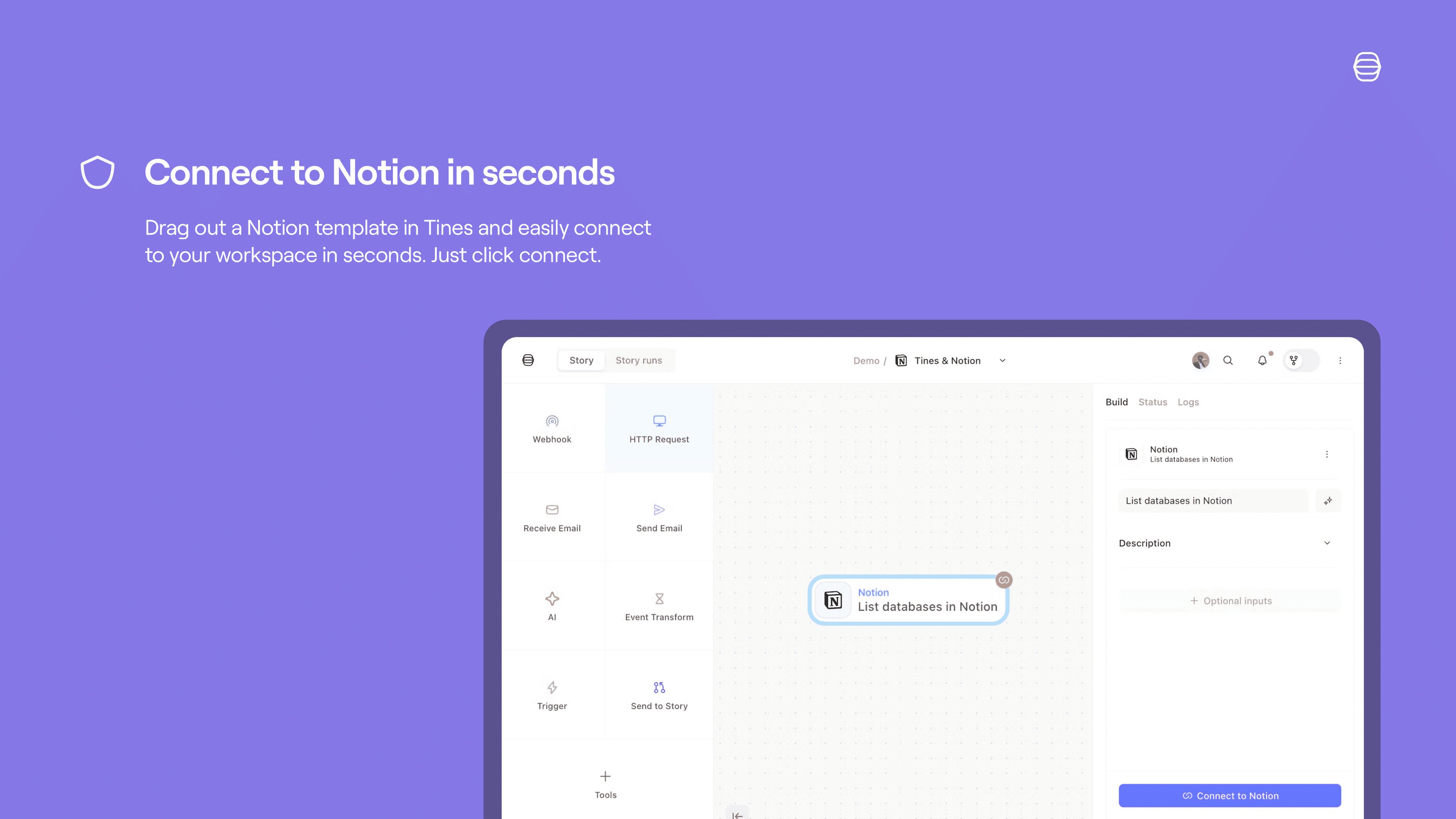
Set up a Tines connect flow for Notion:
Credentials home: select
+ New credentialand choose the product you'd like to connect to Tines.Storyboard:
Story overview pane:
Select
+in the credentials section and chooseNotionSelect
Connectby the product name and chooseCreate credentialorNew connection.Select
Replaceafter hovering over the product name and chooseCreate credential.
Product template: if you select a template for a product that has a connect flow, a connect button will appear. Select
Connectand thenNew connectionto start the connect flow for that product.
See more info here.