 SiteCurb
SiteCurb Leads
About
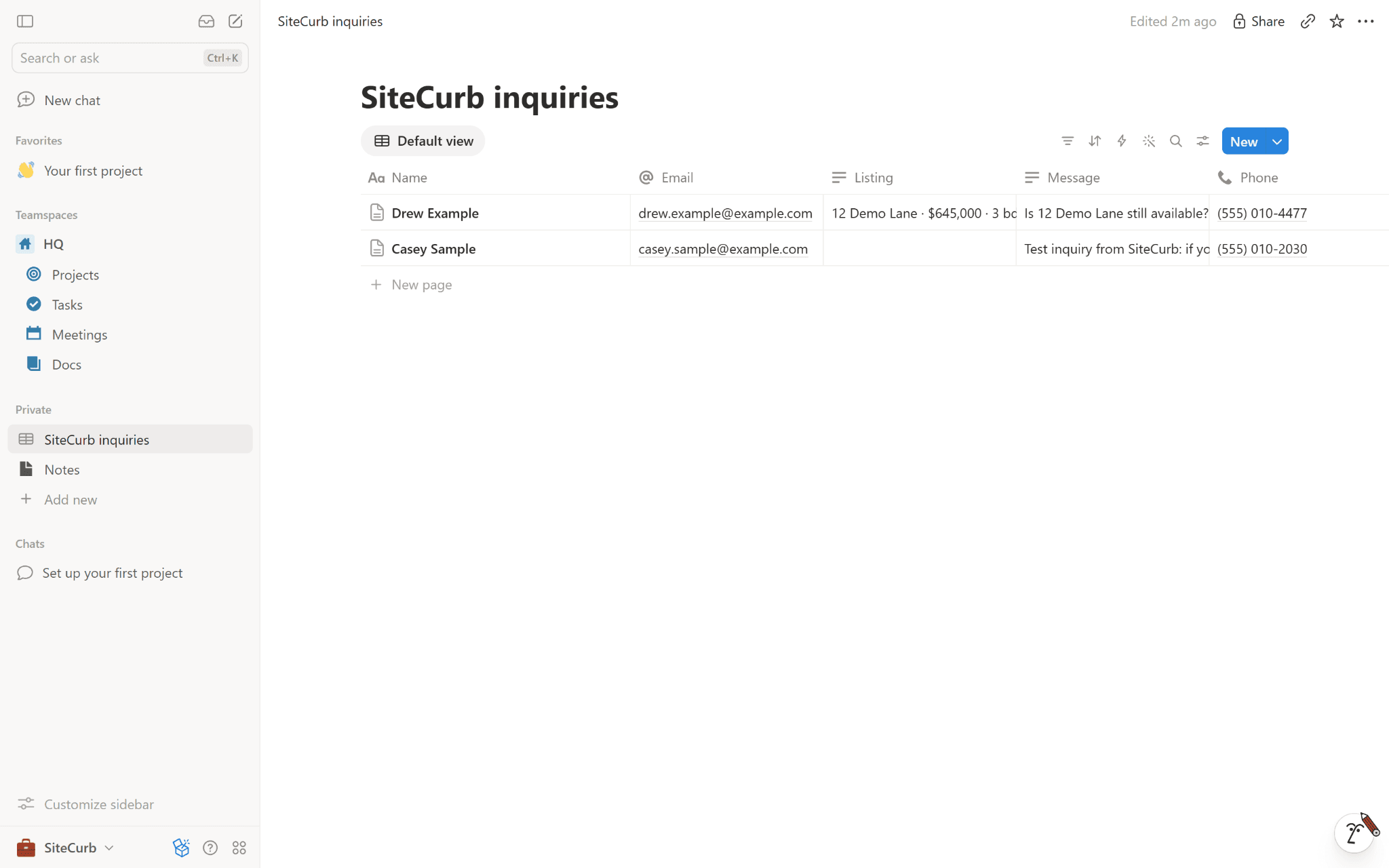
SiteCurb Leads sends every inquiry from your SiteCurb real estate website into a Notion database. Each inquiry becomes a page with the person's name, email, phone and message, the listing they asked about and which of your websites it came from, so you can track follow-ups with your own Notion views, filters and automations.
What it can access: only the pages and databases you choose when you connect, and the database it makes for you. It reads their names (so you can pick one) and the chosen database's columns, and it only adds pages. Disconnect any time in SiteCurb, or remove SiteCurb under Settings → Connections in Notion.
Funktioner
- Læs og indsæt indholdKan læs og indsæt sider, databaser og blokke, der er delt med denne forbindelse.
How to use
1. In SiteCurb, open Dashboard → Integrations and press Connect Notion.
2. Choose a database of yours, or a page for a new "SiteCurb inquiries" database.
3. Press Send a test inquiry: a made-up inquiry from Casey Sample appears in the database.
