
About
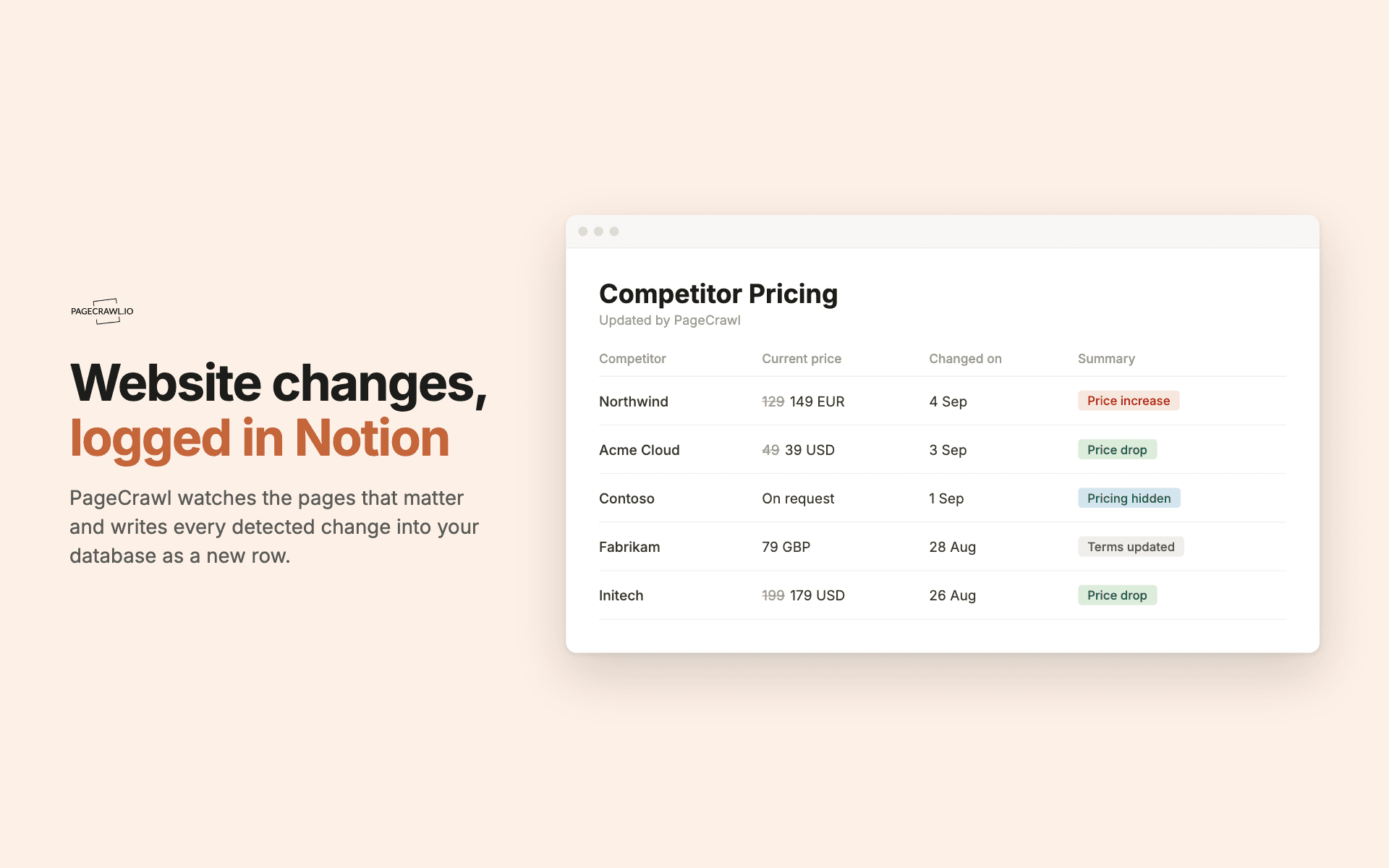
PageCrawl watches web pages for you and writes every detected change into a Notion database as a new row.
Point it at the pages that matter, such as competitor pricing, supplier terms, a regulator's guidance page or a job board, and choose what to capture: a price, one specific element, or the whole page. When a check detects a change, PageCrawl adds a row with what changed, the previous and current values, when it was detected, and a link to the full comparison.
You choose which fields become properties, so the database matches how your team already works. Two shapes are supported: a change log that builds a running history, and a review board with a Status property for changes somebody has to action.
PageCrawl only reaches the pages and databases you pick when you connect, and it never overwrites rows you already have.
Checks run on the schedule you set for each page, so a change appears once the next check detects it.
Funktioner
- Læs, indsæt og opdater indholdKan læs, indsæt og opdater sider, databaser og blokke, der er delt med denne forbindelse.
- Vis brugere af arbejdsområdetLæser grundlæggende profiloplysninger om arbejdsområdemedlemmer og gæster, herunder deres e-mailadresser.
How to use
1. Sign in at pagecrawl.io, or create a free account.
2. Go to Settings, then Integrations, and find the Notion card. Click Connect.
3. Notion asks you to approve the connection and then shows a page picker. Choose the pages or databases PageCrawl should be able to write to. It can only ever reach what you select here.
4. Back in PageCrawl, click Manage and choose three things: whether you want a change log or a review board, which database the rows go into (or let PageCrawl create one for you), and which fields become properties.
5. Add the pages you want to watch. PageCrawl checks them on the schedule you set, and each detected change becomes a new row in your database.
If you point at a database you already have, PageCrawl adds any properties that are missing and leaves your existing rows alone. If a column has the right name but the wrong type, PageCrawl will tell you which one to fix rather than writing broken rows.
Details
- Automatiseringer
- Sikkerhed og overholdelse