
NOVEX
About
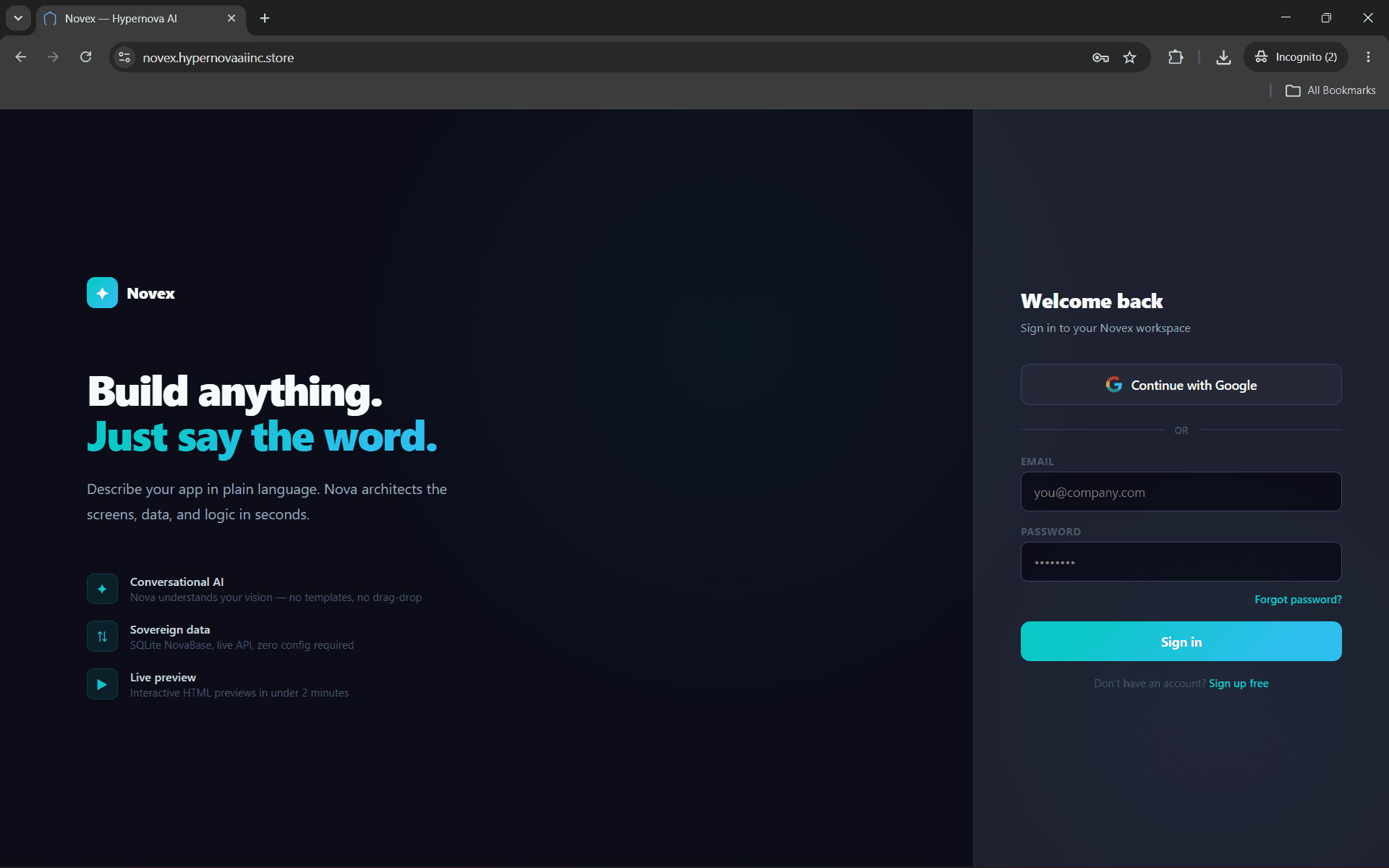
Novex is an AI no-code builder that turns your Notion databases into live production apps. Connect your workspace and Nova AI reads your schema, builds the UI, wires the logic, and deploys — all from a single click in the Database tab.
What you can do:
- Import any Notion database as a live data source
- Build client portals, internal tools, and dashboards from your DB schema
- Forms and actions write back to Notion in real time
- Deploy to a live URL instantly — no code or servers needed
Built for founders and teams who want production software without engineering bottlenecks.
Funktioner
- Læs, indsæt og opdater indholdKan læs, indsæt og opdater sider, databaser og blokke, der er delt med denne forbindelse.
- Læs og tilføj kommentarerKan læs og tilføj kommentarer på de sider og blokke, den kan få adgang til.
- Vis brugere af arbejdsområdetLæser grundlæggende profiloplysninger om arbejdsområdemedlemmer og gæster, herunder deres e-mailadresser.
How to use
1. Go to novex.hypernovaaiinc.store and create a free account
2. Open any app → click the Database tab
3. Click "Connect Notion" and authorize Novex in your Notion workspace
4. Your databases appear as cards — click "Use as data source" to connect one
5. Tell Nova what to build — it reads your schema and generates the app automatically
Details
- Udvikling
- Automatiseringer
- Produktivitet