
About
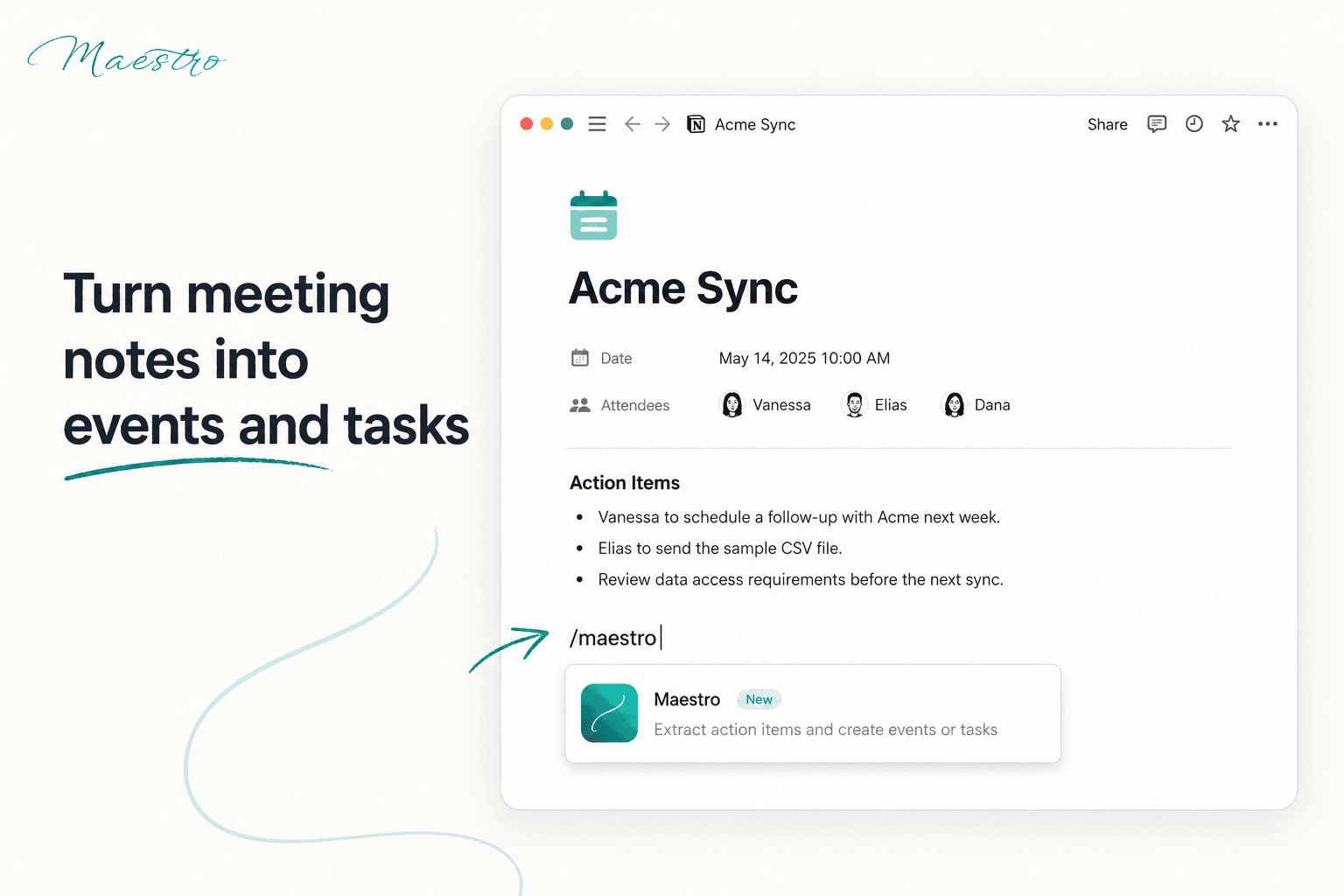
Maestro brings your calendars, tasks, and schedules together in one unified view. Sync multiple calendars, automatically block time to protect your availability, and reduce the mental overhead of managing a busy schedule — perfect for consultants, fractional executives, and anyone juggling multiple clients, roles, or commitments.
Funktioner
- Læs, indsæt og opdater indholdKan læs, indsæt og opdater sider, databaser og blokke, der er delt med denne forbindelse.
- Læs og tilføj kommentarerKan læs og tilføj kommentarer på de sider og blokke, den kan få adgang til.
- Vis brugere af arbejdsområdetLæser grundlæggende profiloplysninger om arbejdsområdemedlemmer og gæster, herunder deres e-mailadresser.
How to use
- Sign up for free at
maestroyourlife.com
. - Connect your calendars to Maestro and sync with your Notion workspace.
- Start managing your schedule immediately with a free account, or activate your 30-day free trial to unlock advanced features — including syncing up to 3 calendars, smart time-blocking, and a shareable public booking link.
- Review your unified calendar and let Maestro's smart blocking protect your free time automatically.
Details
Category
- Produktivitet
- Automatiseringer
- Samarbejde
Developer links