
Graphite
About
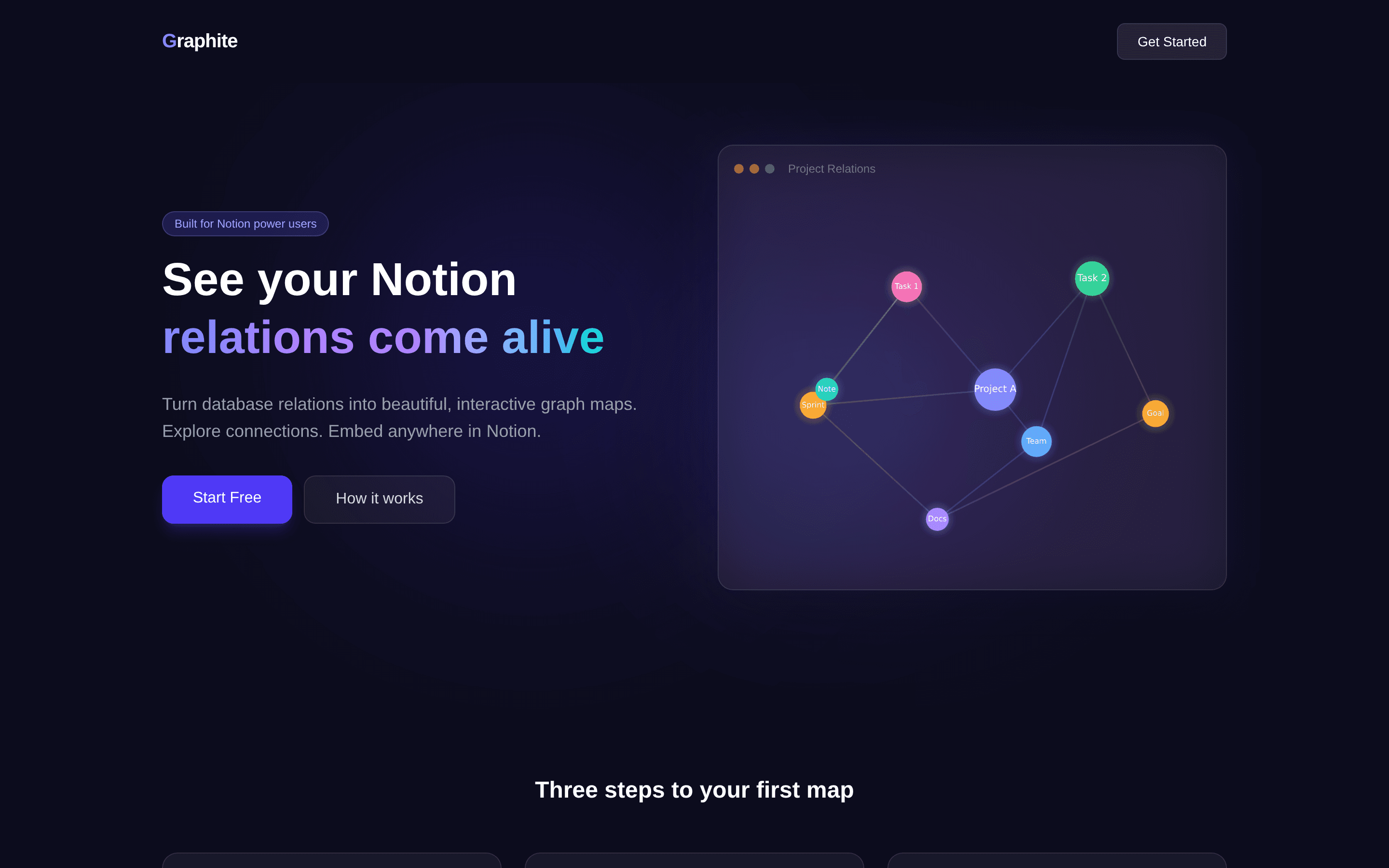
Graphite turns the relation properties of your Notion databases into beautiful, interactive graph maps.
Connect your workspace with Notion's official OAuth, pick a database that has relation properties, and Graphite automatically detects every connection to build a live force-directed graph, in 2D or 3D. Click any node to jump straight to its Notion page.
Set a map to Public and embed it in any Notion page with /embed. The map stays in sync with your database: changes in Notion appear the next time the map loads.
Plans: Free = 1 relation map with interactive 3D preview and PNG download. Embed ($5/mo) = embed maps inside Notion pages, up to 3 maps. Pro ($9/mo) = unlimited maps, color themes, physics settings, timeline filter, and node detail panel.
Graphite is read-only: it never modifies or writes to your workspace content. Powered by N Graph.
Funktioner
- Læs indholdKan læs sider, databaser og blokke, der er delt med denne forbindelse.
- Vis brugere af arbejdsområdetLæser grundlæggende profiloplysninger om arbejdsområdemedlemmer og gæster, herunder deres e-mailadresser.
How to use
Step 1: Open the Graphite dashboard and click "Connect to Notion". Authorize the pages or databases you want to visualize.
Step 2: Click "+ New Map", choose a database that has relation properties, and give the map a title.
Step 3: Click "Preview" to explore the graph. Drag to rotate, scroll to zoom, and click a node to open its Notion page.
Step 4: To embed, toggle the map to "Public", click "Copy Embed URL", paste the URL into any Notion page, and choose "Create embed".
Step 5: Upgrade to Embed or Pro from the dashboard header to unlock embedding, more maps, and customization.