Mridul

Offentlig API
Gamma Link Previews
About
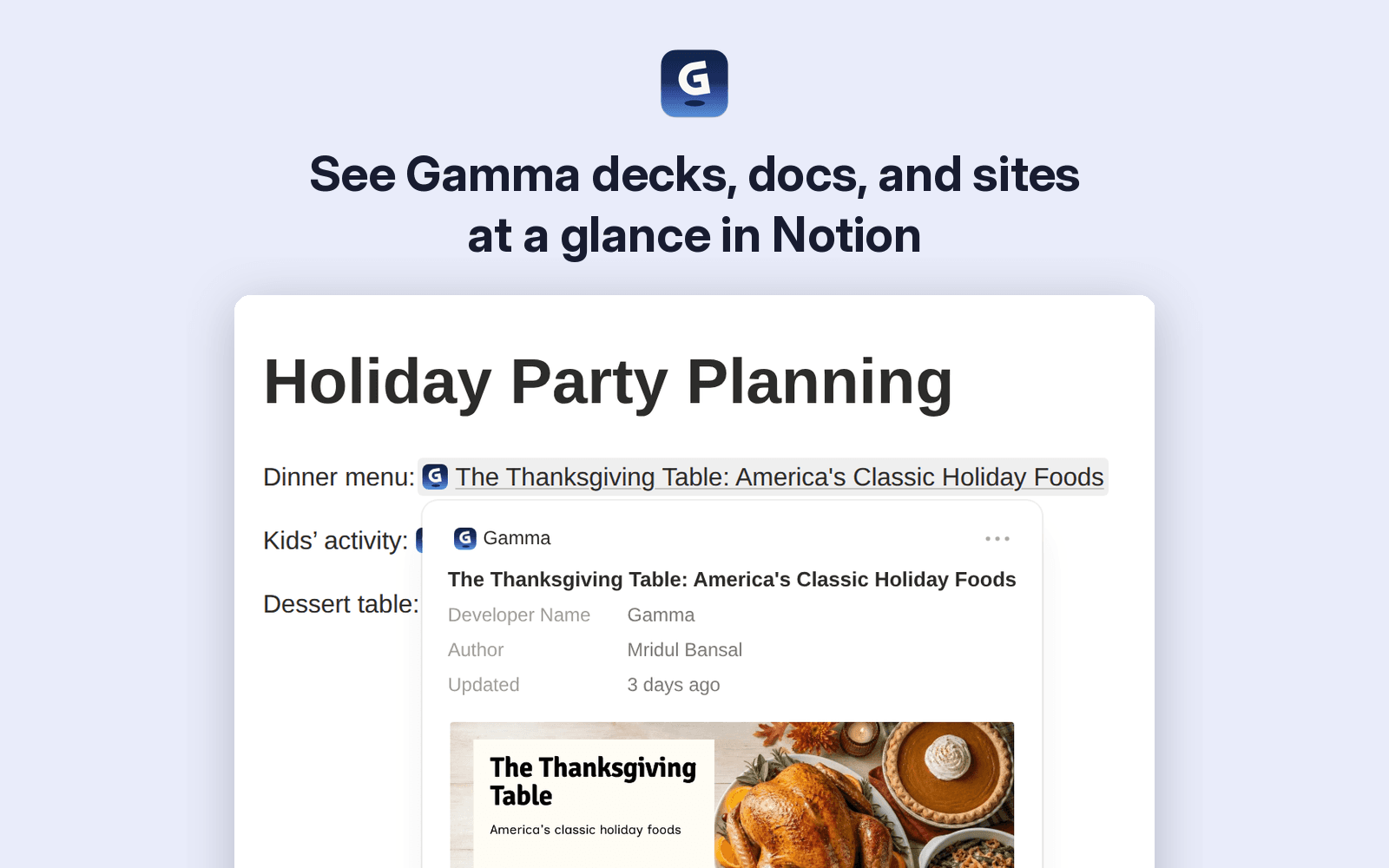
Paste a link to any Gamma presentation, document, or website into Notion and it becomes a rich mention showing the gamma's title, author, and when it was last updated. Hover over the mention to see its thumbnail and details without leaving your page.
Gamma is an AI design partner for creating presentations, documents, and websites. With this connection, your team can reference decks and docs in specs, wikis, and project pages, and anyone reading can tell what each link is at a glance.
Mentions respect your Gamma sharing settings. Notion only shows details for gammas you have access to, and the connection has read-only access to your Gamma account. Details refresh when you revisit the page.
Funktioner
- Læs, indsæt og opdater indholdKan læs, indsæt og opdater sider, databaser og blokke, der er delt med denne forbindelse.
- Forhåndsvis linksUdvider links fra dette produkt til detaljerede forhåndsvisninger i realtid, når de indsættes i Notion.
- Vis brugere af arbejdsområdetLæser grundlæggende profiloplysninger om arbejdsområdemedlemmer og gæster, herunder deres e-mailadresser.
How to use
- Copy the link to a gamma from your browser or from Share in Gamma.
- Paste it into any Notion page.
- The first time, Notion asks you to connect your Gamma account. Sign in and approve read-only access.
- Your link becomes a Gamma mention, and any Gamma links you paste after that will too.