 Bossy
Bossy
Bossy
About
Bossy is an operations and team management app for small businesses: restaurants, retail shops, salons, cleaning companies, contractors and other teams that work on their feet. Owners use it to assign tasks and checklists, verify the work was done, manage inventory, schedule shifts and message their team.
Connecting Notion puts your documentation where the work happens.
Attach Notion pages to tasks and checklists. Link an SOP, a recipe, an opening procedure or a training doc to any task or checklist. Your team reads it on the job, on their phone, without switching apps or hunting for the doc.
Always the current version. Bossy keeps a copy of each linked page and refreshes it when the page changes in Notion, so the instructions on the job are the ones you wrote.
Publish reports to Notion. Choose a Notion page, and every scheduled report delivery also publishes a page under it. Your numbers land where your team already reads.
You stay in control. Bossy only sees the pages you share with the connection. Detaching a page or disconnecting changes nothing in Notion, and you can reconnect anytime.
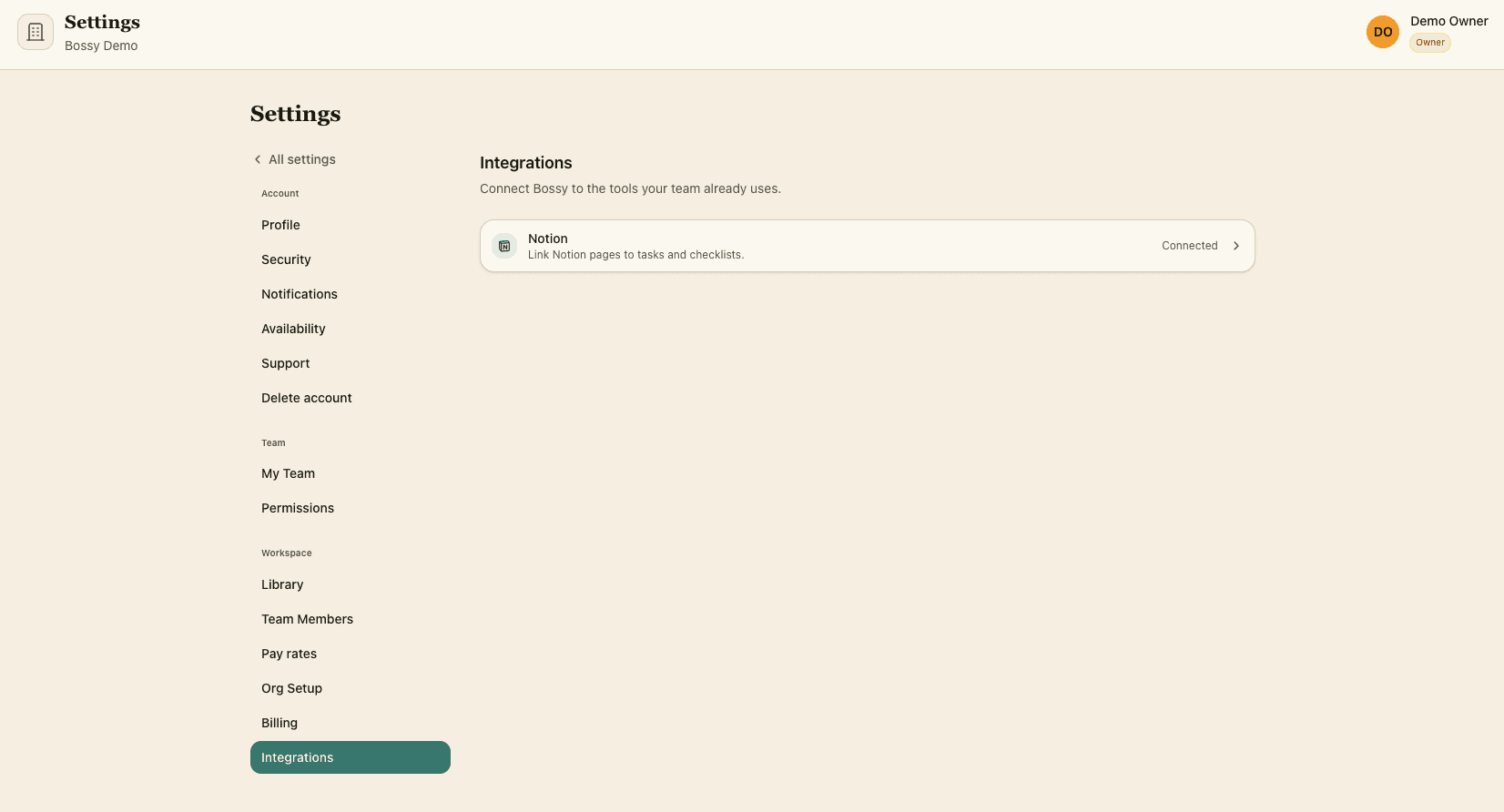
Getting started: in Bossy, open Settings, then Integrations, and choose Connect Notion. Pick the pages to share, then attach them from any task or checklist. The Notion connection is included in the Scale + plan. Bossy runs on iPhone, Android and the web, in English and Spanish.
Funktioner
- Læs, indsæt og opdater indholdKan læs, indsæt og opdater sider, databaser og blokke, der er delt med denne forbindelse.
How to use
Getting started: in Bossy, open Settings, then Integrations, and choose Connect Notion. Pick the pages to share, then attach them from any task or checklist. The Notion connection is included in the Scale + plan. Bossy runs on iPhone, Android and the web, in English and Spanish.
Details

- Produktivitet
- Samarbejde
- Kommunikation