
2slides
About
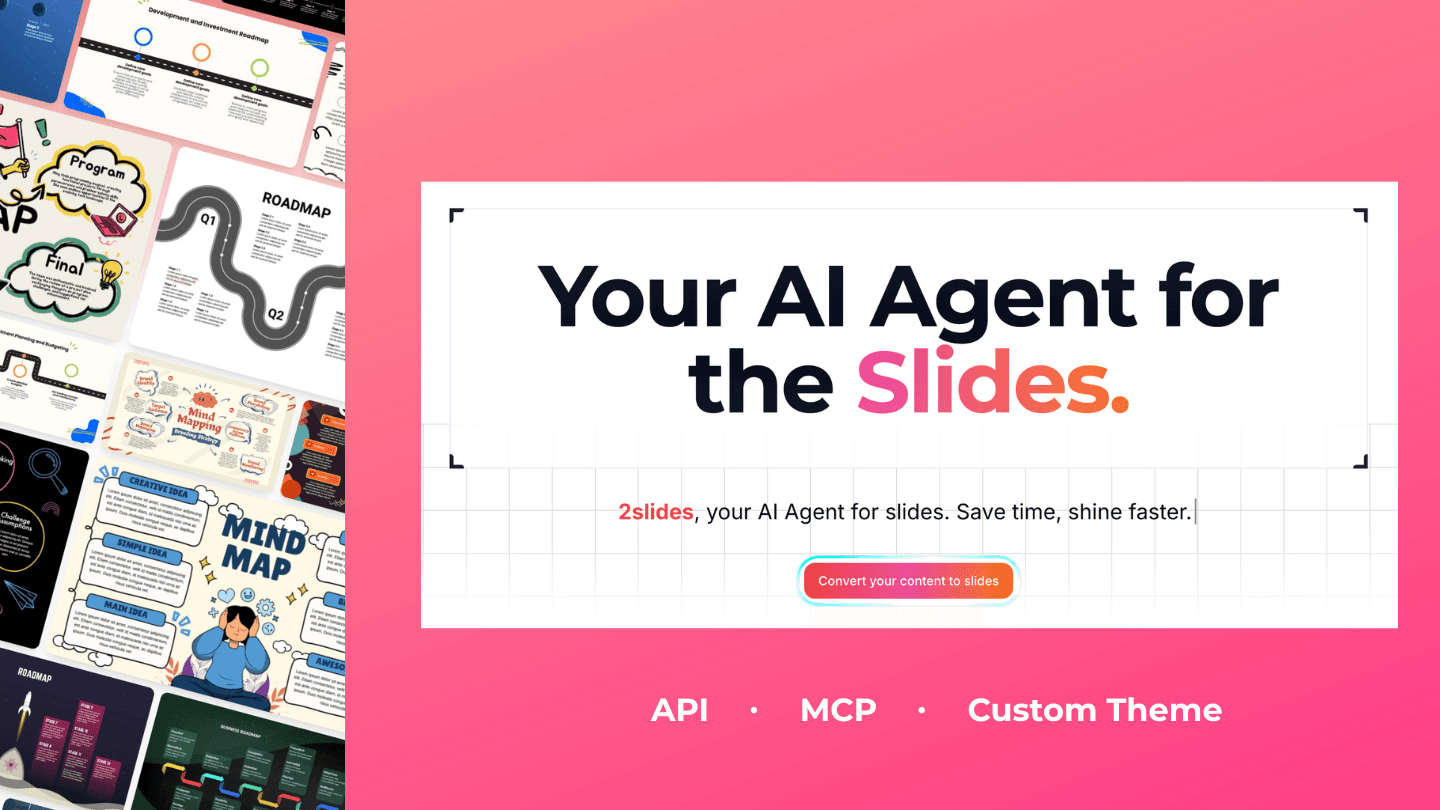
2Slides turns your Notion pages into polished, presentation-ready slide decks — powered by AI.
Connect your Notion workspace, pick a page or database, and 2Slides reads the content and generates a complete presentation: structured outline, designed slides, and speaker-ready flow. No copy-pasting, no manual formatting.
What you can do:
- Generate slides from any Notion page — meeting notes, project docs, specs, or wikis become clean, well-structured decks in minutes
- Choose from professionally designed templates — pick a theme and get a consistent, on-brand PPTX you can download and edit
- Create visually rich AI slides — image-generated slides with optional per-slide narration and MP4 video export for async sharing
- Keep results in your workflow — export as PPTX, PDF, or a shareable link
How it works:
1. Connect 2Slides to your Notion workspace (you control which pages it can access)
2. Select the page you want to present
3. Pick a template or style — 2Slides generates the deck
4. Download, share, or export as video
2Slides only accesses the pages you explicitly share with it. Works in 21 languages.
Funktioner
- Læs, indsæt og opdater indholdKan læs, indsæt og opdater sider, databaser og blokke, der er delt med denne forbindelse.
- Vis brugere af arbejdsområdetLæser grundlæggende profiloplysninger om arbejdsområdemedlemmer og gæster, herunder deres e-mailadresser.
How to use
1. Sign up at https://2slides.com — free to start, sign in with Google in one click.
2. Connect your Notion workspace — choose Notion as your content source and authorize access. You control exactly which pages 2Slides can read.
3. Pick a page and a style — select the Notion page you want to present, then choose a template or visual style.
4. Generate your deck — 2Slides builds the presentation in minutes. Download as PPTX or PDF, share a link, or export as a narrated video.
Need help? Visit https://2slides.com or reach us at support.
Details
- Produktivitet
- Design
- Markedsføring