


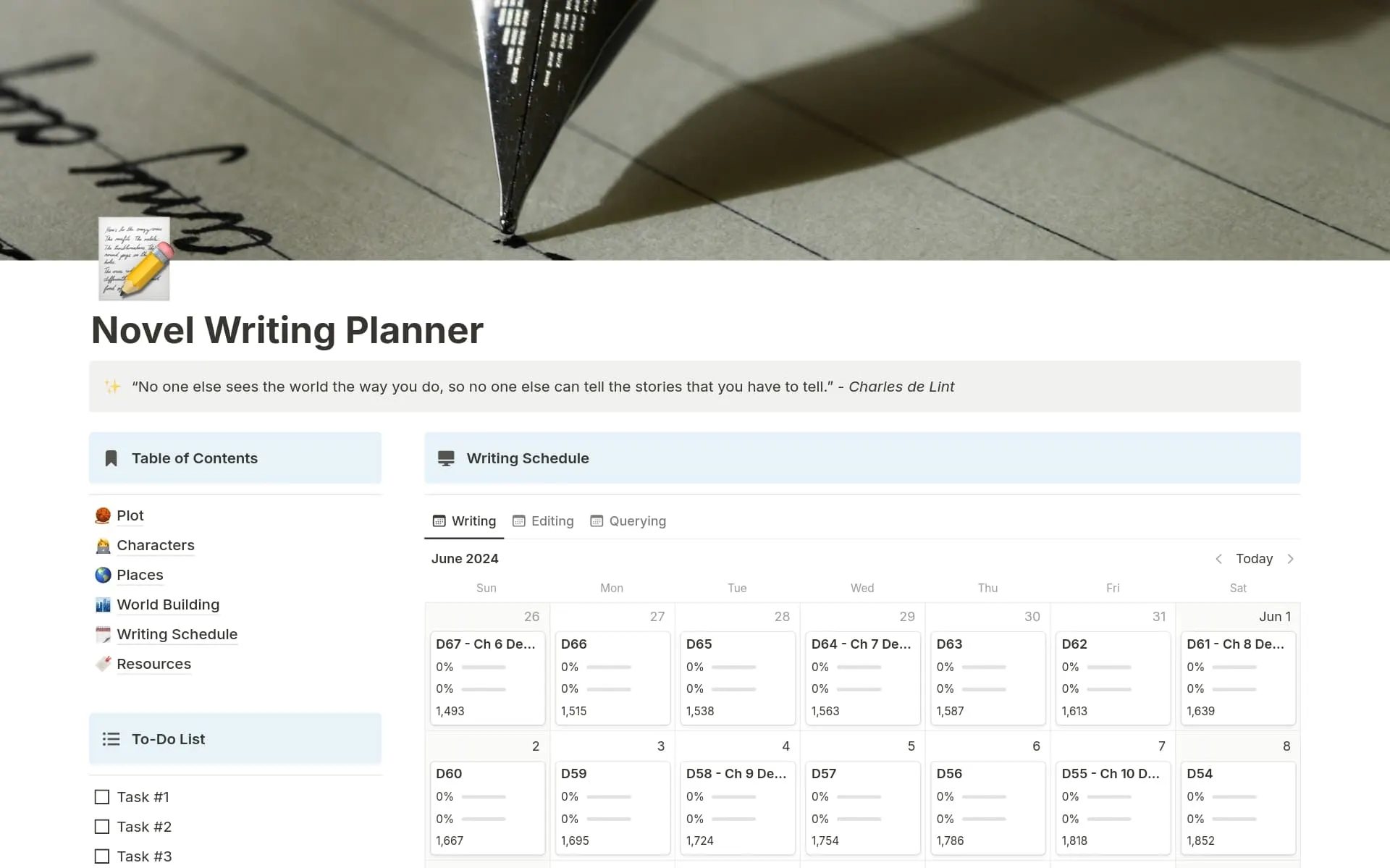

Capture and organize every idea
Capture notes quickly and organize them however you want, wherever you are. With simple checklists or full project boards, get a clear view of what’s on your plate so nothing slips through the cracks.
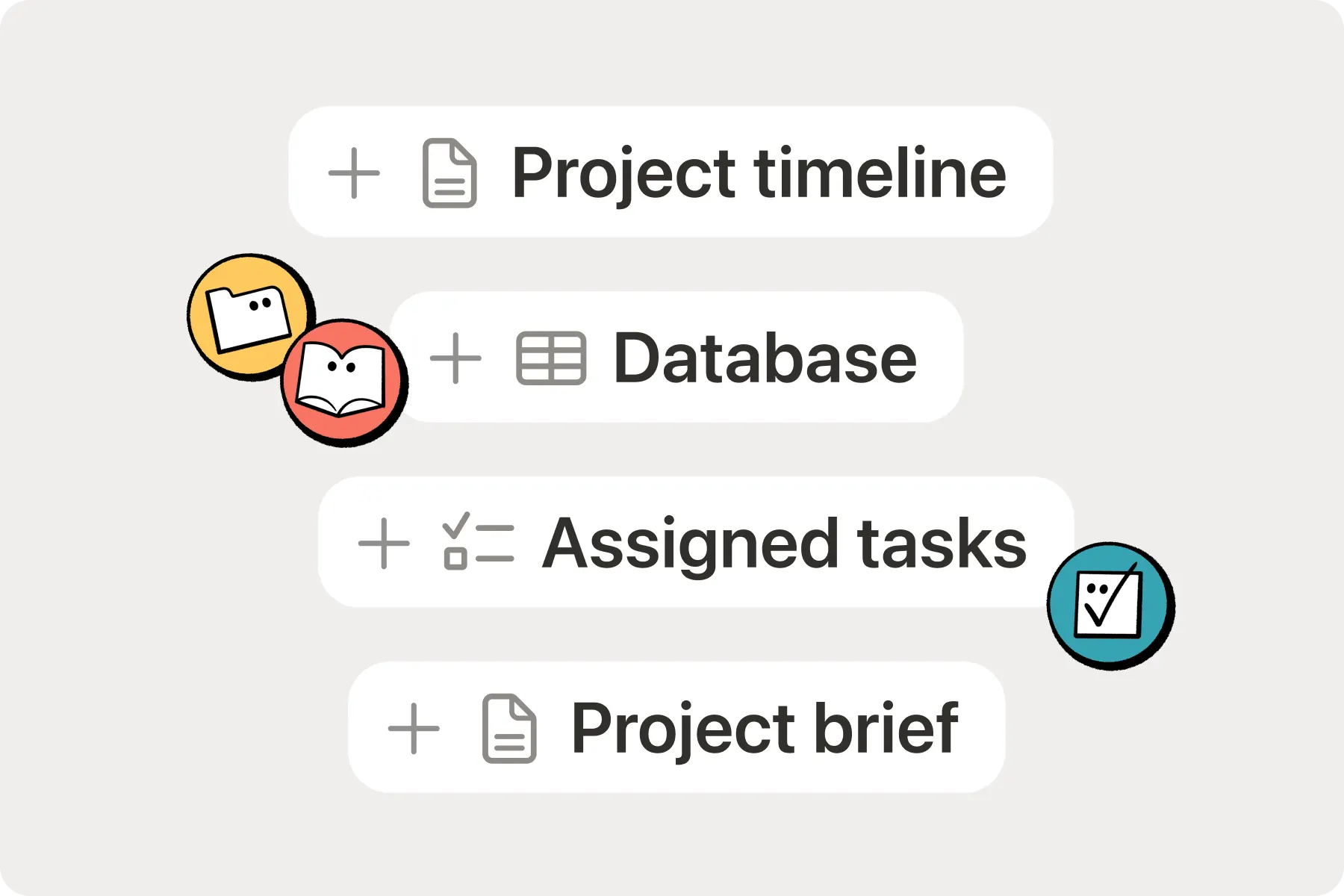
Notes, tasks, projects, and a home for everything you’re working on—in one place, on every device.
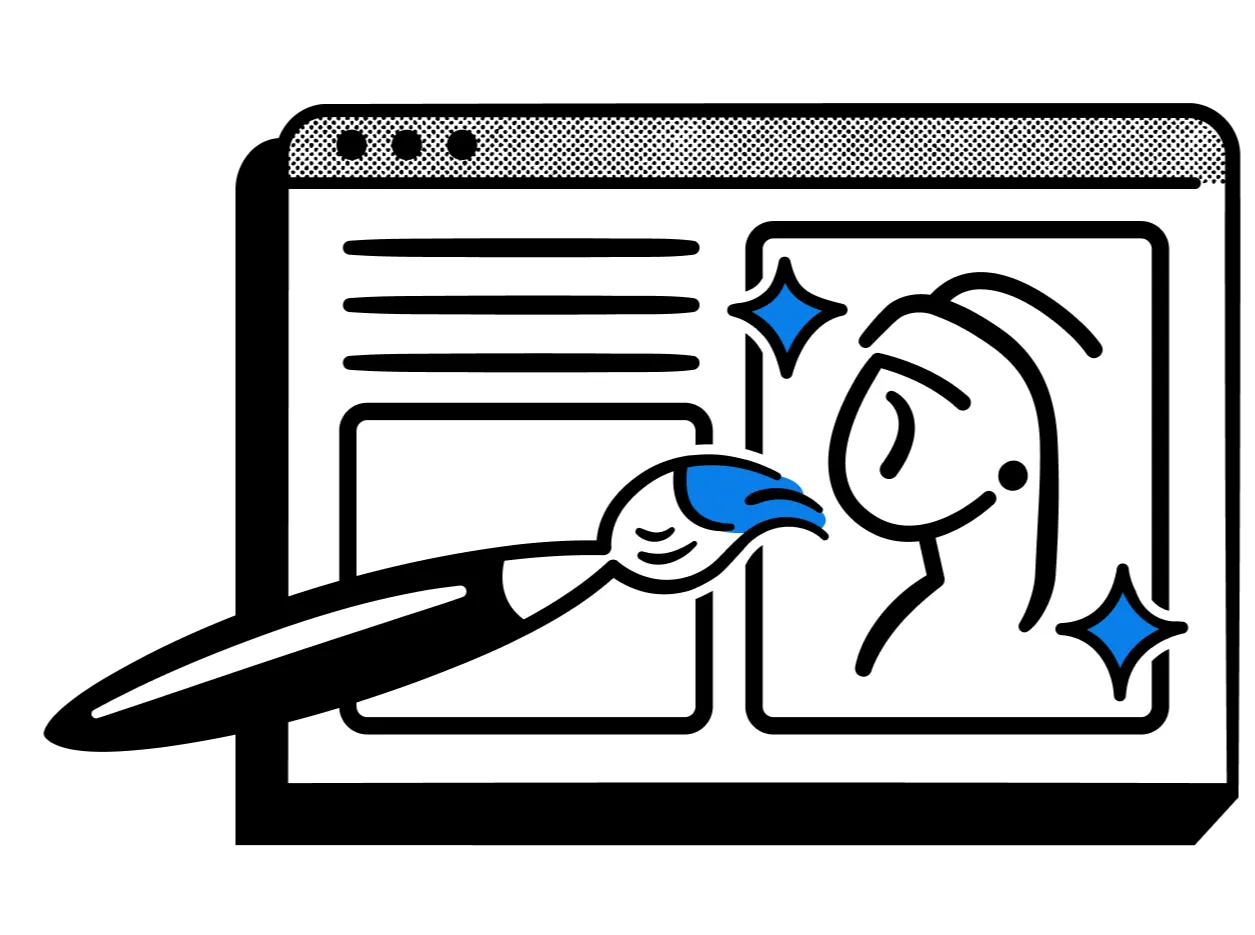
Capture notes quickly and organize them however you want, wherever you are. With simple checklists or full project boards, get a clear view of what’s on your plate so nothing slips through the cracks.
Notion’s editing experience is distraction-free, drag-and-drop flexible, and powered by AI that can draft, edit, and improve alongside you. Powerful connectors let your bring all that context with you, wherever you work.
Add guests to your travel itinerary, share a public link to your book club’s reading list, or publish your resume as a website. When you’re ready for a shared workspace, add members and work on everything together.
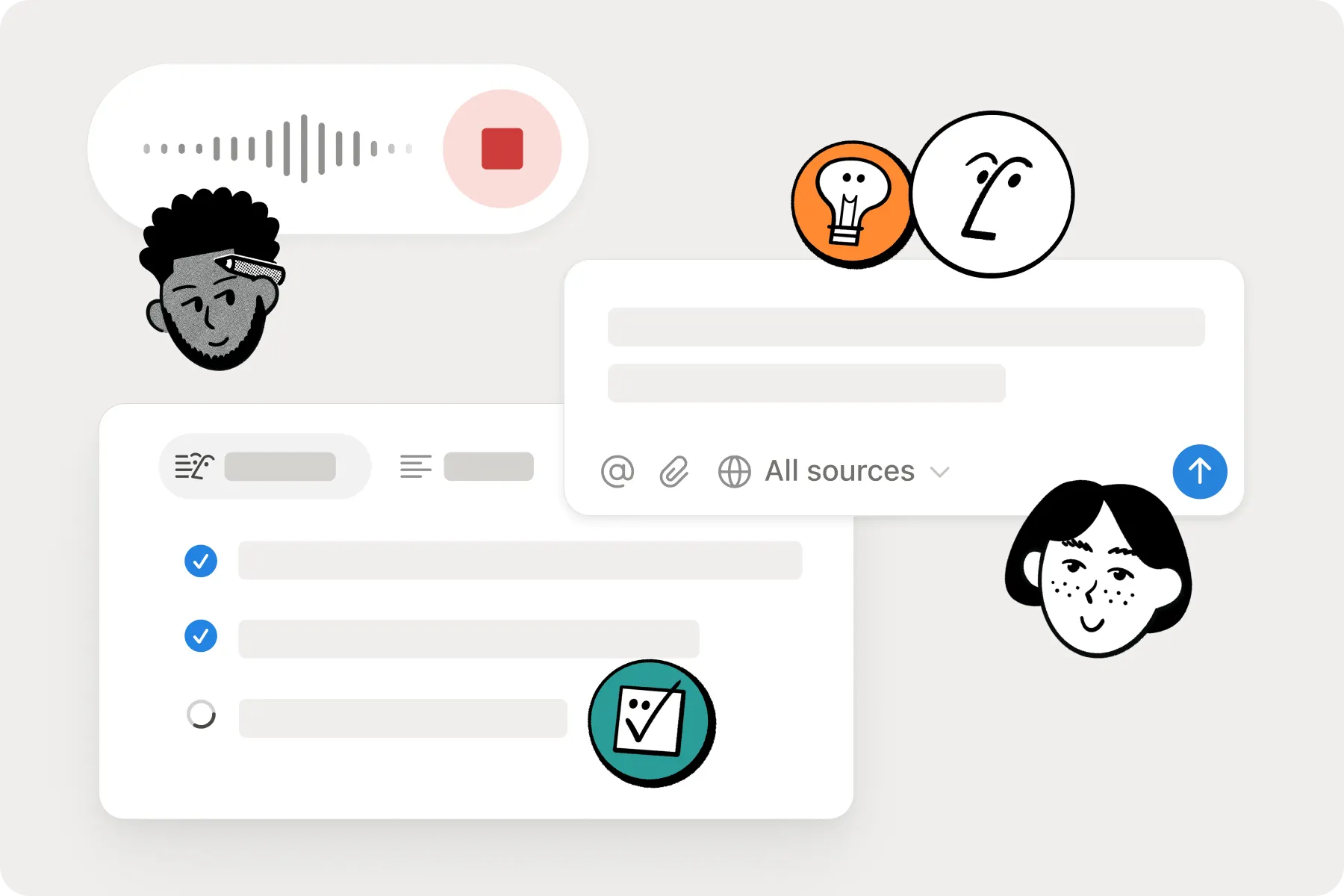
A solopreneur who builds websites and furniture, Kassidy left full-time work in 2021 and found the line between work and life went blurry. Her task database covers client work, DIY projects, and vacation planning, syncs to Notion Calendar, and gets prioritized each week by an agent she built in an afternoon.
Read Kassidy’s story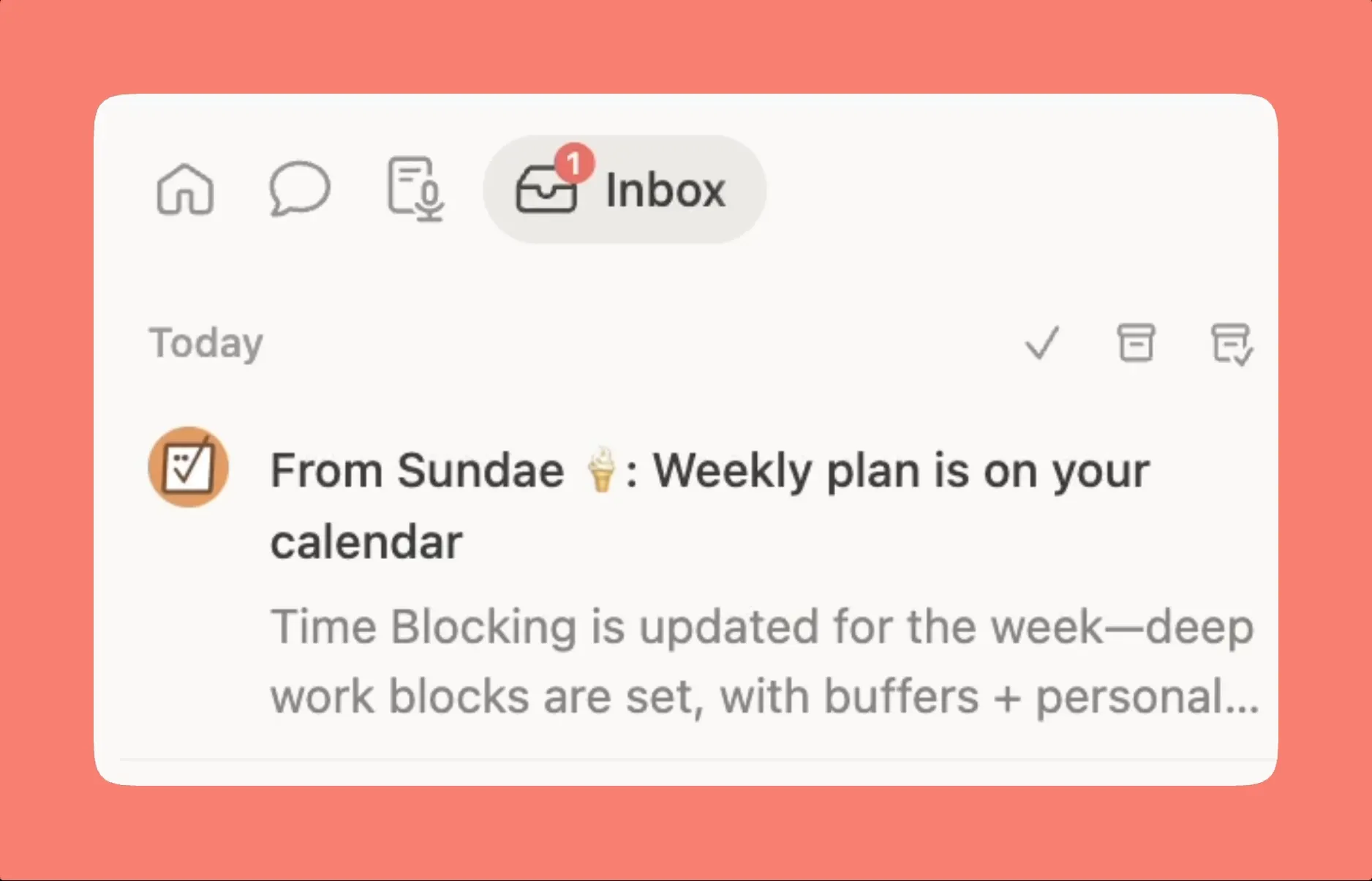
A solopreneur tech writer, Anna runs her blog’s content pipeline in Notion and Claude. Her agent researches and builds outlines from the voice guides she keeps in Notion, and she writes the final draft herself.
Read the storyAnabella is a software engineer with a love for visual design. Her resume is a public page in Notion, making it viewable to the many hiring managers out there browsing the web (and others who might share).
Read Anabella’s storyA fashion designer, Kim plans a show over six months for a ten-minute runway. For NYFW, her schedules, mood boards, run-of-show, and budgets lived in one place, so the whole team saw every update in real time while she stayed on the creative work.
Read Kim’s storyWith Notion, I can build my own evolving archive that’s searchable, cross-referenced, and instantly shareable with my team.
Make your workspace work for you with Notion AI on Business and Enterprise plans.
Is Notion free for personal use?
Yes, with the free plan you can get started with the basics in Notion and capture notes, organize projects, and even try Notion AI.
Upgrade to Plus for bigger file uploads, longer page history, and more guests. Nothing you've built moves or breaks.
What’s the best way to get started with Notion?
You must be a non-paying Notion customer, with less than 50 employees and under $10M in funding from an accredited investor. See full terms and conditions.
Can I import my notes or projects from other tools?
Yes, it’s easy to import your data from Google Docs, Evernote, Trello and more. Learn more about importing your data.
Can I work offline in Notion?
Yes, with offline mode you can choose which pages to download and access them anywhere. On paid plans, your Recents and Favorites auto-download so you can always find what you need on-the-go.
Does Notion work well for students?
Yes, Notion has an Education Plan. With the Education Plan, students can organize plans, tasks and notes across school and life with customizable pages & blocks, file uploads, more features to configure and publish your site, and 30-day version history.
The Education Plan for individual students is a free plan for a one-member workspace. It’s available for students signed in with their education institution’s email per the WHED.
What happened to the Personal Plan and Personal Pro?
They’ve been retired. Notion now has four plans: Free, Plus, Business, and Enterprise. If you were on one of the old personal plans, you’ve been moved to a current plan. Check Settings → Billing to see which, and compare them here.
Get started for free. Add your whole team as your needs grow.