 Worqlo

واجهة برمجة التطبيقات العامة
Worqlo
نبذة
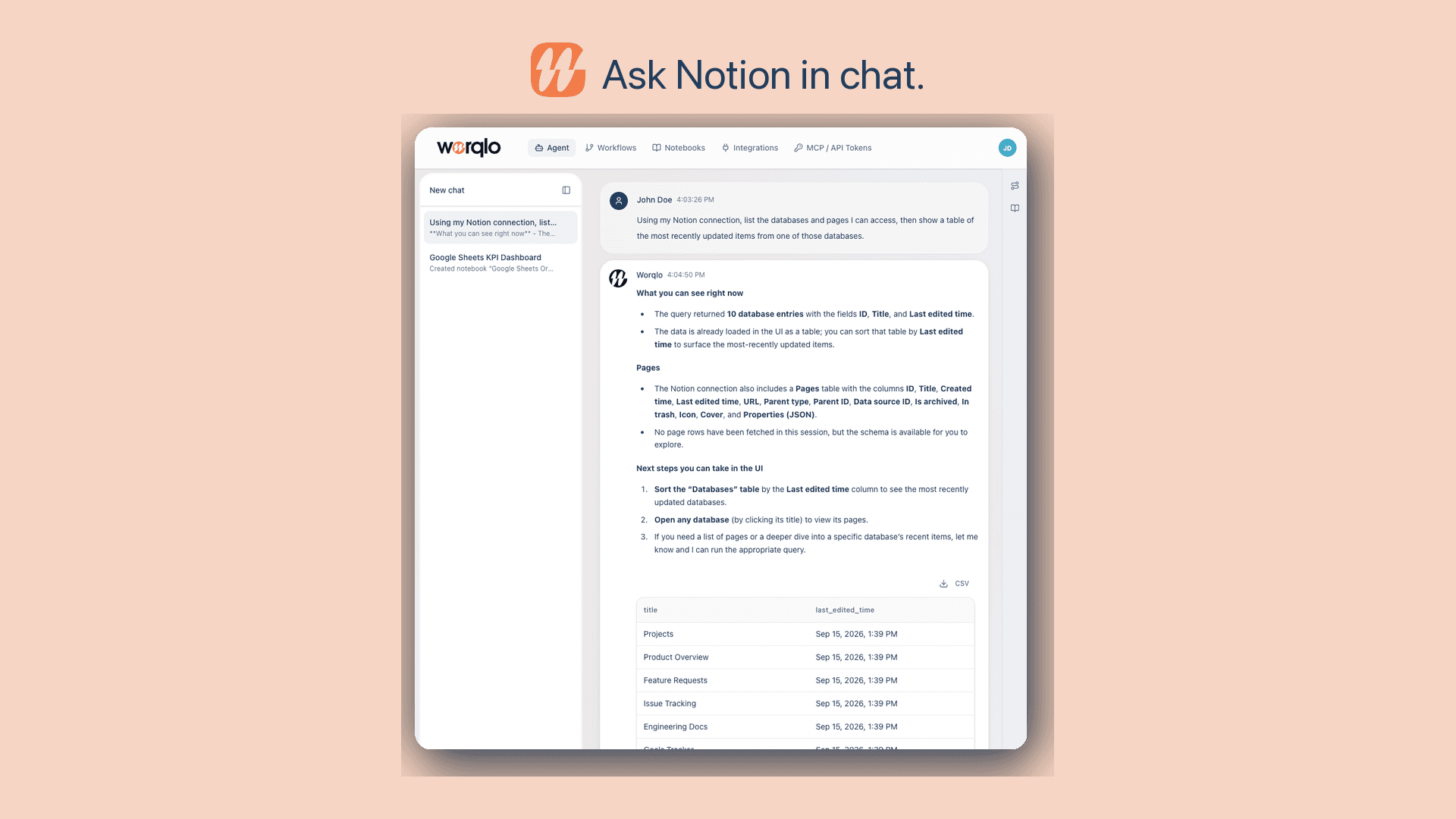
Worqlo is a conversational workspace for teams that already keep work in Notion. Connect the pages and databases you choose, then ask questions, build charts, and run workflows without exporting CSVs or switching tools.
Use it to:
- Search and summarize authorized pages, docs, and meeting notes
- Query Notion databases as live tables (“which projects slipped this week?”)
- Join Notion data with CRM, tickets, and other systems you connect in Worqlo
- Trigger workflows when shared pages change
You stay in control:
- Worqlo only sees pages and databases you pick in Notion’s page picker
- Notion remains the source of truth
- Access follows your existing workspace permissions
- Disconnect anytime from Worqlo or Notion
الميزات
- قراءة المحتوىيمكنه قراءة الصفحات وقواعد البيانات والكتل المشتركة مع هذا الربط.
- قراءة التعليقاتيمكنه قراءة التعليقات على الصفحات والكتل التي يمكنه الوصول إليها.
طريقة الاستخدام
- Sign in to Worqlo at
app.worqlo.com
. If you don’t have access yet, request it at
worqlo.com
. - As an admin, go to Integrations → New, choose Notion, and complete the setup wizard.
- Click Connect. Notion will ask you to pick a workspace and the pages or databases Worqlo may use.
- After you allow access, you’ll return to Worqlo. Notion shows as connected.
- Open chat and ask, for example:
- “Summarize this week’s updates in our project wiki”
- “Which tasks in the Launch tracker are overdue?”
- “Show status counts for the Partner Pipeline database”
- Optionally add a workflow that runs when a shared page changes.
Worqlo can only read content you shared with the connection. Share additional pages later from Notion via ⋯ → Connections → Worqlo, or disconnect from Integrations.
التفاصيل
مُعدّ بواسطة

الفئة
- الإنتاجية
- التحليلات
- عمليات الأتمتة