

نبذة
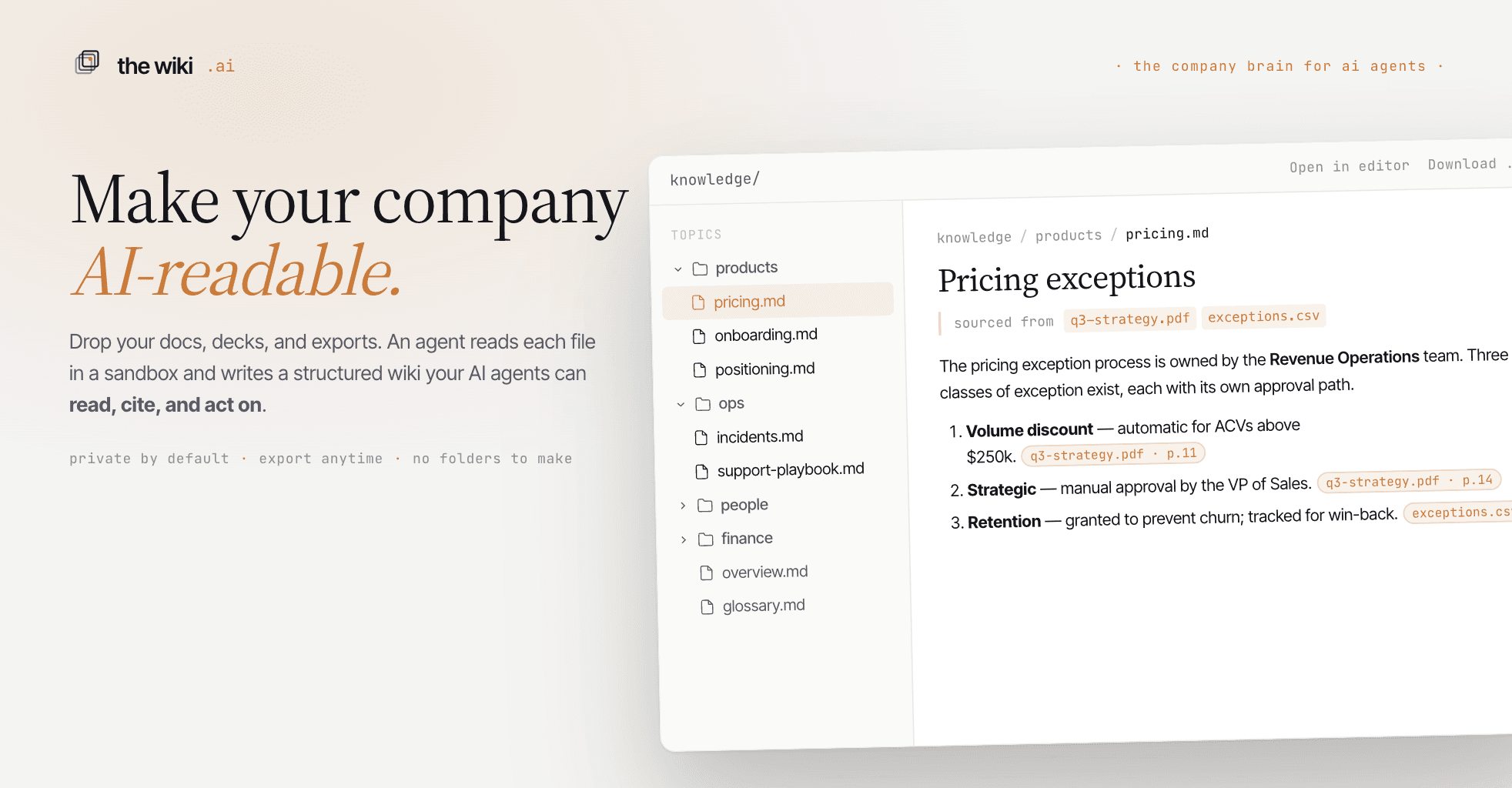
The Wiki AI transforms the messy side of your Notion workspace — docs, meeting notes, scattered project pages — into one clear, navigable wiki.
Connect your Notion workspace, choose the wiki you want to enrich, and set a sync schedule: hourly, daily, or weekly. Whenever pages change in Notion, Wiki AI pulls the updates, converts them into markdown, and lets an AI agent organize them into your wiki. You can read it, search it, ask questions, and share it with your team — while Notion remains the source of truth.
Each sync imports the page title, last-edited timestamp, attendees, and full page content, including paragraphs, headings, lists, to-dos, toggles, quotes, code blocks, callouts, images, and bookmarks. The agent decides where each page belongs, updates the structure, and links related material together. Nothing in Notion is changed.
Built for teams that already work in Notion, but want one reliable place to read, search, and understand what they know.
الميزات
- قراءة المحتوىيمكنه قراءة الصفحات وقواعد البيانات والكتل المشتركة مع هذا الربط.
- عرض مستخدمي مساحة العملقراءة تفاصيل الملف الشخصي الأساسية لأعضاء وضيوف مساحة العمل، بما في ذلك عناوين بريدهم الإلكتروني.
طريقة الاستخدام
- Go to thewiki.ai and create a new wiki, or open an existing one.
- Open Account, then Integrations, then Notion.
- Choose the wiki you want to enrich with Notion content.
- Click Authorize Notion, then approve the pages or databases you want to share.
- Select a sync schedule: manual, hourly, daily, or weekly.
- Click Save.
- Run your first sync immediately with Sync now, or let it run on the schedule you selected.
التفاصيل

- الإنتاجية
- إدارة الملفات