

نبذة
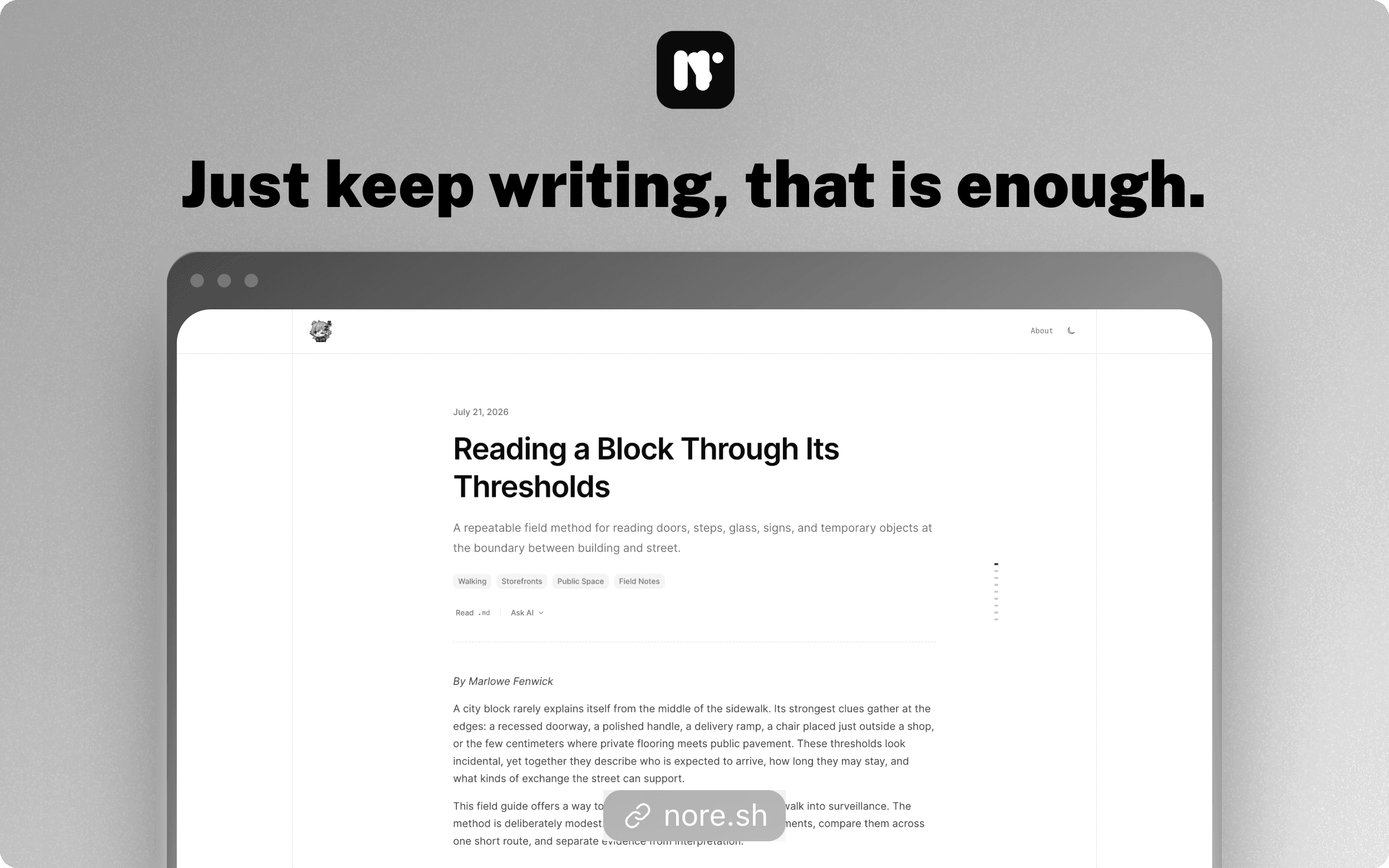
Nore turns Notion into a publishing workspace for polished blogs. Write and organize content in Notion, then use Nore to create releases and publish fast, structured pages.
Nore handles post, tag, and author pages, metadata, images, themes, custom domains, analytics, newsletters, and content controls. Users remain in control of the Notion pages shared with Nore and can revoke access or delete their blog at any time.
الميزات
- قراءة وإدراج وتحديث المحتوىيمكنه قراءة وإدراج وتحديث الصفحات وقواعد البيانات والكتل المشتركة مع هذا الربط.
- عرض مستخدمي مساحة العملقراءة تفاصيل الملف الشخصي الأساسية لأعضاء وضيوف مساحة العمل، بما في ذلك عناوين بريدهم الإلكتروني.
طريقة الاستخدام
1. Visit https://nore.sh/login and select “Continue with Notion”.
2. Choose your Notion workspace and authorize Nore.
3. Follow the dashboard onboarding to create your blog and posts database.
4. Write or edit posts in Notion.
5. Return to Nore and create a release to publish your changes.
6. Optionally configure your theme, custom domain, analytics, and newsletter.
التفاصيل

- التسويق