 Layyer

واجهة برمجة التطبيقات العامة
Layyer
نبذة
Layyer is the data and AI workflow platform for growing businesses. Connect Notion to bring the pages and databases you choose into Layyer, where your team can search them, ask questions of them and use them in workflows that are tested and audited at every step.
With Notion connected you can:
- Add pages and databases to Layyer's knowledge, so answers and workflows draw on your team's own docs, wikis and notes
- Read database rows as data, to query, analyse and segment alongside your other sources
Layyer reads only the pages and databases you share with it when you connect. You can change what it can see, or disconnect it, at any time from Notion's settings or from the connection's page in Layyer.
الميزات
- قراءة وإدراج وتحديث المحتوىيمكنه قراءة وإدراج وتحديث الصفحات وقواعد البيانات والكتل المشتركة مع هذا الربط.
- عرض مستخدمي مساحة العملقراءة تفاصيل الملف الشخصي الأساسية لأعضاء وضيوف مساحة العمل، بما في ذلك عناوين بريدهم الإلكتروني.
طريقة الاستخدام
You'll need a Layyer account. If you don't have one yet, sign up at layyer.ai.
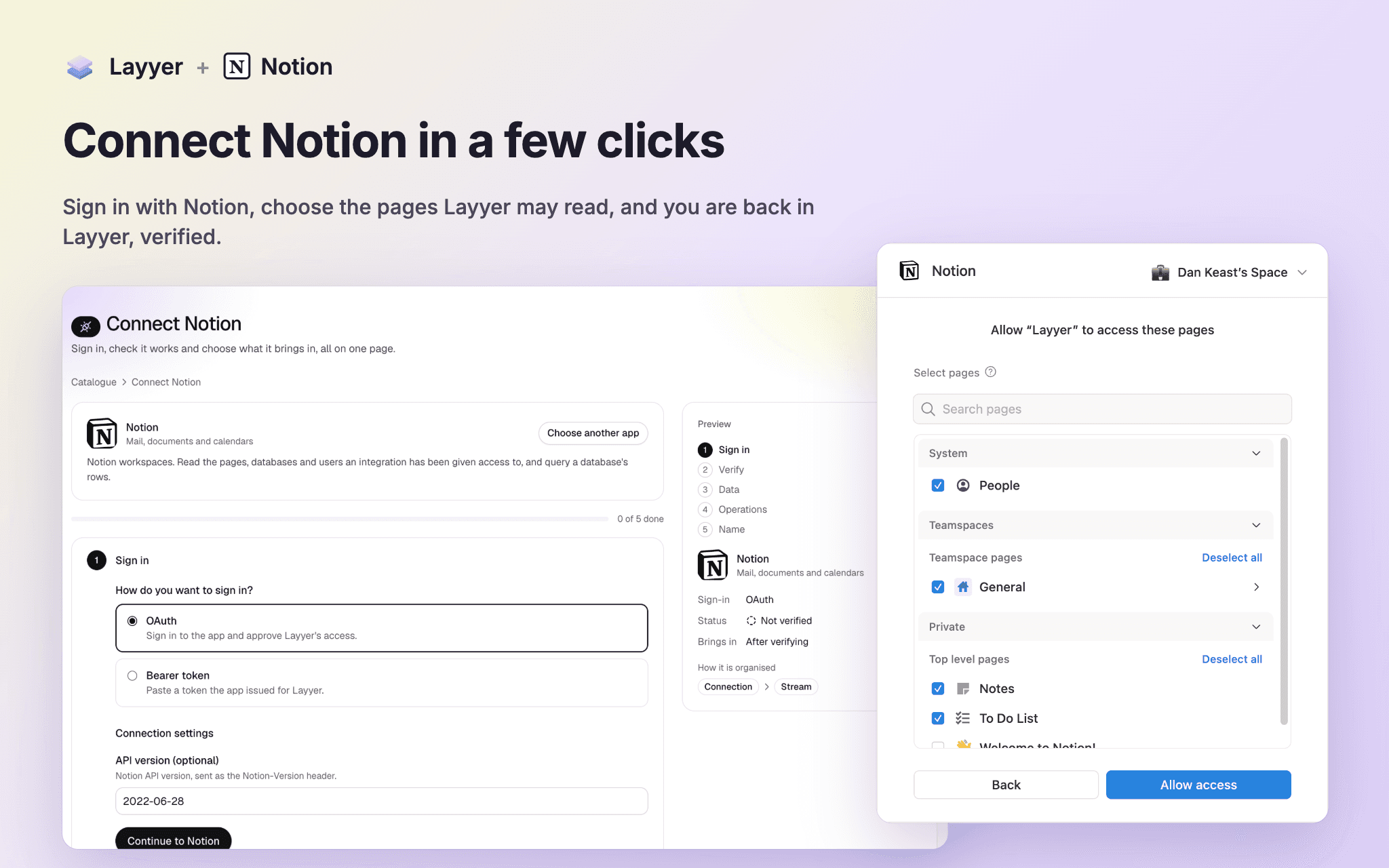
- In Layyer, open Connections, choose Add a connection and pick Notion
- Name the connection and choose Continue to Notion
- In Notion, choose the workspace and the pages and databases Layyer may read, then allow access
- You're brought back to Layyer, which checks the connection and saves it
To let Layyer read more pages later, share them with the Layyer connection in Notion, or sign in again from the connection's page in Layyer.
التفاصيل
مُعدّ بواسطة

الفئة
- عمليات الأتمتة
- الإنتاجية
- التعاون