 Nick Crews
Boardwalk
نبذة
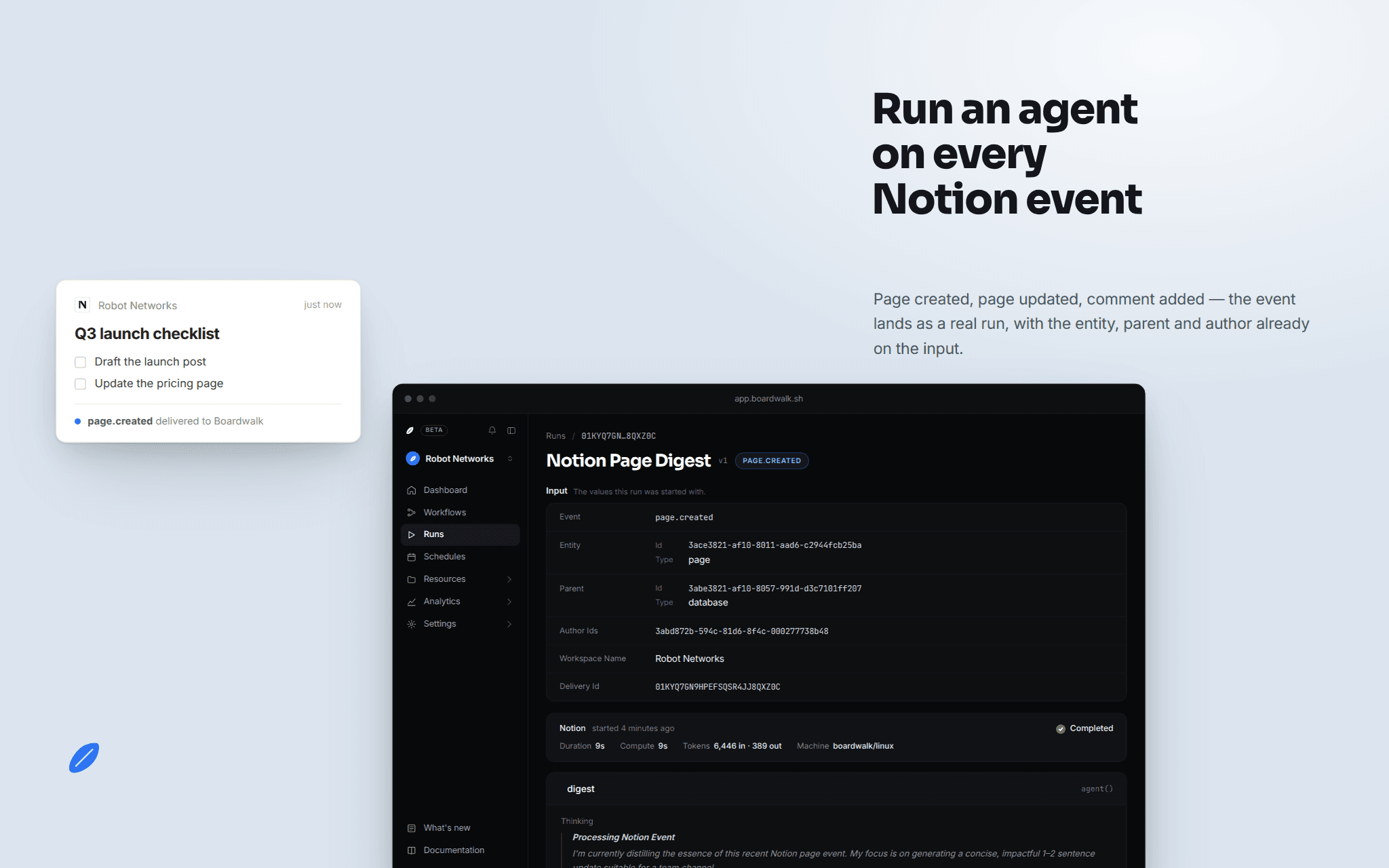
Boardwalk is the control plane for your organization's agent workflows. Connect your workspace and Boardwalk starts workflows the moment a page is created or updated or a comment is added in the pages you share. Boardwalk receives only event notifications carrying page and comment IDs: it does not read your page content, and it stores no credentials from this connection. What a workflow does with an event, and which systems it touches, stays in code your team owns and reviews.
الميزات
- قراءة المحتوىيمكنه قراءة الصفحات وقواعد البيانات والكتل المشتركة مع هذا الربط.
- قراءة التعليقاتيمكنه قراءة التعليقات على الصفحات والكتل التي يمكنه الوصول إليها.
طريقة الاستخدام
How to get started
1. Sign in at boardwalk.sh (or create an account) and open your organization's Connections page.
2. In the Triggers section, find Notion and click Connect. Notion will ask which workspace to connect and which pages to share. Only shared pages send events.
3. Declare a Notion trigger in any workflow's workflow.jsonc. Available events: page.created, page.updated, comment.created.
4. Deploy the workflow with boardwalk deploy. From then on, matching events in your workspace start runs automatically.
5. See every event and what it routed to under Connections, Deliveries, including events filtered before any run started.
To share more pages later, open the connection in Notion and add them, or reconnect from the Boardwalk Connections page.
التفاصيل

- الهندسة
- عمليات الأتمتة
- الإنتاجية