

نبذة
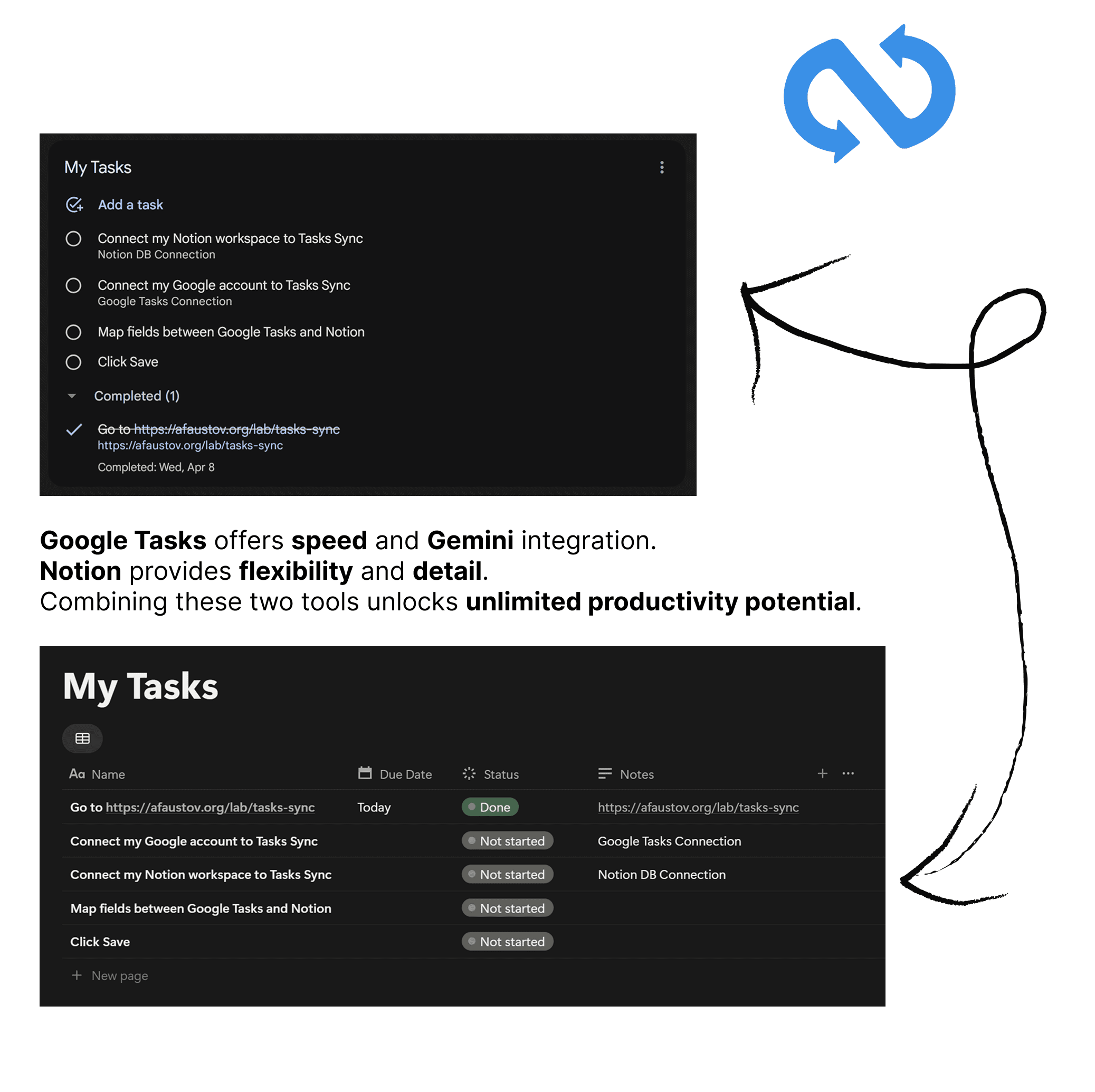
TaskSync is the ultimate power tool for seamless two-way synchronization between Google Tasks and Notion. Bring the best of both worlds together: the speed and Gemini AI integration of Google Tasks with the flexibility and structured database power of Notion.
Perfect for professionals who want to capture tasks quickly on the go with Google Tasks and organize them within their broader projects in Notion.
Key Features:
⚡️ True 2-Way Sync: Changes made in either platform are instantly reflected in the other. Complete, rename, or reschedule tasks with confidence.
🔗 Smart Linking: Automatically links your Google Task to its corresponding Notion page via a dedicated property, so you can jump between contexts in a click.
🚀 Multiple Configurations: Sync different Google Task lists to different Notion databases or views.
⏱ Flexible Intervals: Choose from real-time syncing for critical workflows or casual daily updates.
الميزات
- قراءة وإدراج وتحديث المحتوىيمكنه قراءة وإدراج وتحديث الصفحات وقواعد البيانات والكتل المشتركة مع هذا الربط.
طريقة الاستخدام
Go to https://afaustov.app/tasks-sync/ for initial setup.
- Connect Accounts: Sign in securely with your Google account and connect your Notion workspace.
Select Sources: Choose the Google Task list and the Notion database you want to sync. - Map Properties:
Due Date (Required): Map your task deadlines to a Date property in Notion.
Status (Required): Map your "Done" checkbox in Google Tasks to a Status/Checkbox, Select property in Notion.
Start Syncing: Click "Save Configuration" and let TaskSync handle the rest!
التفاصيل
- عمليات الأتمتة
- الإنتاجية