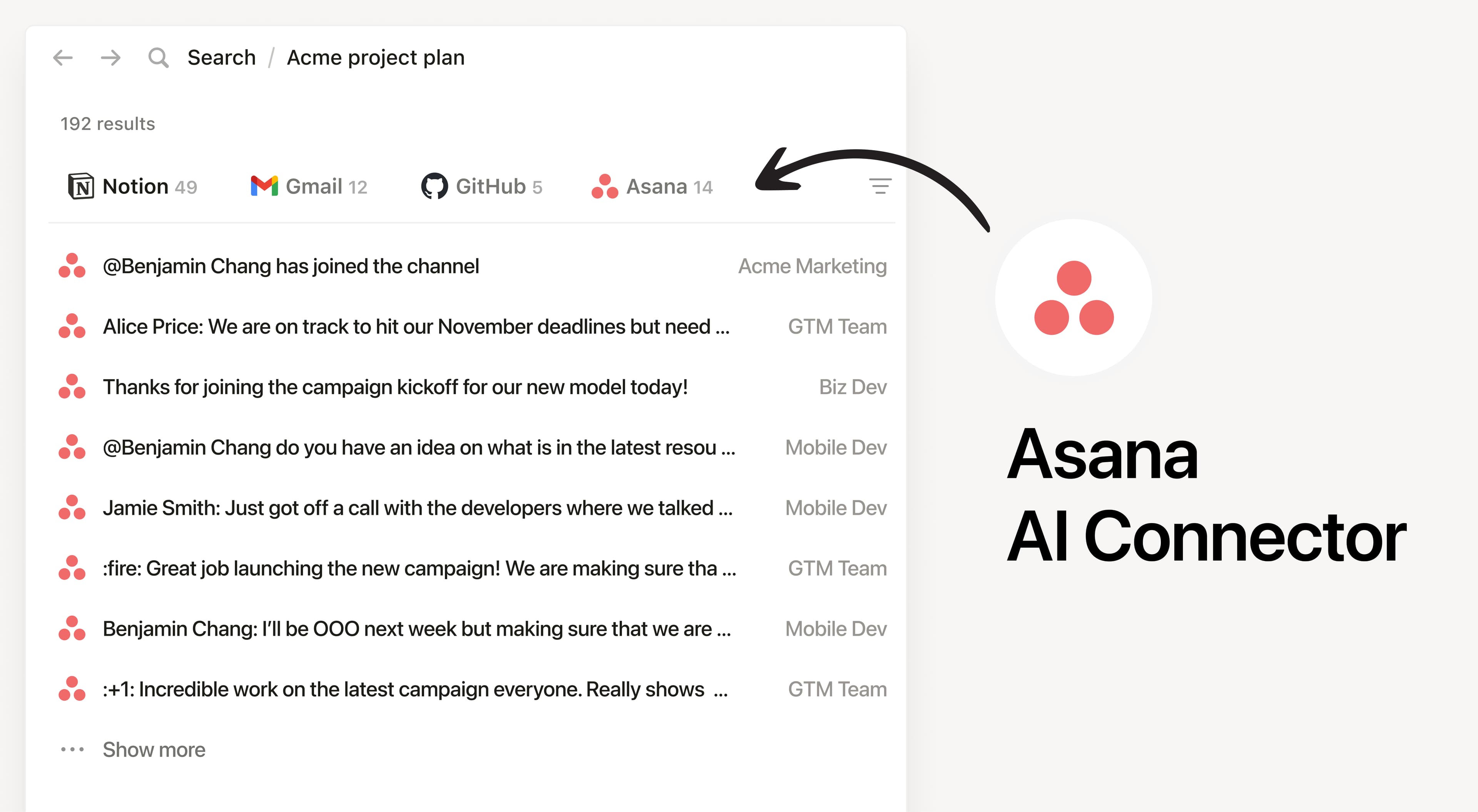
Install Notion’s AI Connector to your Asana workspace. Search by teams, projects, and tasks to answer questions about ongoing work and summarize what is happing in Asana without having to leave Notion.
How to use
Must be a Notion workspace owner on the Business or Enterprise plan and for Asana Enterprise customers, you must be an Admin.
In Notion, navigate to the Asana AI Connector by going to Settings → Notion AI → AI Connectors → Asana and follow the setup steps (don’t close Notion during setup).
During setup, you’ll pick a connection mode:
Enterprise (recommended): An Asana admin connects via a service account token for broader access (including private tasks not in a project).
Other plans: Sign in to Asana and click Allow. Access matches the connecting user’s permissions.
For detailed instructions, check out our Help Center.
After installation is complete, ask Notion AI to summarize the status of a Launch project and list upcoming due dates or list the open tasks for a project and highlight what’s blocked.
Tất cả các nhãn hiệu của bên thứ ba (bao gồm logo và biểu tượng) được tham chiếu ở đây là tài sản của chủ sở hữu tương ứng. Notion không hỗ trợ hay duy trì tích hợp, trừ khi được ghi rõ là Made by Notion (Do Notion tạo). Các sản phẩm hoặc dịch vụ của bên thứ ba được kết nối với tích hợp được gọi là Ứng dụng không phải của Notion (như được định nghĩa trong Hợp đồng nguyên tắc về gói đăng ký hoặc Điều khoản sử dụng cá nhân của Notion, nếu có). Bằng cách bật bất kỳ tích hợp nào hoặc sử dụng Thư viện tích hợp Notion, bạn đồng ý với Điều khoản Thư viện tích hợp của Notion.