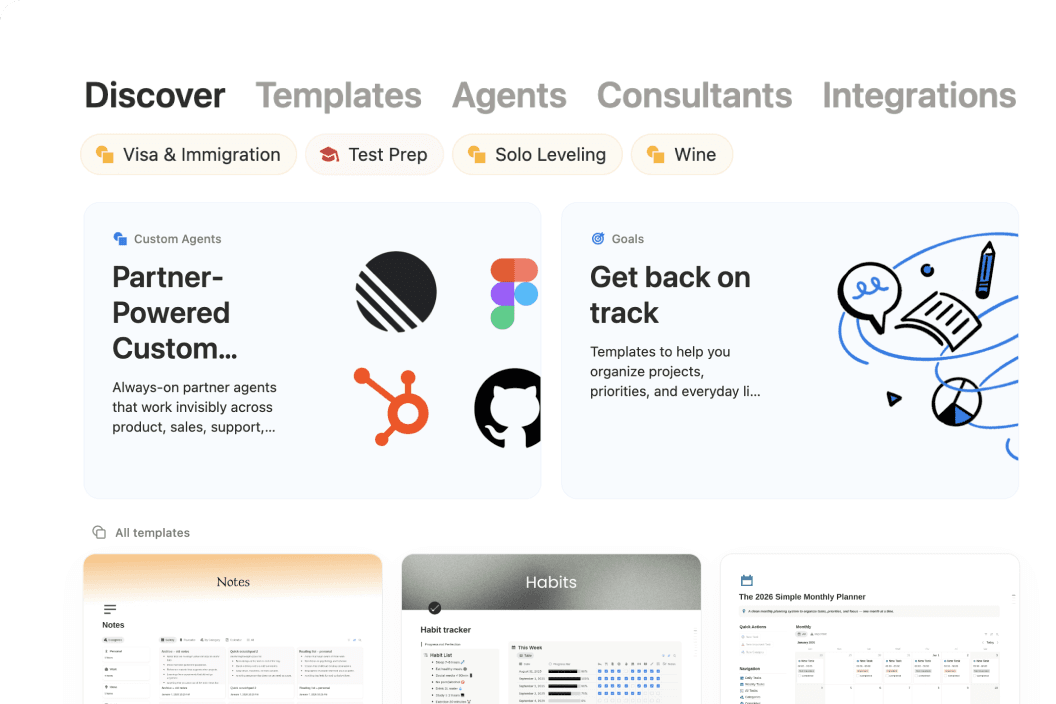
So... what is Notion?
Meet the AI workspace where teams and agents collaborate. Capture knowledge, answer questions, and push projects forward. All in one place.
אוי! נראה שחוסם הפרסומות שלכם מונע את הפעלת הסרטון.





See how Notion can work for you.
Notion Academy
Learn Notion basics, build smarter workflows, and validate your skills with badges & certifications.
Get started
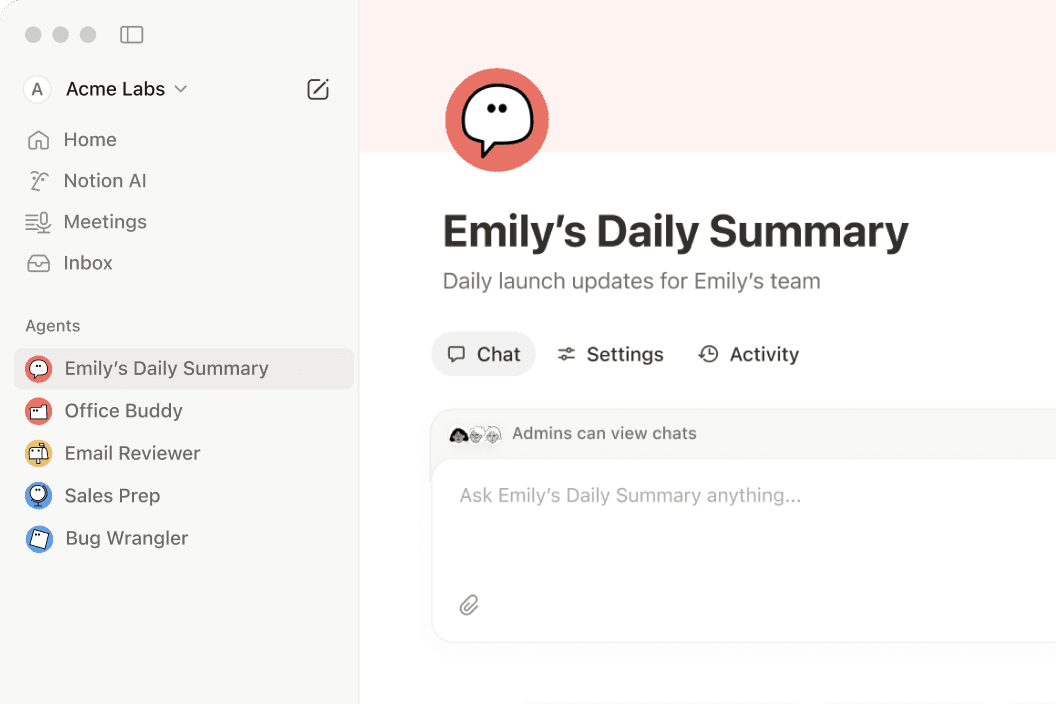
Anything you can do in Notion, your agents can do for you.
If it’s something that’s repetitive, we have a Notion Agent for it.
Questions & Answers
What is Notion used for?
Notion is a connected workspace that brings docs, wikis, projects, and databases together in one place. With Notion AI and custom agents built in, it also helps teams automate repetitive work—like weekly reporting, meeting follow-ups, and onboarding.
Is Notion free to use?
Yes. Notion's free plan includes unlimited pages, Notion AI, and core features like docs, wikis, and databases. Paid plans start at $10 per member per month (billed annually) for teams that need more advanced features, custom agents, and deeper integrations.
How is Notion different from other productivity tools?
Most tools solve just one problem—a wiki here, a task tracker there. Notion brings all of that into one connected workspace with flexible building blocks that adapt to how your team actually works, plus Notion AI to help find answers and move projects forward.
What are custom agents in Notion?
Custom agents are AI teammates you can build to handle multi-step tasks using context from your Notion workspace, connected apps like Slack and GitHub, and the web. They follow your instructions, work around the clock, and take action right where your team already works.
Can Notion replace multiple tools for my team?
Yes—many teams consolidate their separate doc editors, wikis, project trackers, and meeting note apps into Notion. With features like AI Meeting Notes and Enterprise Search, plus integrations with tools like Slack, Google Drive, and GitHub, nothing gets lost along the way.
Find the plan designed for your best work.
חינם
לאנשים שרוצים לשמור על סדר וארגון של הפרויקטים והחיים האישיים שלהם.
כולל:
לנסות את היכולות של AI, כמו יצירת מסמכים או השלמה אוטומטית של נתונים במאגר ידע
לתעד, לארגן ולפעול בעקבות תגובות – ישירות מתוך Notion.
פרסום דף Notion באינטרנט
חיבור מספר לוחות שנה לניהול העבודה והזמן שלכם במקום אחד.
לארגן מאות או אלפי פריטים במקום אחד, כמו פרויקטים או משימות
Plus
לצוותים קטנים ואנשי מקצוע שמשתפים פעולה.
כל מה שכלול ב-Free, וגם:
לנסות את היכולות של AI, כמו יצירת מסמכים או השלמה אוטומטית של נתונים במאגר ידע
הסרת מיתוג Notion מטפסים ציבוריים
התאמה אישית של הכותרת העליונה, בחירת ערכת נושא בהירה או כהה, הוספת פאביקון בהתאמה אישית ואינטגרציה עם Google Analytics.
המחשת נתונים ממאגרי ידע בדרכים שונות (למשל תרשימי עוגה, תרשימי עמודות ותרשימי קווים).
בלוקים הם קטעי תוכן שמוסיפים לדף (למשל תיבות סימון של משימות לביצוע, פסקאות, רשימות עם תבליטים וכו').
ייתכן שתחול מגבלת גודל קובץ לכל קובץ שאתם מעלים לדף או למאגר ידע של Notion.
חיבור לכלים כמו Slack ו‑Google Drive
Businessמומלץ
לעסקים צומחים שרוצים לייעל את עבודת הצוות.
כל מה שכלול ב-Plus, וגם:
עושה את העבודה בשבילכם. משלים משימות מורכבות ומרובות שלבים באמצעות הקשר מ‑Notion, מהאפליקציות המחוברות שלכם ומהאינטרנט.
סוכני AI מטפלים באופן אוטונומי במשימות שחוזרות על עצמן, כך שהצוות שלכם לא צריך להתעסק בהן. אפשר לנסות את הסוכנים בחינם, ואחר כך בתשלום בסך $10 לכל 1,000 קרדיטים.
לבצע אוטומציה לסיכומי פגישות ולמשימות לביצוע, ללא צורך בבוט
חיפוש באפליקציות מחוברות כמו Slack, Github ועוד
ניהול הגישה של עובדים בקנה מידה גדול עם כניסה יחידה מאובטחת.
שיתוף פעולה במאגרי ידע של Notion מבלי לתת גישה לכל מאגר הידע. הגבלת הגישה רק לשורות שהוקצו למשתמש.
הוספת תג מאומת לדפים עדכניים. התג מופיע בתוצאות החיפוש ובאזכורים של AI.
יצירת מרחבי צוות שאף אדם לא יוכל לצפות בו או לגלות מלבד אנשים שתוסיפו. אפשרות מצוינת עבור מידע רגיש כמו תוכניות החברה או סקירות ביצועים.
אימות בעלות על דומיין אימייל כדי לקבל גישה לתכונות אבטחה מתקדמות, כולל התחברות יחידה.
חיבור ל-GitHub, Asana ועוד