
Token Security Secret Scanning
מידע
Token Security Secret Scanning continuously scans your Notion pages and databases for exposed secrets - API keys, access tokens, cloud credentials, and other sensitive material - so your security team can find and remediate leaks before they're abused.
Read-only and scoped: Token only reads the content of the pages and databases you explicitly select when connecting. It never modifies, creates, or deletes anything in your workspace.
תכונות
- לקרוא תוכןיכול לקרוא דפים, מאגרי ידע ובלוקים ששותפו עם החיבור הזה.
הוראות שימוש
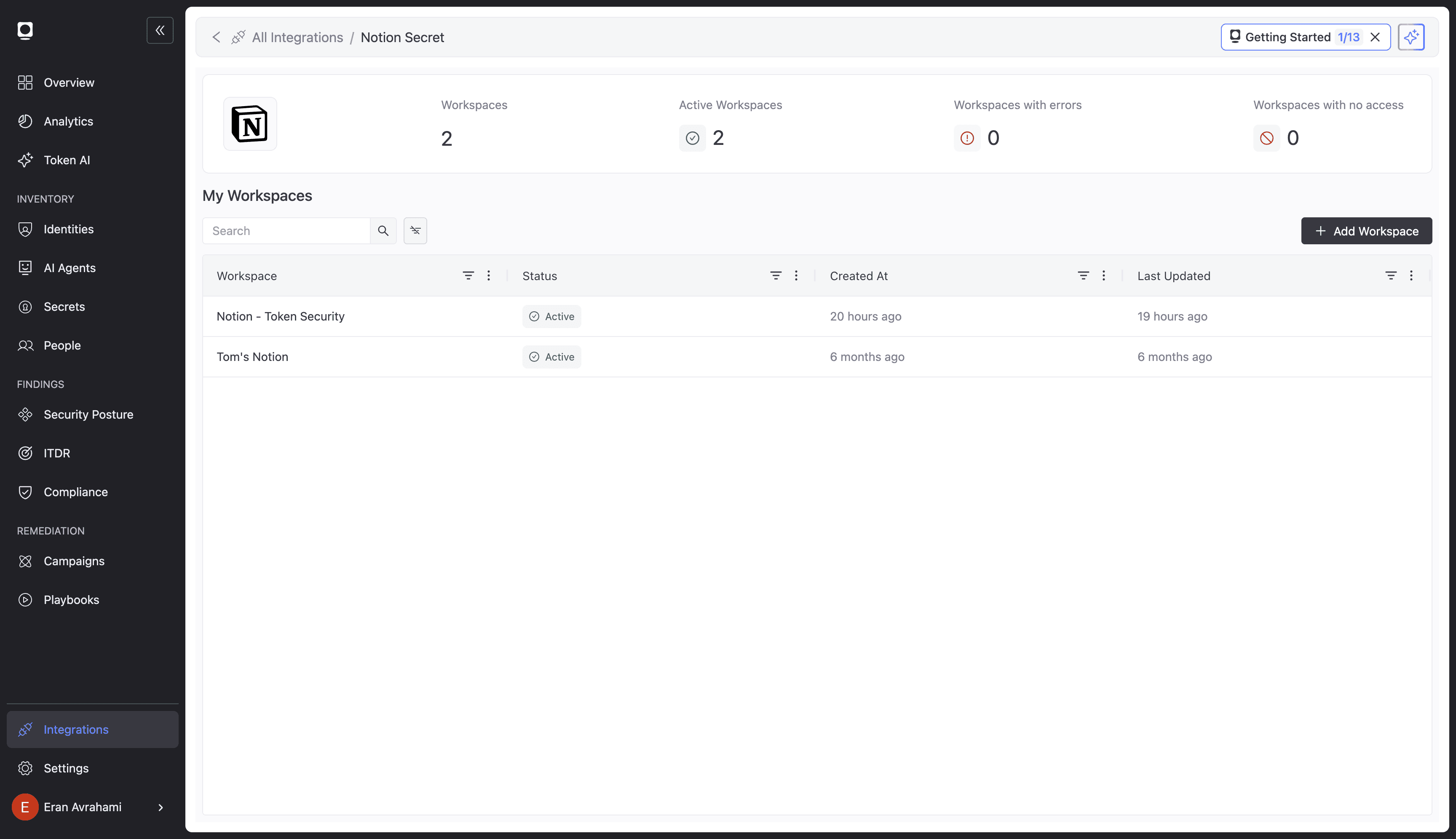
1. In the Token Security dashboard, open Integrations → Notion Secret.
2. Click Add Workspace, choose OAuth, then Connect to Notion.
3. Approve the connection and select the pages and databases to scan.
4. Token starts scanning automatically; findings appear under Findings.
Full guide: https://docs.token.security/docs/notion-secret-scanning
פרטים
- אבטחה ותאימות