
מידע
Reader is a small feed reader that lives in a page of your Notion.
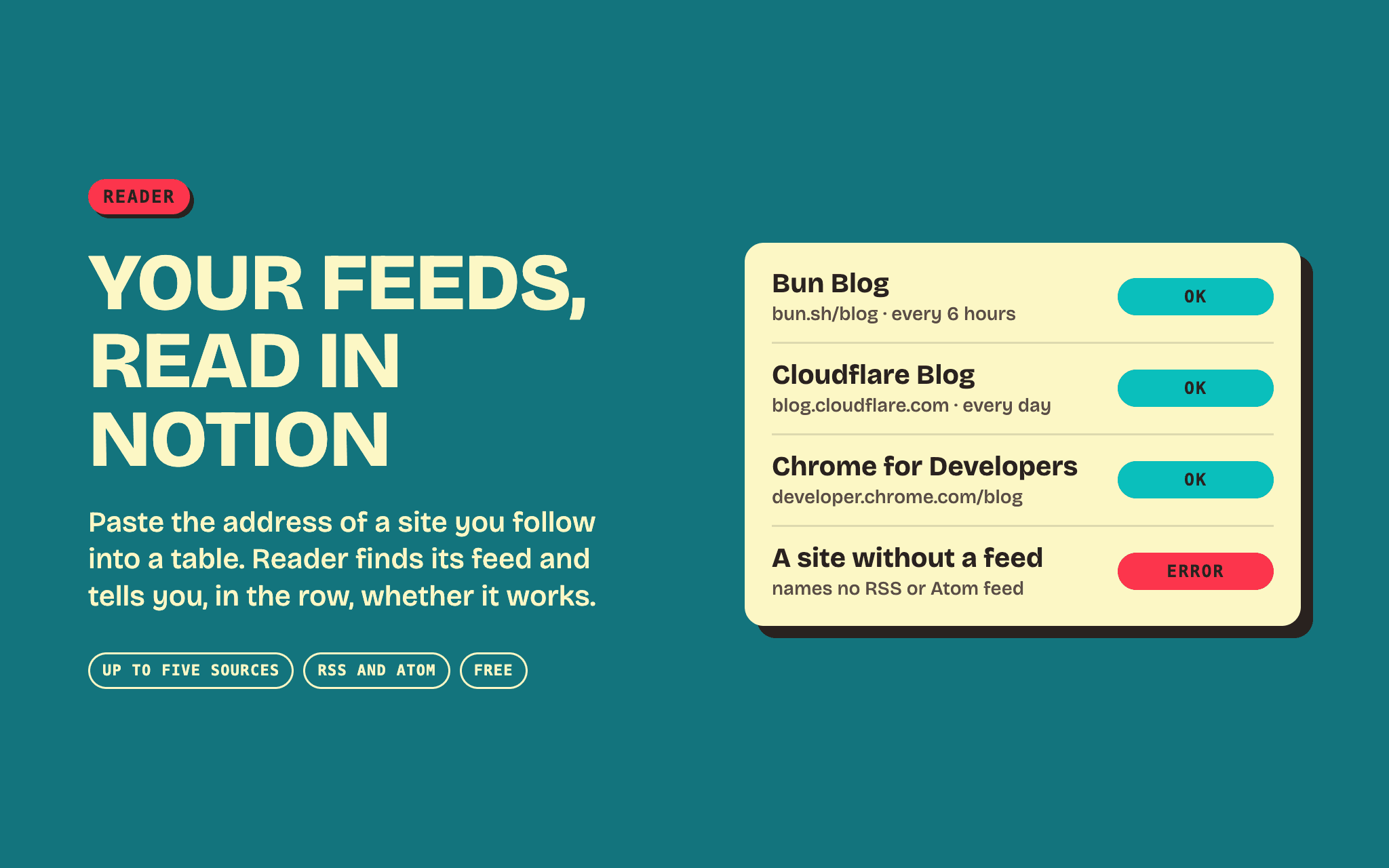
Paste the address of a site you follow into a table: a feed's address, or simply the site's. Reader finds the feed, reads it for you, and writes what is new into your page: a title, a summary and a link. You read where you already work, and nothing new appears twice.
Sources: a table of up to five addresses. Each row says whether its feed works, and if not, what is wrong and what to do.
New entries: what your sources published, newest first. Open an entry through its link and it is ticked as read and leaves the list.
Read %: for every source, how many entries it brought and what share of them you actually read. A quiet way to notice what you follow out of habit.
Your pace: each source is read once a day, or every 12 or 6 hours if you choose so.
It is small on purpose: five sources, RSS and Atom feeds only, no scraping of pages. It is free.
Reader sees one page of your Notion, the reader's own, and nothing else in your workspace. It does not ask for your name or e-mail address. To stop it, remove the connection; what it remembers about your feeds is then deleted within thirty days.
תכונות
- לקרוא, להוסיף ולעדכן תוכןיכול לקרוא, להוסיף ולעדכן דפים, מאגרי ידע ובלוקים ששותפו עם החיבור הזה.
הוראות שימוש
1. Press Install. Notion asks whether Reader may work in your workspace: press Next.
2. Choose "Use a template provided by the developer". Notion puts the reader's page among your private pages. Press Allow access.
3. Open the new page, "Reader". Within a minute the box at its top says Connected.
4. Add a row to the Sources table and paste an address: a feed's, or simply a site's. Within a few minutes its Status says OK, or Problem says what is wrong.
5. Read on the New entries page. Open an entry through its Link to have it ticked as read.
You may rename the page, the tables and the columns, and move the page where you like. More: https://reader.ptk.fyi/setup