מידע
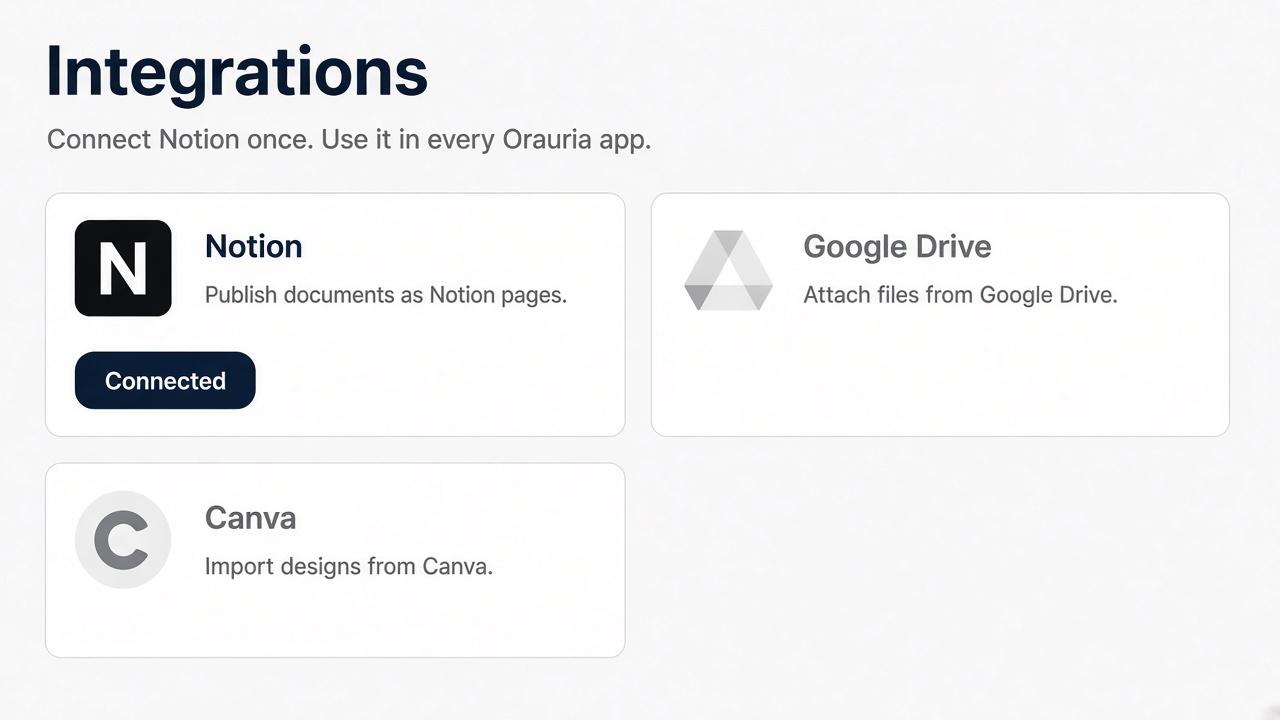
Orauria AI connects your Notion workspace so you can publish documents you create in Orauria into Notion pages you select. You approve the workspace and pages on Notion’s own screen. Orauria keeps the connection on your Orauria account.
תכונות
- לקרוא, להוסיף ולעדכן תוכןיכול לקרוא, להוסיף ולעדכן דפים, מאגרי ידע ובלוקים ששותפו עם החיבור הזה.
- לקרוא ולהוסיף תגובותיכול לקרוא ולהוסיף תגובות בדפים ובבלוקים שהוא יכול לגשת אליהם.
- צפייה במשתמשים בסביבת העבודהקורא פרטי פרופיל בסיסיים על חברים ואורחים בסביבת העבודה, כולל כתובות האימייל שלהם.
הוראות שימוש
1. Sign in at https://orauria.com.
2. Open Account, then Integrations.
3. Select Connect on Notion.
4. Choose your Notion workspace and the pages to share, then allow access.
5. You return to Orauria and Notion shows as connected.
Disconnect any time from Account → Integrations, or remove Orauria AI in Notion Settings → Connections.